Today we are checking out a tiny device that promises to fix one of the most annoying home network problems.
Weak Wi-Fi in your rooms far away from your router. This is the TPLink AV1000 power line Ethernet adapter and is also known as the TLPA7017.
Let’s see if it actually boosts your speeds or if it is just hype.
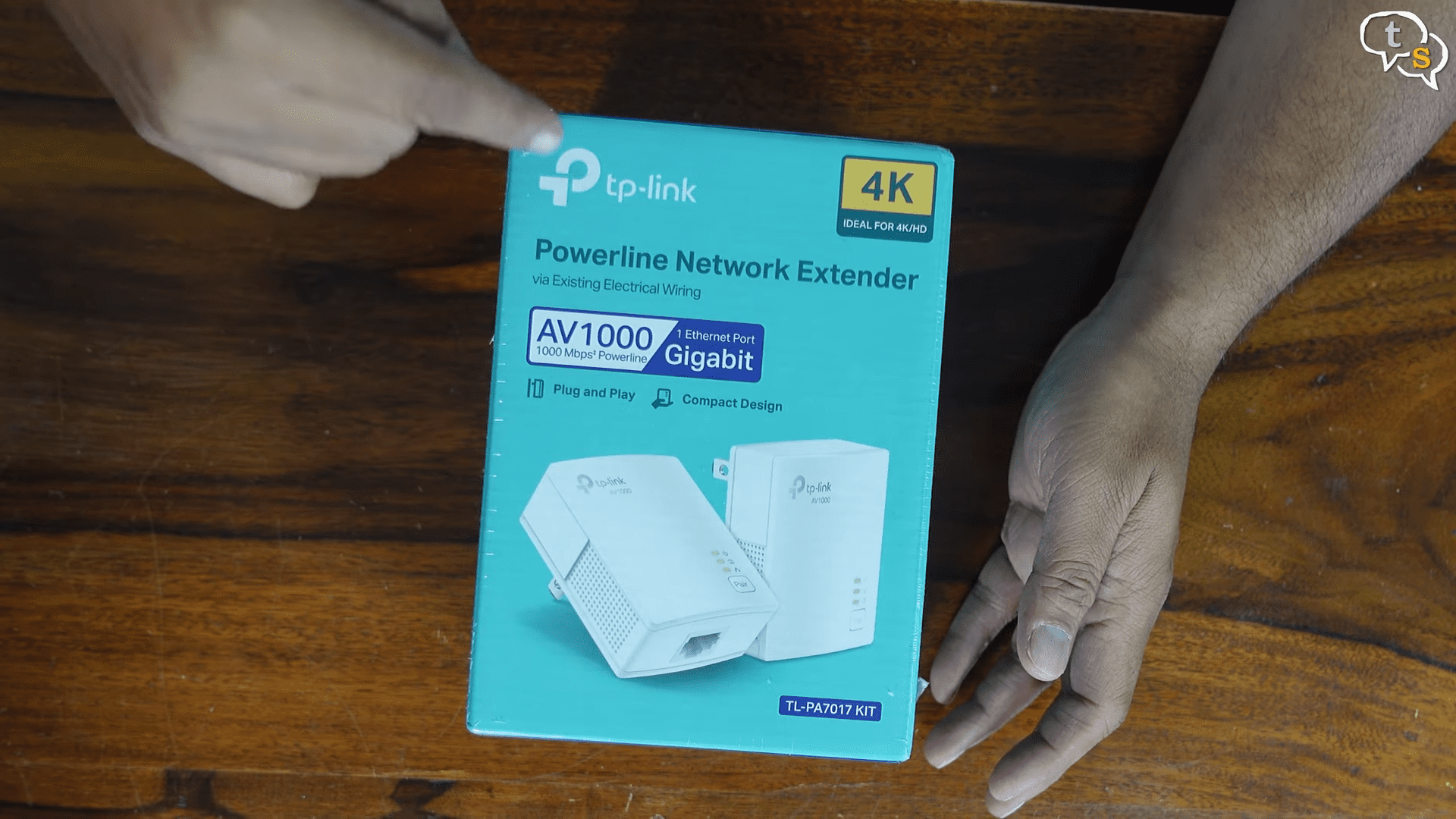
Here’s the TPLink AV 1000 GB Ethernet adapter.
This little box uses your home’s electrical wiring to transmit internet.
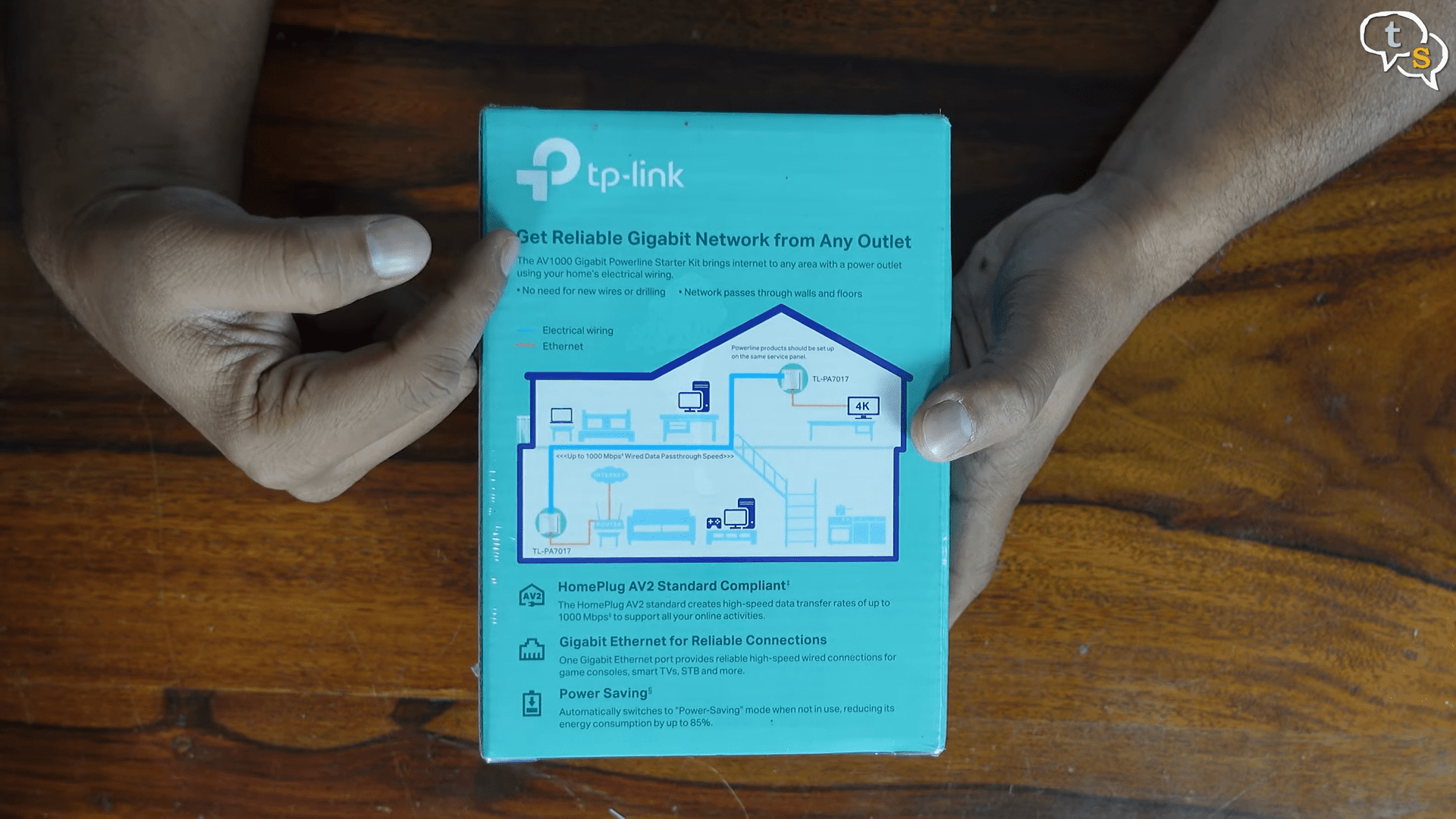
Basically, you plug one near your router and the other one near your device.
Press the pair button and you instantly get a wired Ethernet connection.
In the box, we have a quick installation guide. Quite easy to follow.
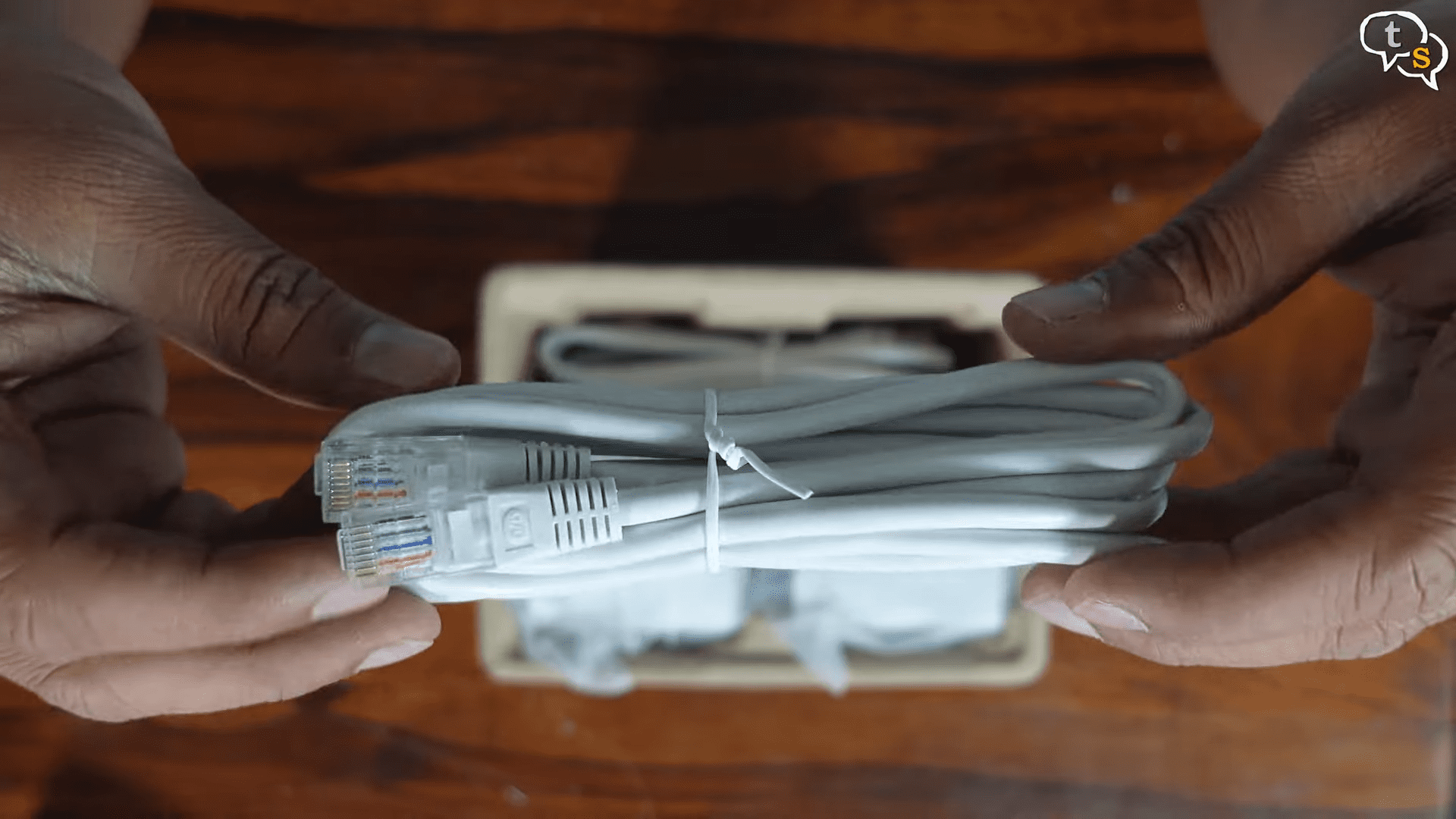
Two Ethernet cables are provided.
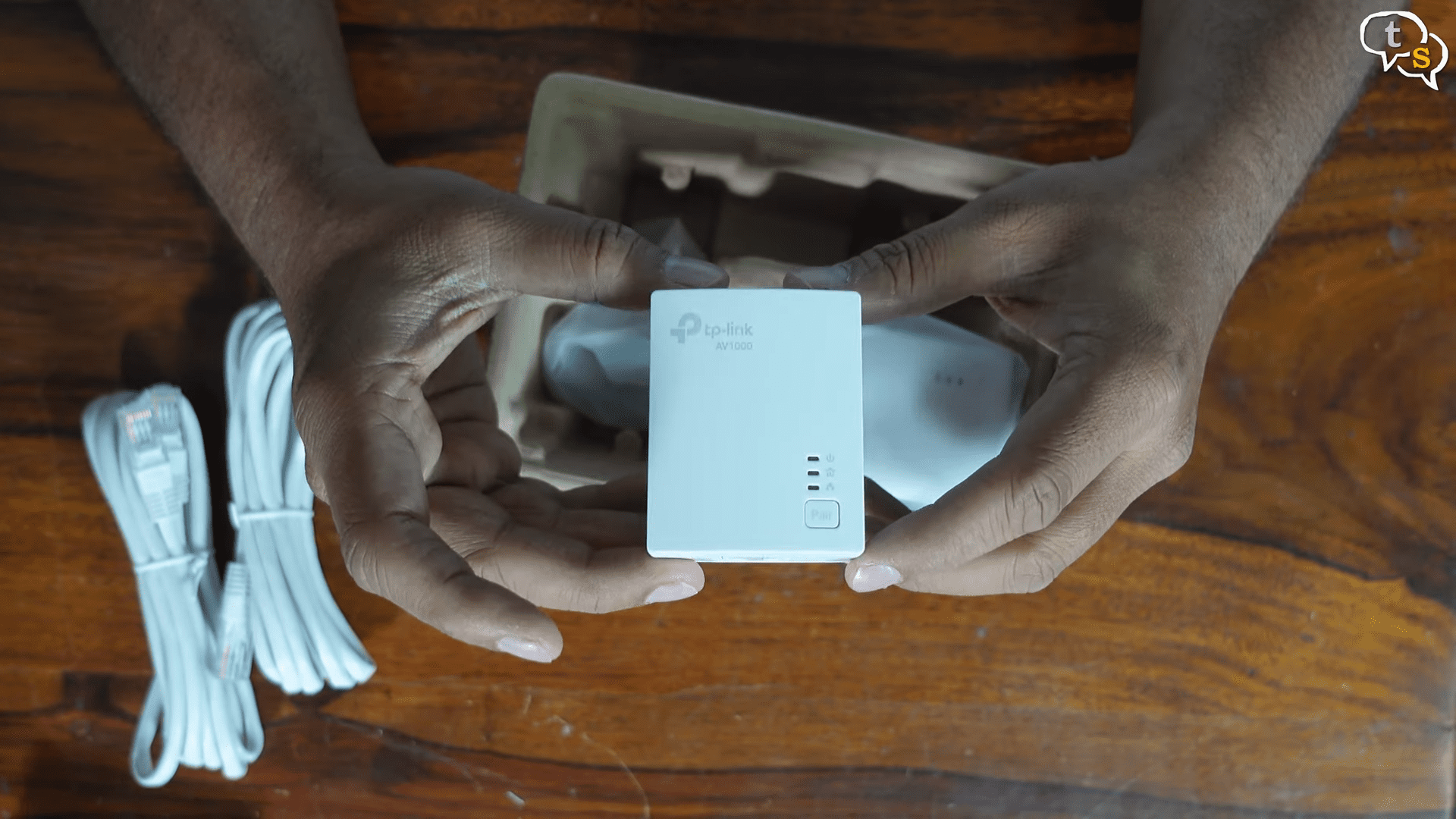
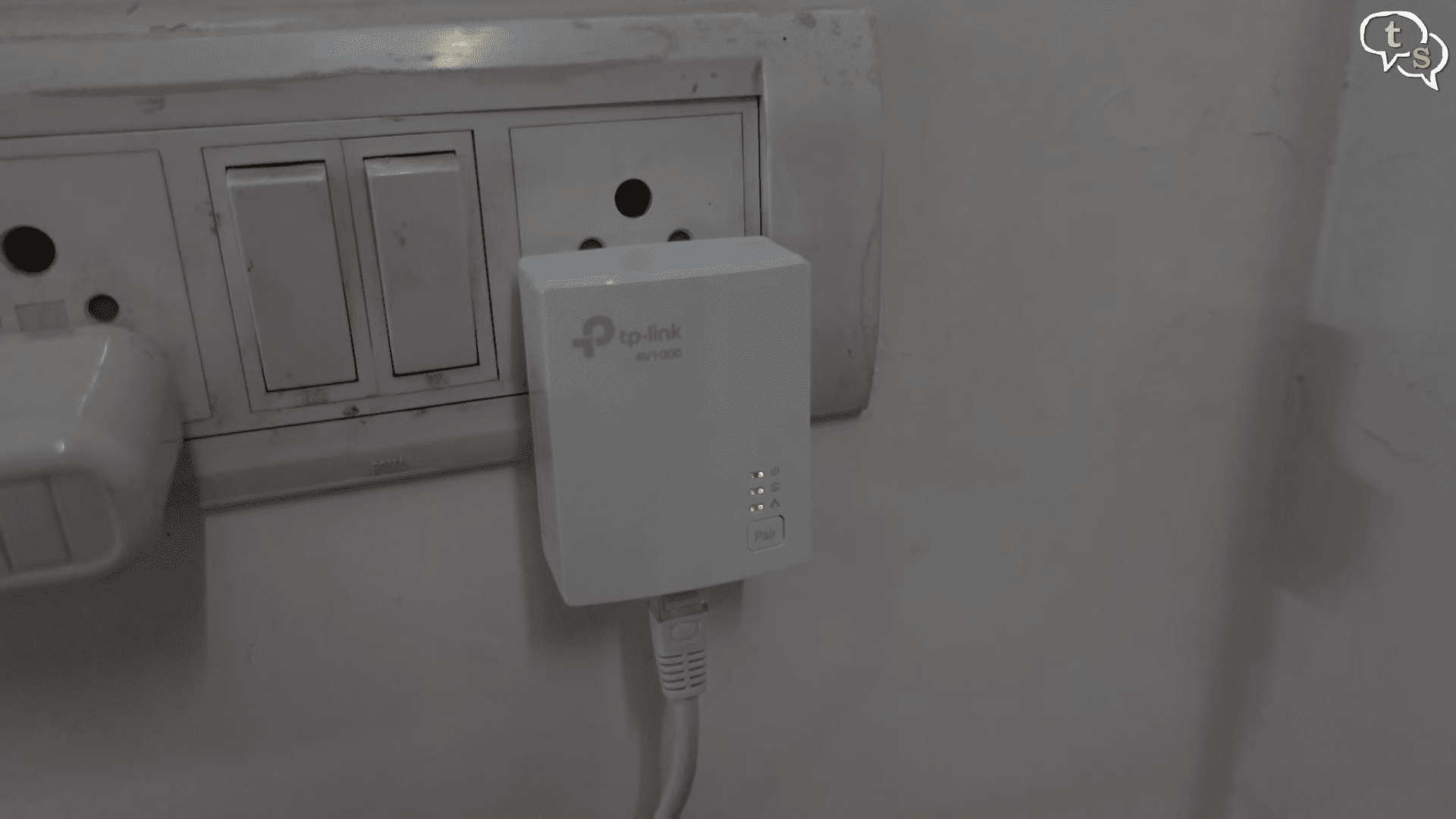
And here’s the device.
Wow, it’s quite small. It plugs in into your power outlet and doesn’t take up much space.
This model doesn’t have a pass through plug, which is sad as we lose one plug outlet.
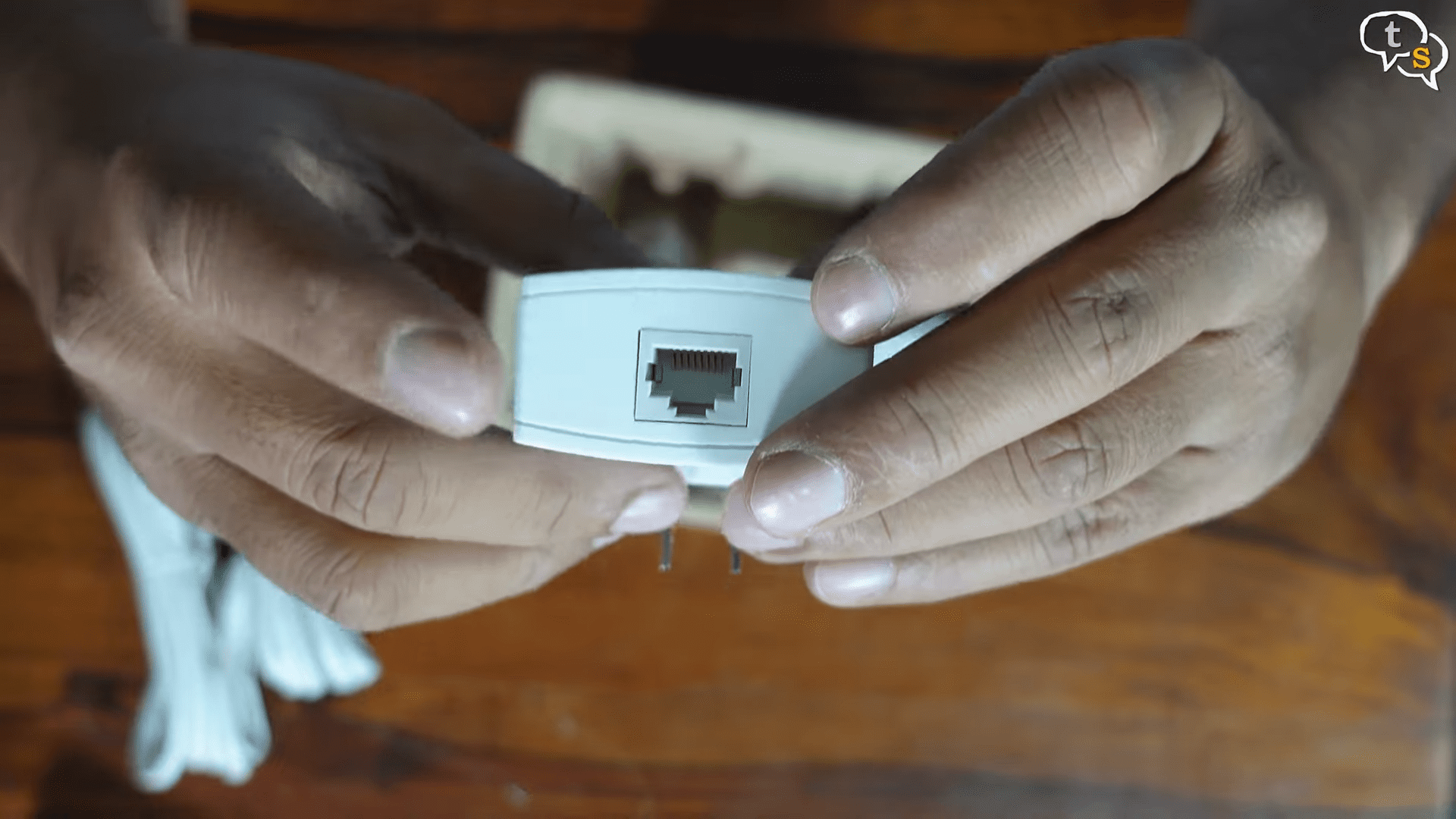
We have an Ethernet port at the bottom.
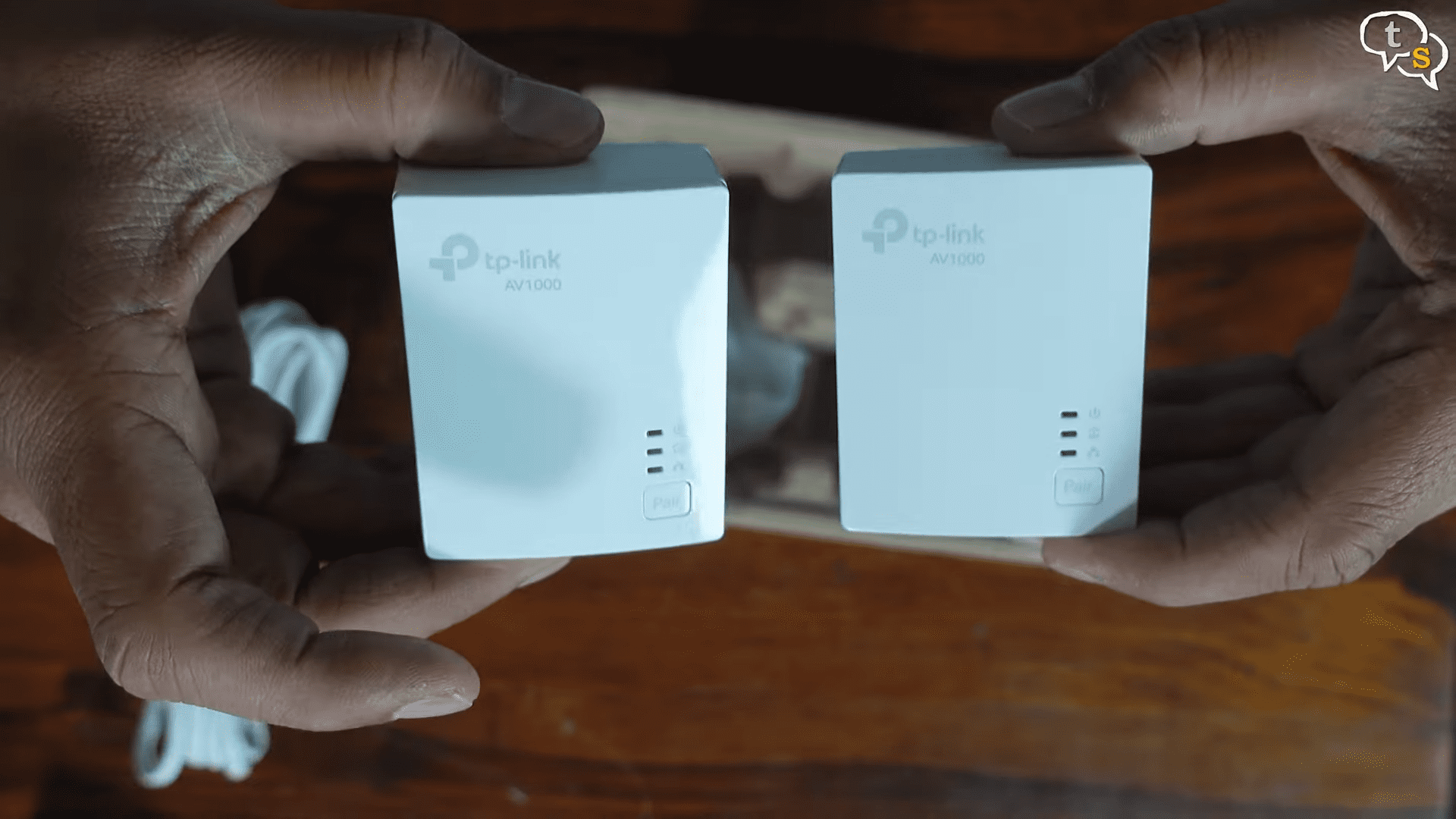
Here’s the pair, and this is a starter set, and more can be added as and when required. Setup is seriously plug-and-play. I had both adapters paired in under 30 seconds.
No apps, no configuration screens, nothing complicated. For beginners, this is a win.
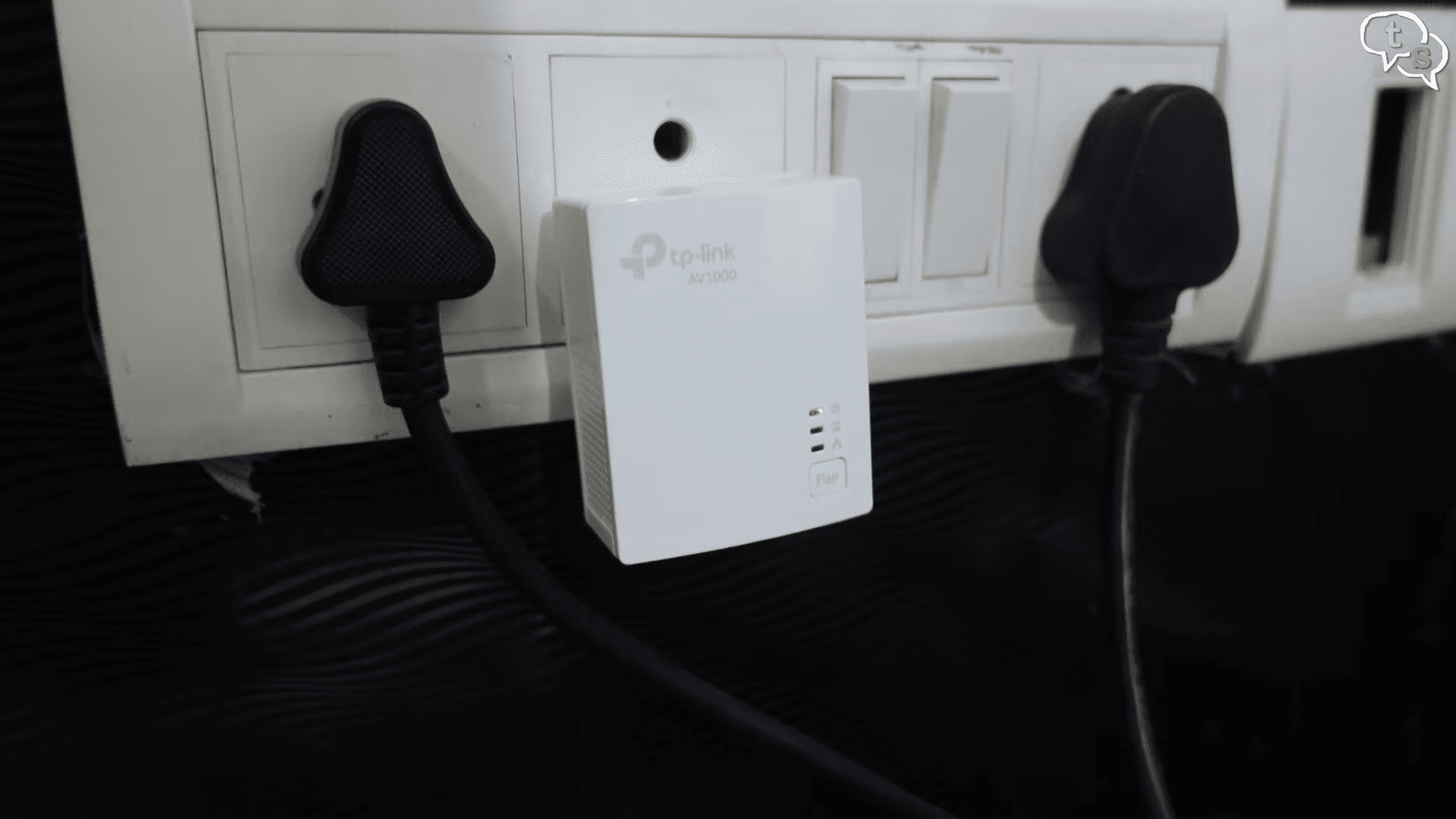
I have connected it to an outlet directly and once powered on hold the pair button for a second to initiate pairing.
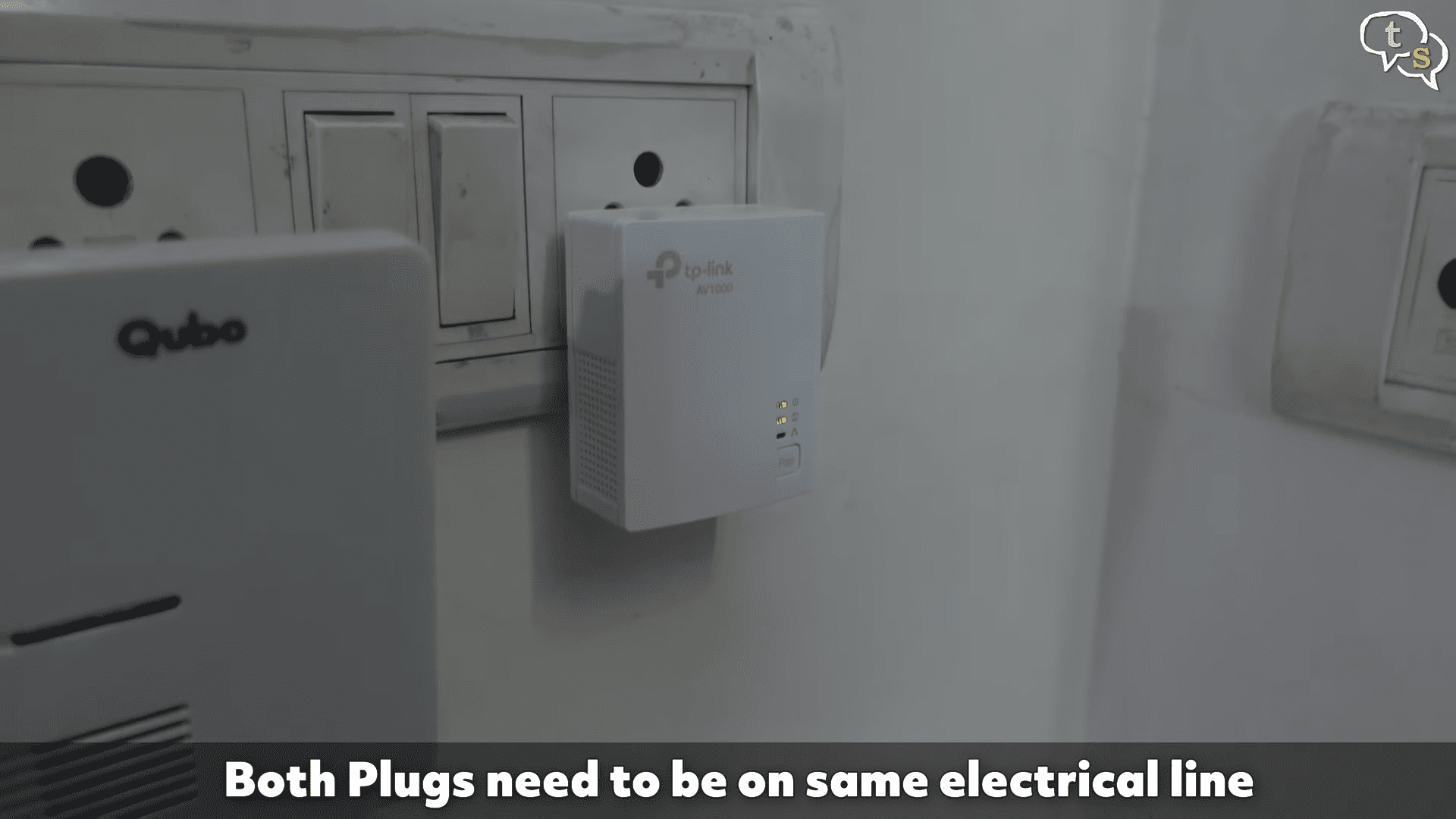
The second device is downstairs and once it’s powered too hold down the pair button and as simple as that it has connected via your electric wiring.
I then had a thought if I lose power I lose connectivity so I need to have a battery backup. This is not possible as it’s not connected to an external power and is using a power outlet.
I’ve heard not to connect through an inverter line or through a power strip. Well, I went against both warnings. These are connected through an inverter line. It works.
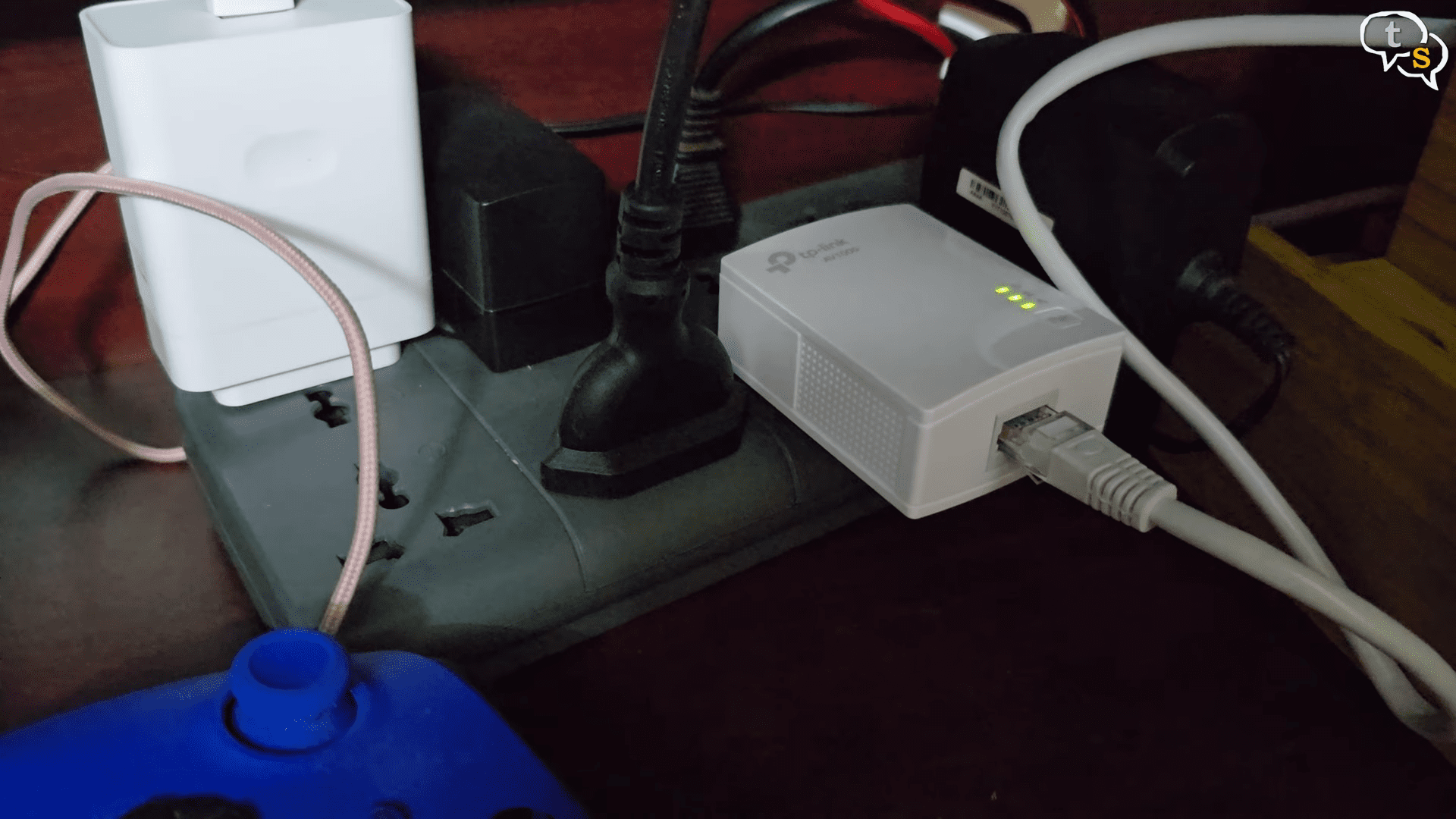
And on the other side near the TV is on a power strip.
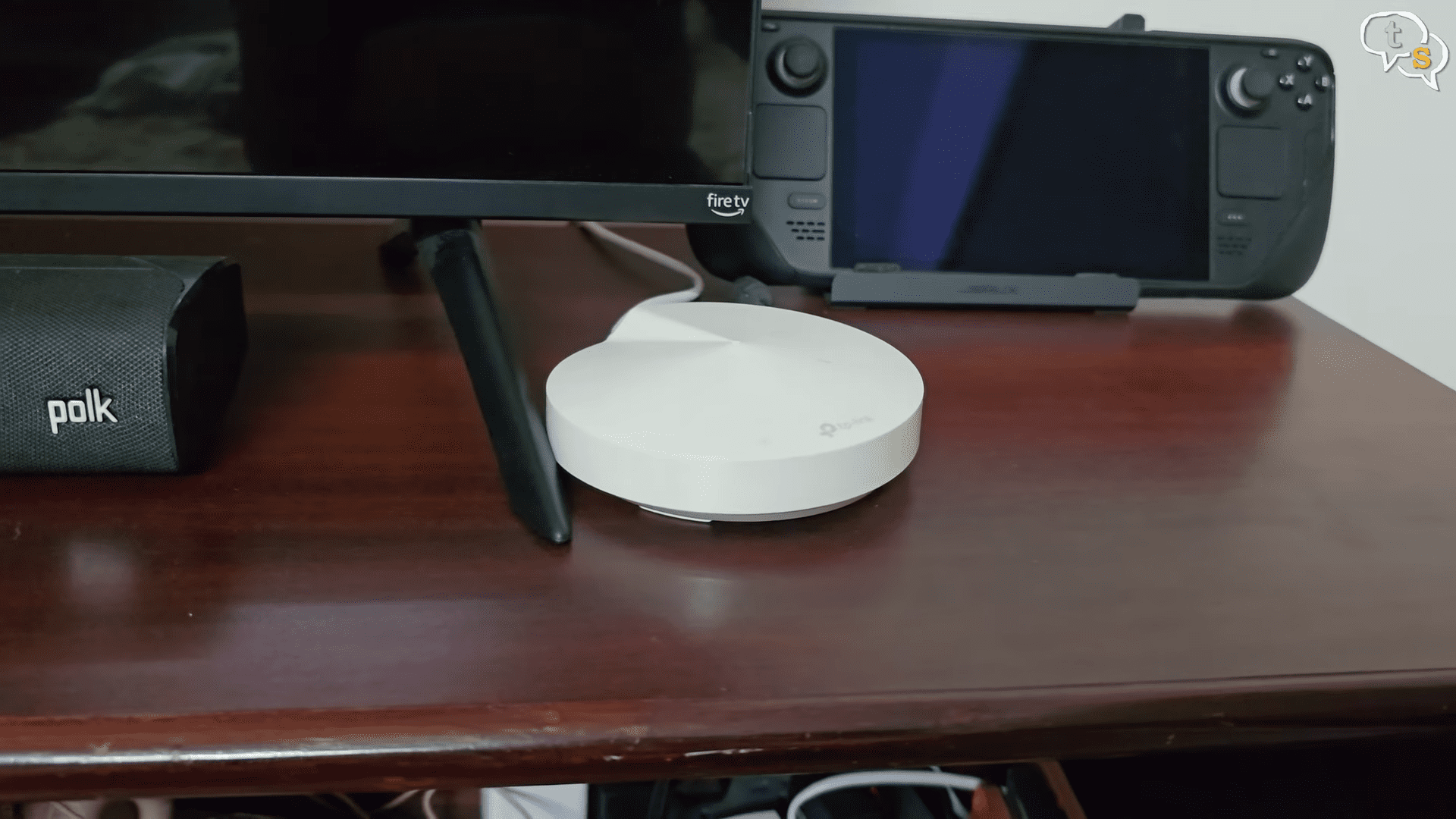
So, this test is through the mesh router without the power line connector.
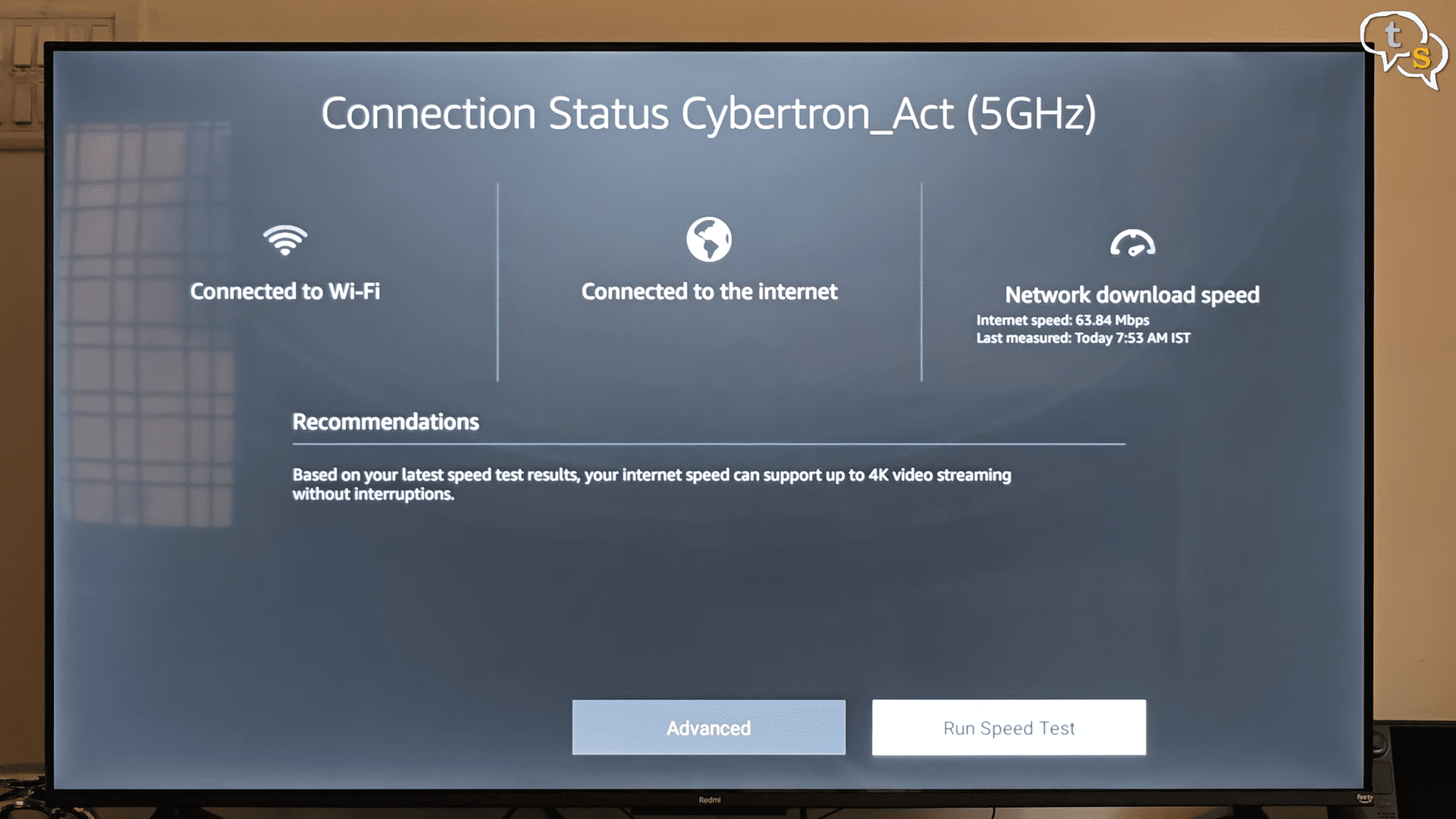
We’re getting speeds of 63.84 Mbps via the mesh Wi-Fi.
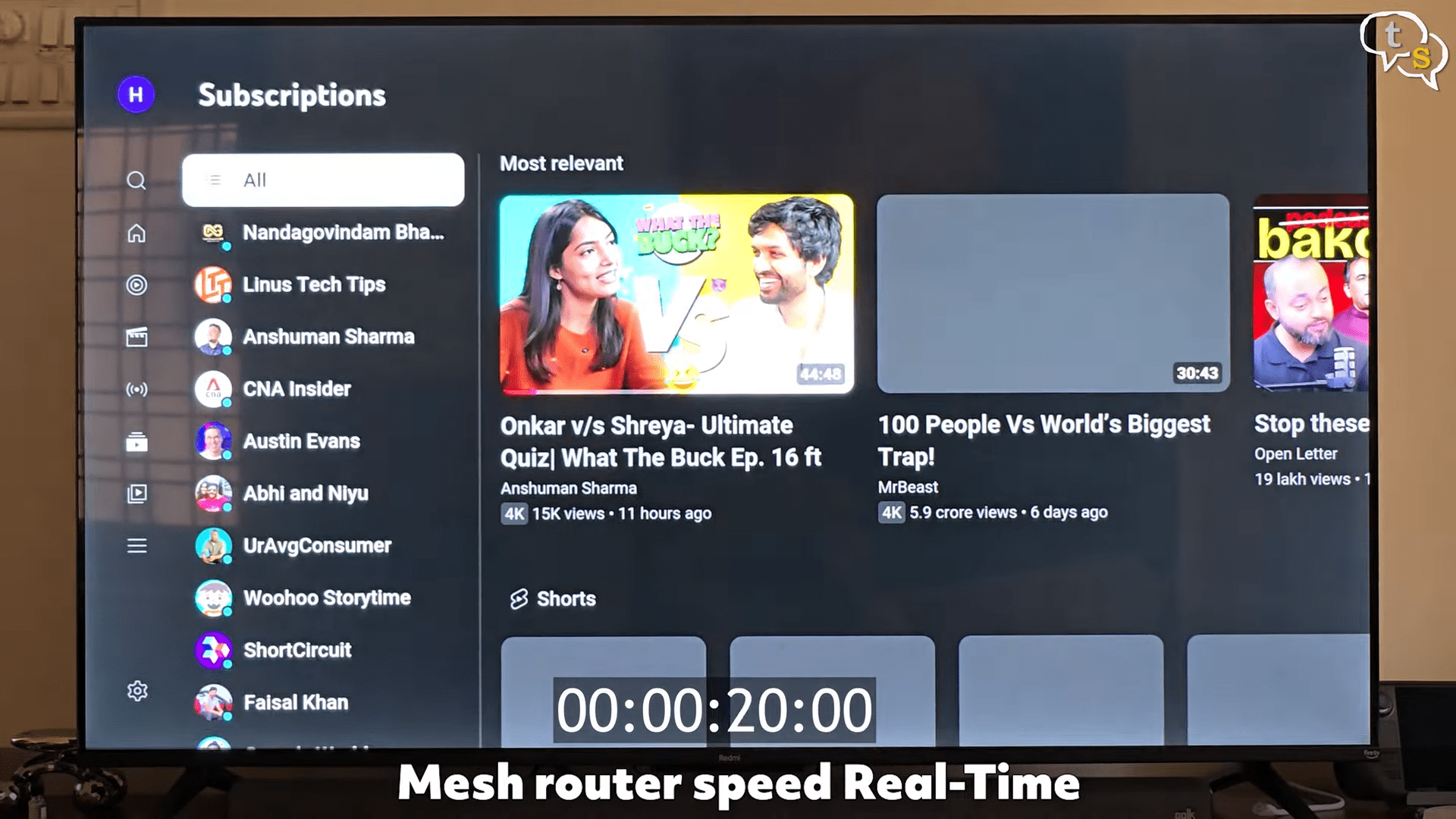
I cleared the cache before the test. And you can see it’s taking so long just to load up the thumbnails, let alone the video.
It took around 20 seconds.
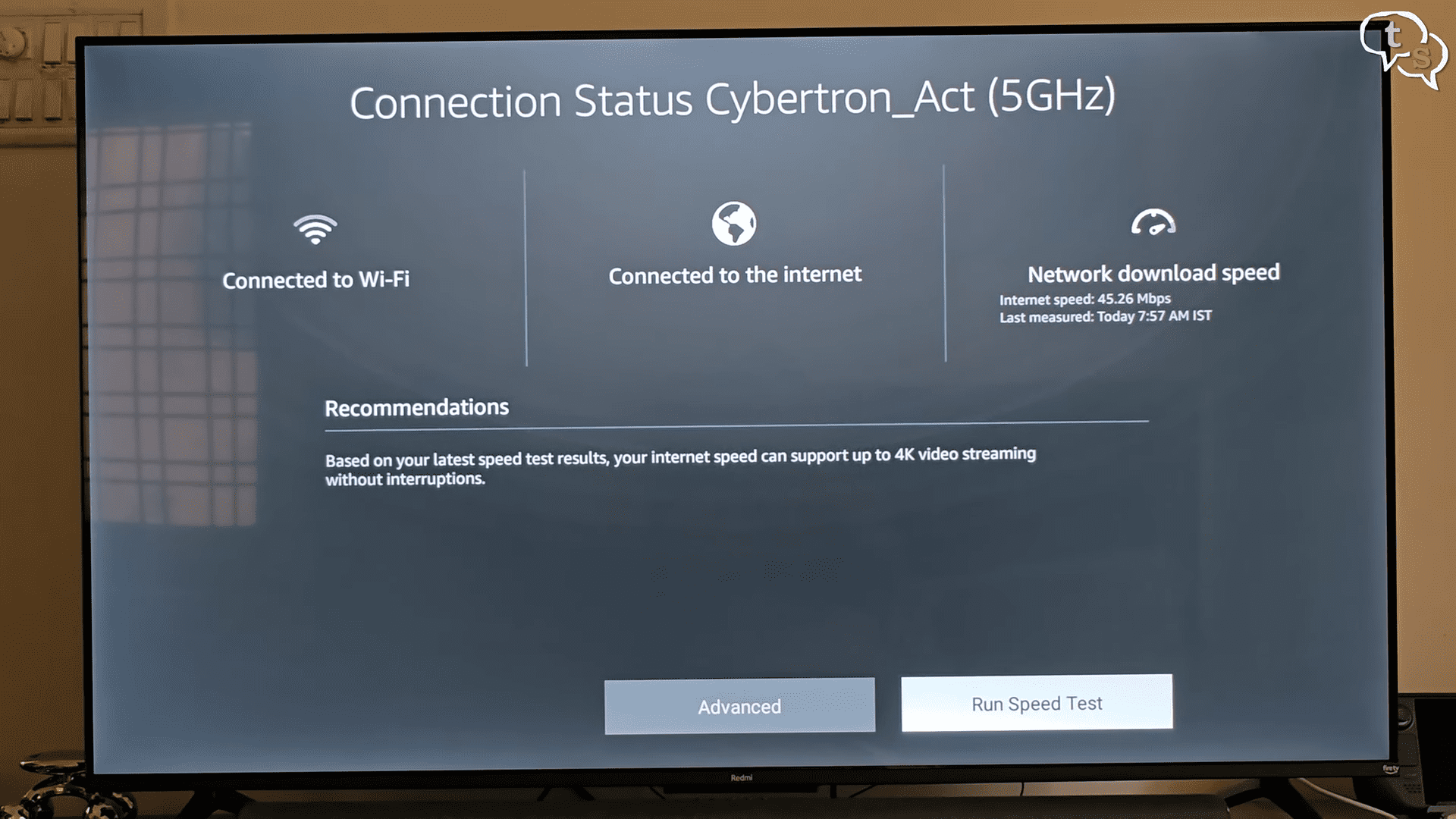
Now let’s connect the power line Ethernet. And there you go. We’re getting speeds of 45.26 Mbps via power line Ethernet. I cleared the cache again. And now we’re testing on the power line Ethernet.
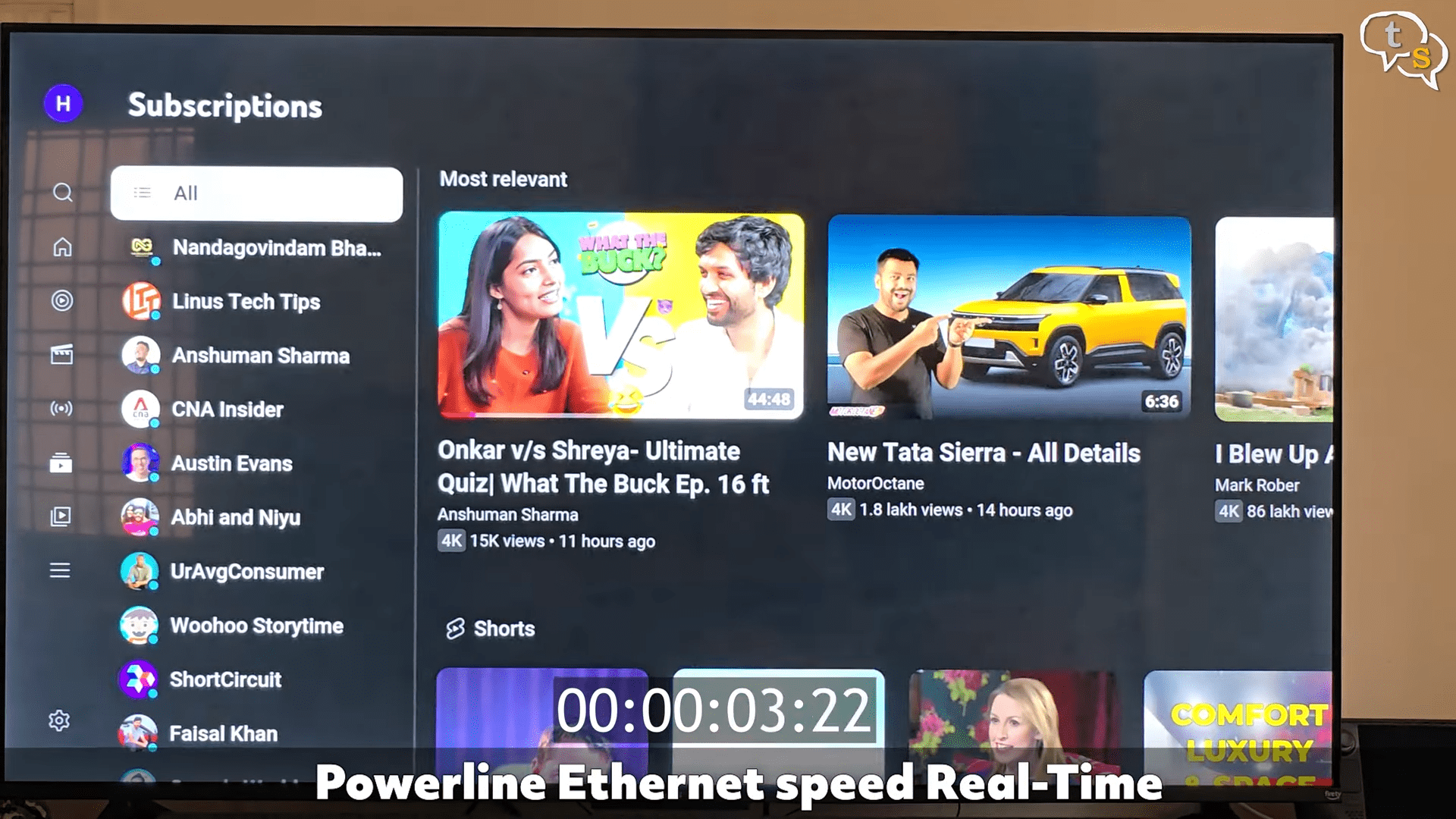
The thumbnails loaded up within 3-4 seconds. You can see that everything is loading up much faster even though the speeds is only at 45.6 Mbps and the other was at 65 Mbps.
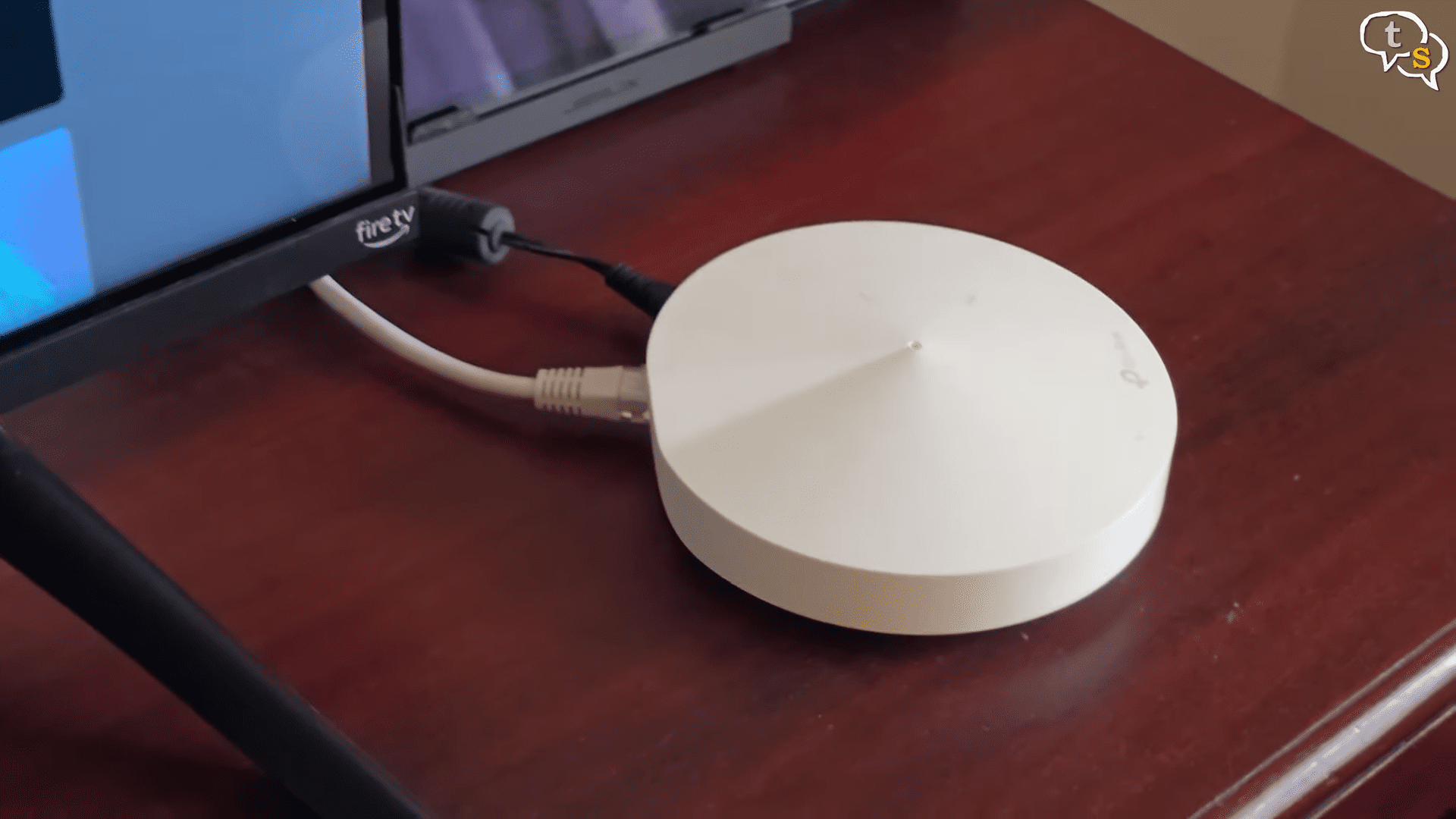
And the power line Ethernet being connected to the mesh router allows for a strong signal to be present below far away from the main router. If you’re currently struggling with buffering or lag on Wi-Fi, this will feel like a massive upgrade.

This adapter is great for home offices far from the router, smart TVs with slow Wi-Fi, gaming consoles that need stable wired speeds, apartments where you can’t run Ethernet cables. Anyone who wants a simple, no-nonsense network upgrade. Here’s what I loved. Super easy setup. Literally plug it in and it’s plug-and-play. Stable wired speeds without running Ethernet. Secure connection with AES encryption. Works with any router. But there are a few catches you should know. Performance depends heavily on your home’s electrical wiring. Actual speeds are often much lower than the,000 Mbps rating. Not that I know of because my max connection is 150 Mbps at home right now.
Not ideal for competitive gaming due to occasional jitter. Avoid using it with surge protectors plugged directly into the wall.
If your wiring is old, speeds can drop a lot. So, should you buy the TPLink AV1000? If you want an easy, affordable way to get wired internet in a room with terrible Wi-Fi, yes, absolutely.
But in India with customs duty, this actually gets a little more expensive. Maybe in the US it might be more cheaper, but in India it is expensive.
But it is still reliable. It’s simple. It works surprisingly well in most homes. But if you’re a competitive gamer or your house has old wiring, you might want to test it first or consider a mesh Wi-Fi system instead.
So, what do you guys think? Would you pick up one of these? Make sure to comment below.

Vinayak Nair is a self-confessed geek from the days when computer memory was measured in Kilobytes. I create YouTube videos on 3D Printing, DIY Projects, Everyday tech reviews and also delve into gaming.