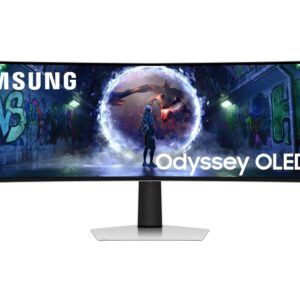
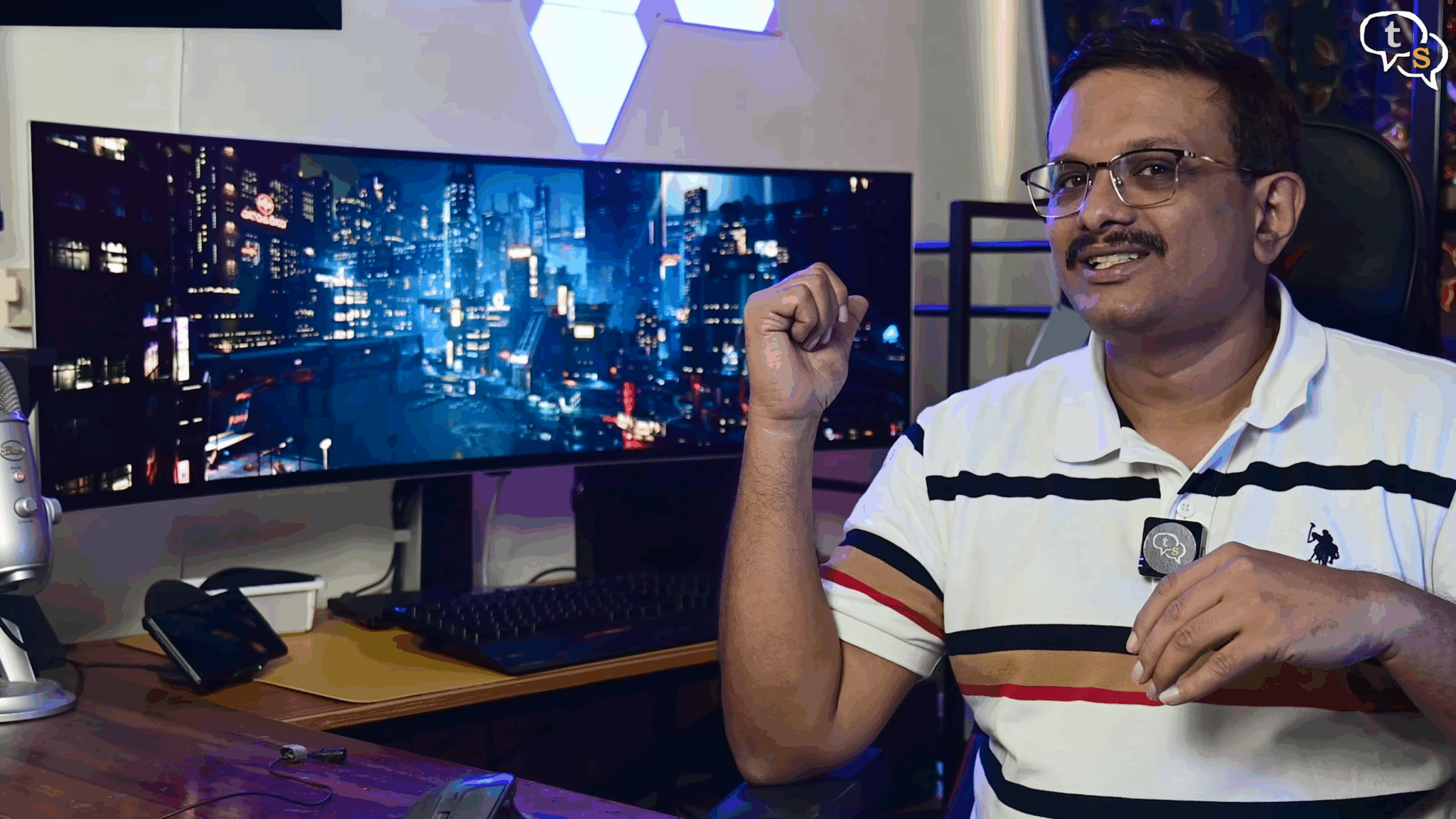
Meet the Samsung Odyssey G9 OLED, a massive 49 in curved ultra wide monitor that looks like something straight out of the future. But is it worth nearly 1 lakh rupees in India? Let’s find out.
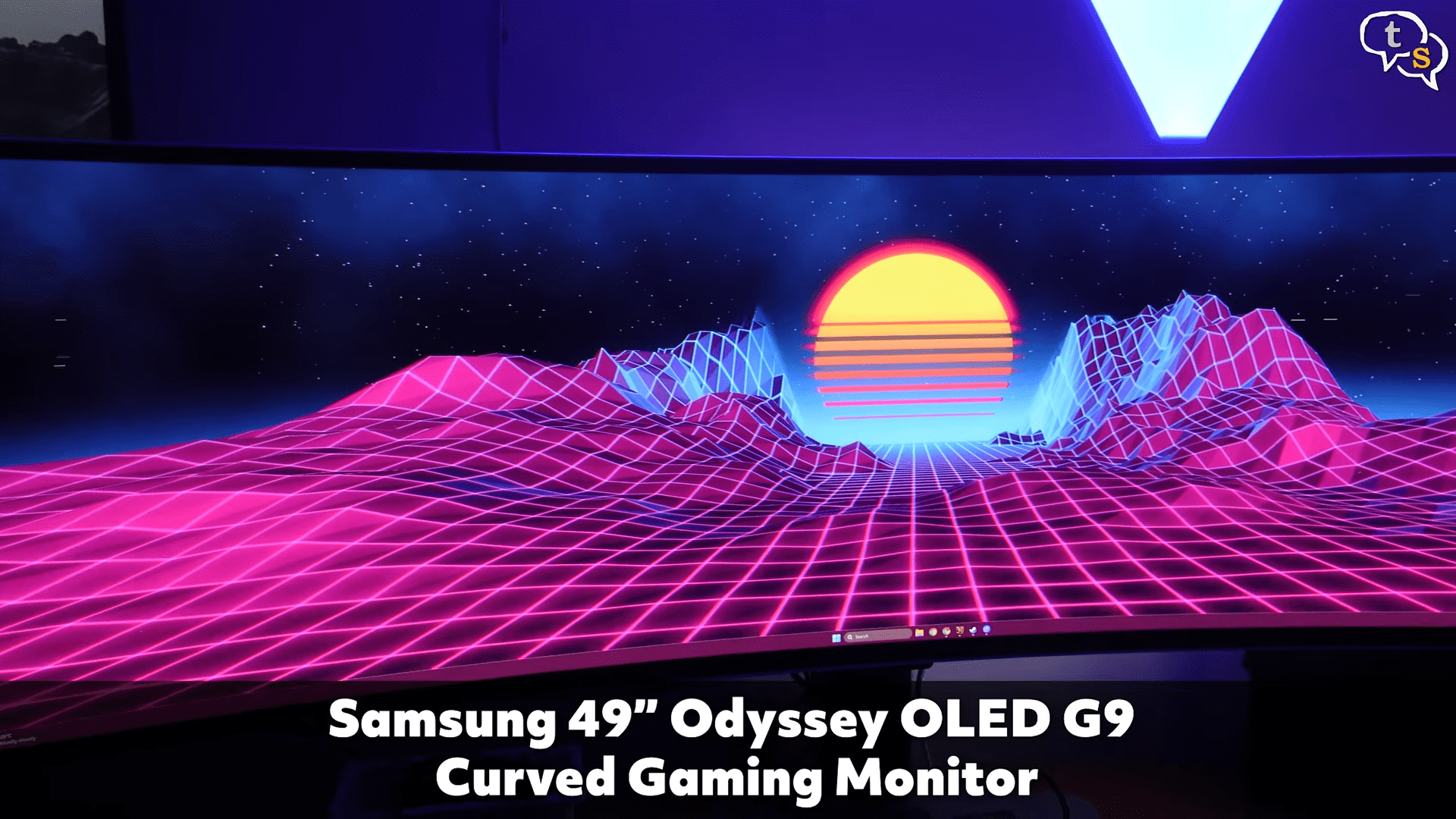
This is not just a monitor. It’s a command center.
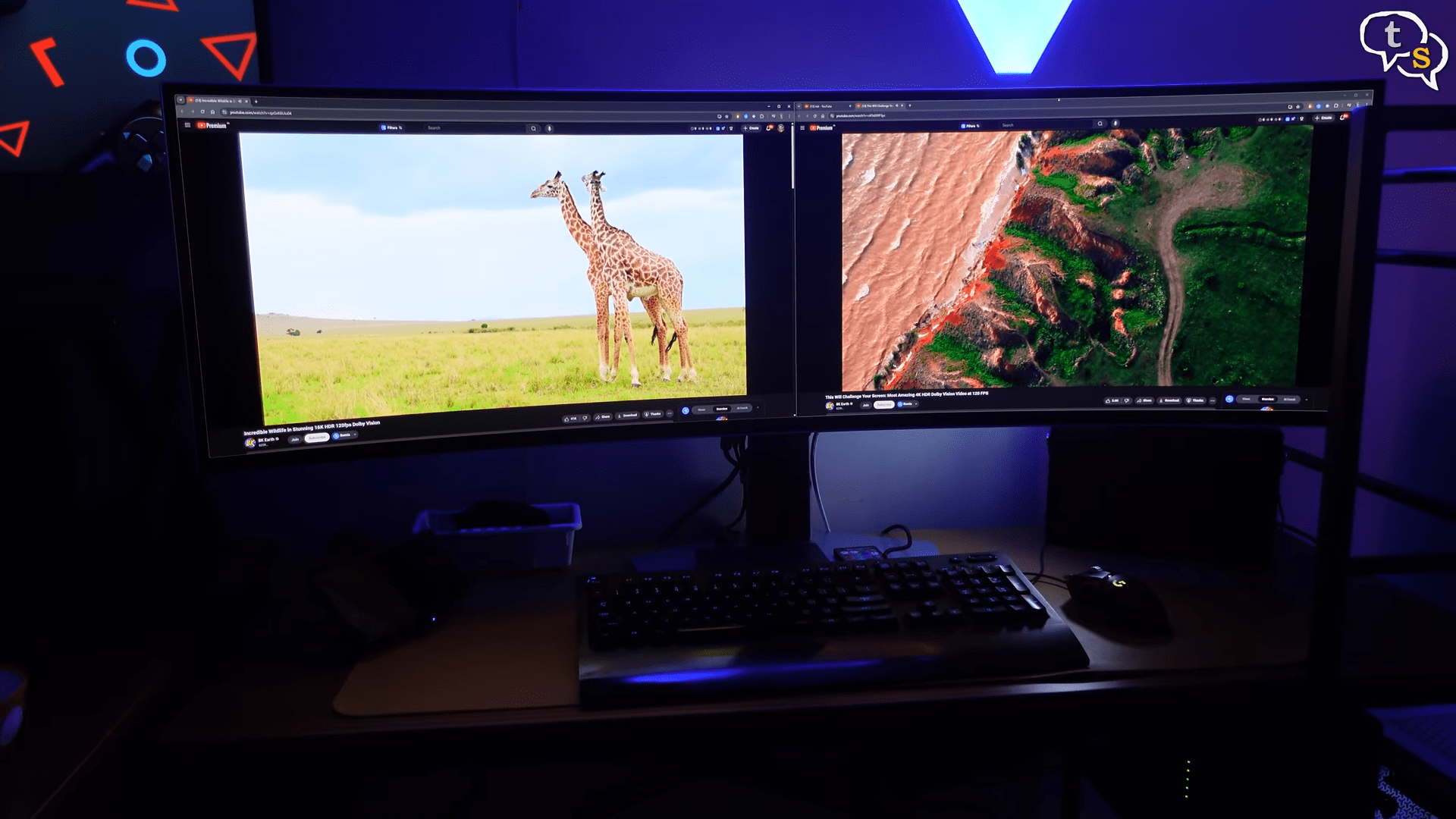
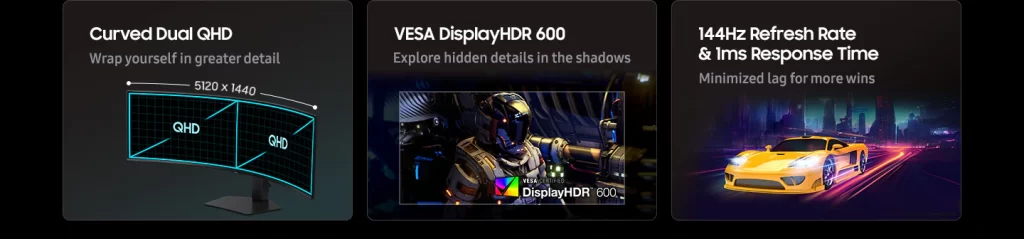
The 49 in 32 in to 9 aspect ratio is like having two 27in QHD displays fused together.
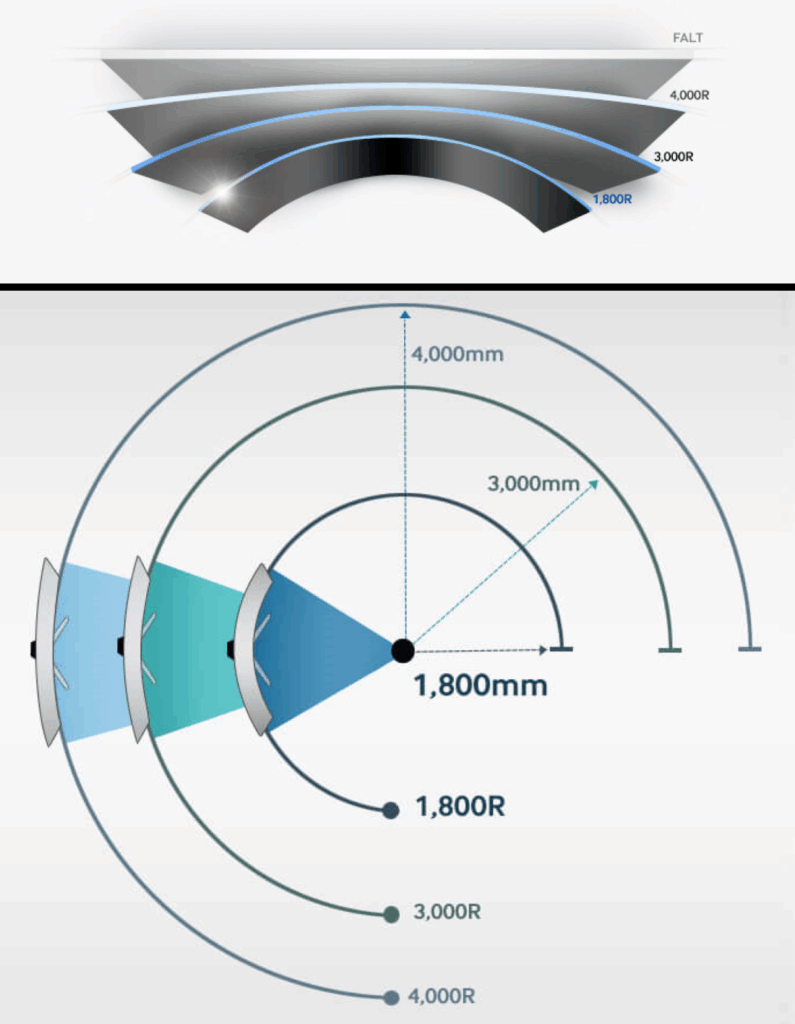
The curve is 1,800 R wrapping around your vision for full immersion. It’s big and moderately heavy and it demands the space.
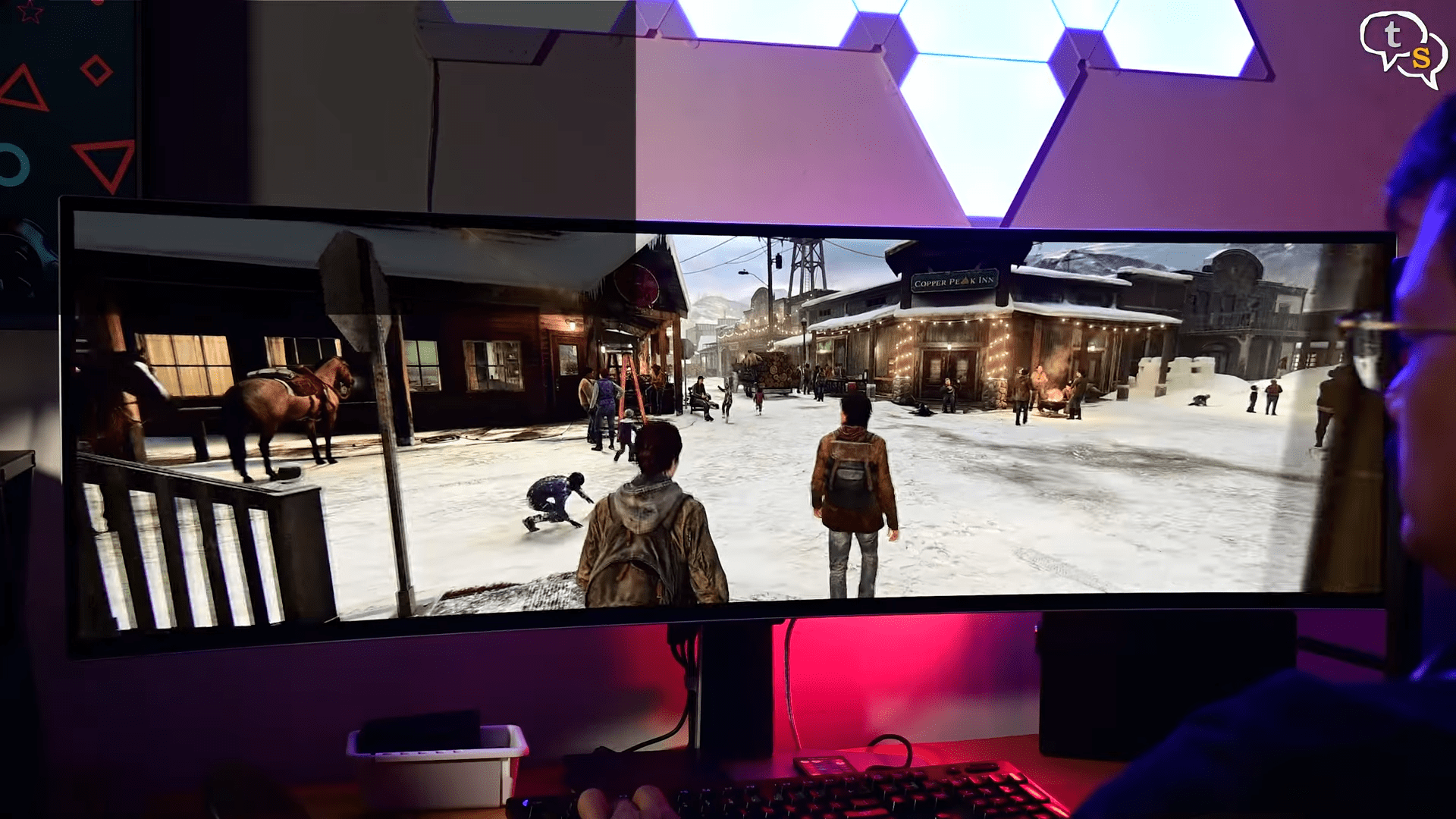
So you make sure you got the room for it. With a resolution of 5120 x440, a super ultrawide 32:9 aspect ratio. It is a very wide screen. Also the 1800R curvature makes the monitor not too curved but that also makes it need more space horizontally. 1000R is the maximum curvature I have seen. R stands for the radius of curvature.
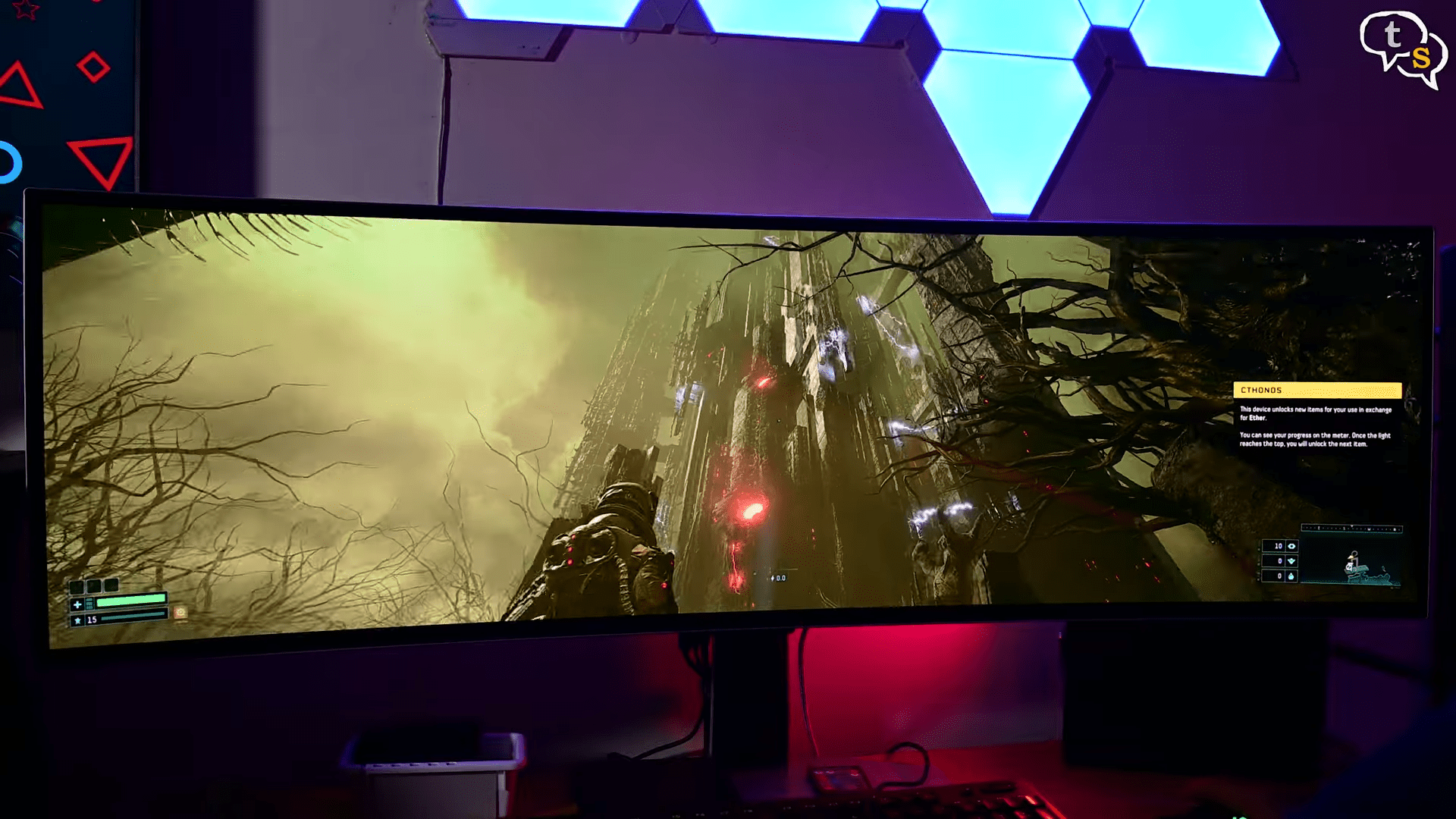
The curve allows for better visibility for corner items as it peaks into your peripheral vision. It allows for more immersion.
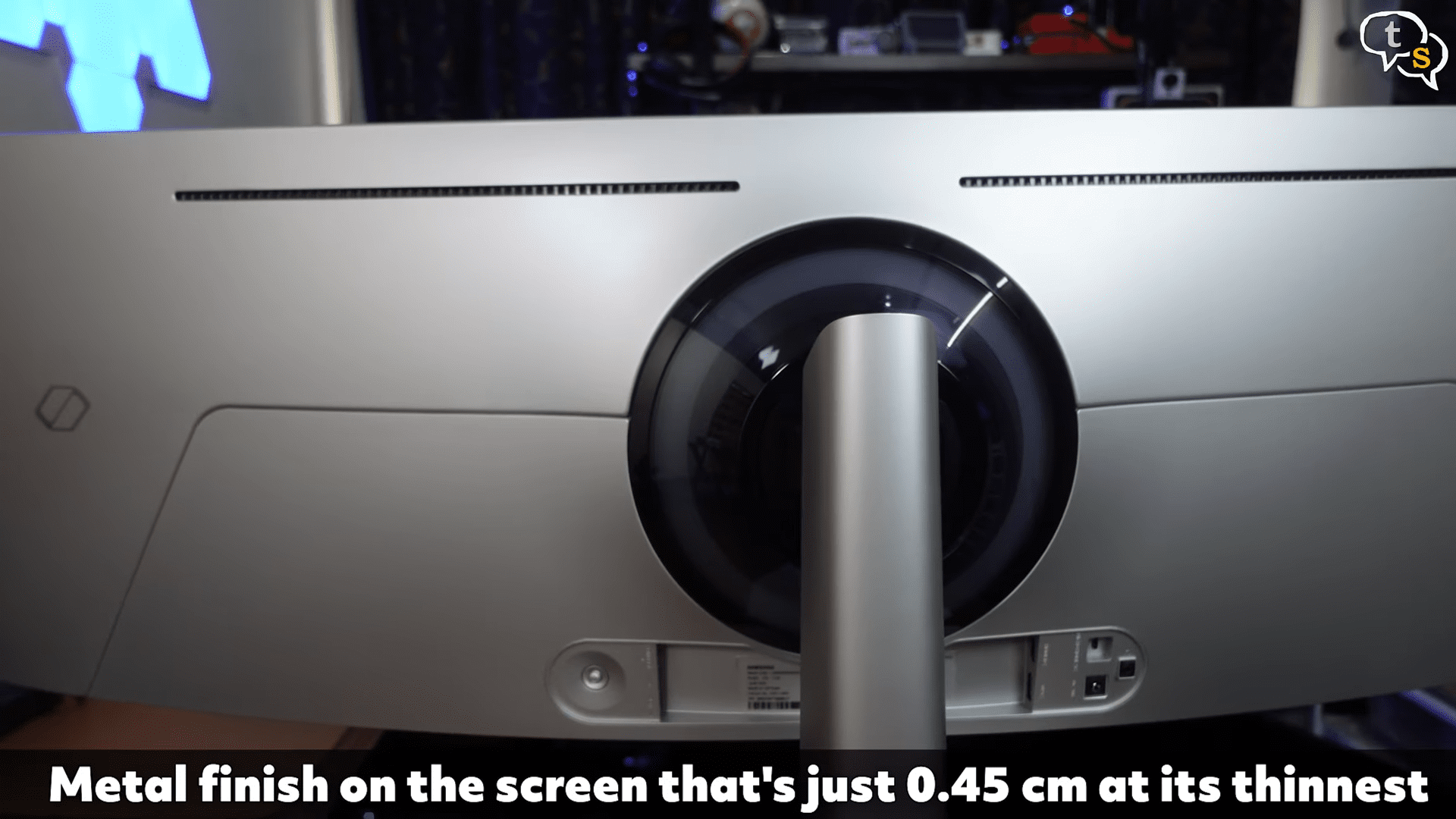
The build quality is excellent with a mix of plastic and metal.
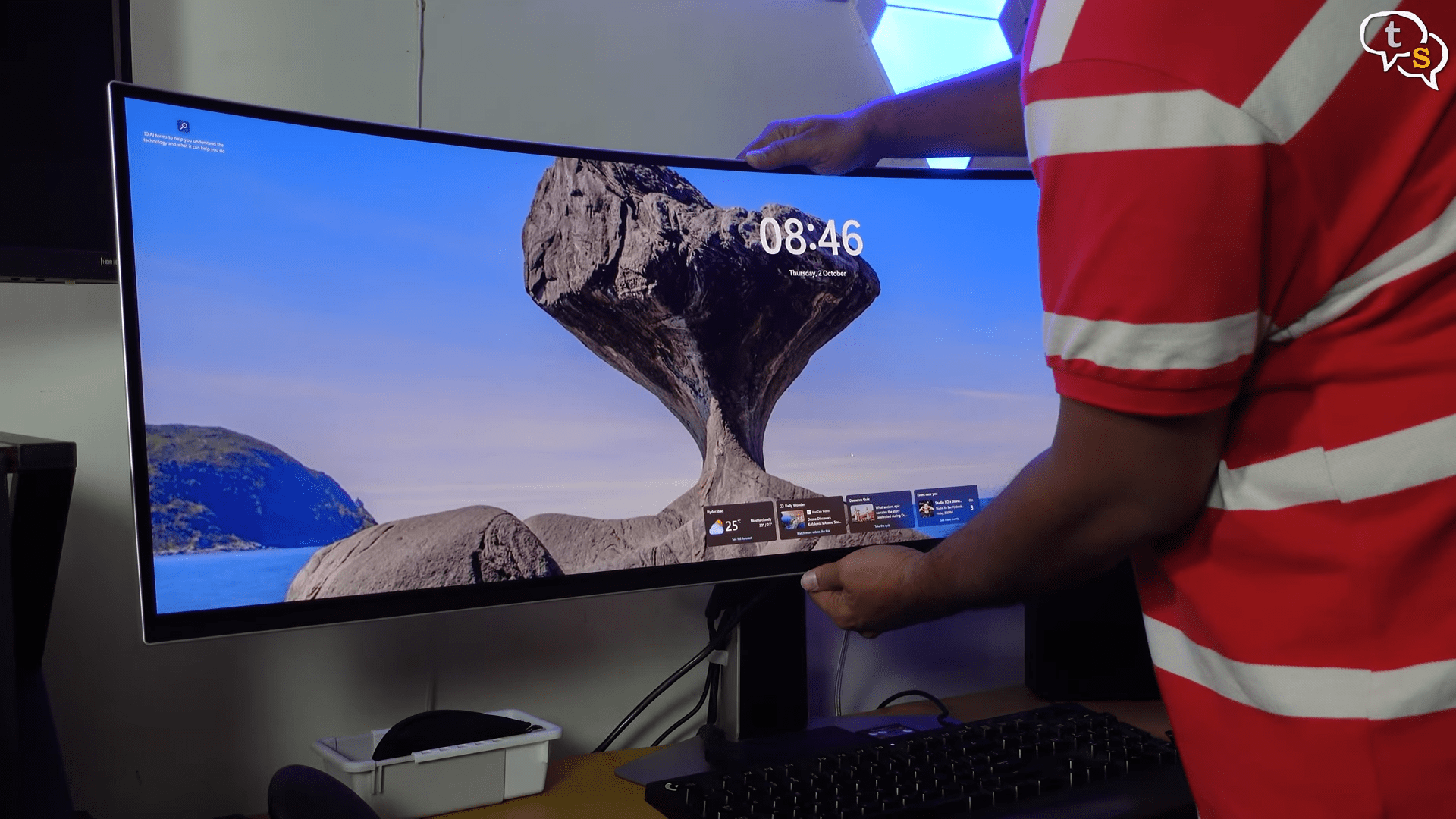
We have the option to adjust the monitor height and tilt. No portrait mode as this is outrageously wide monitor.
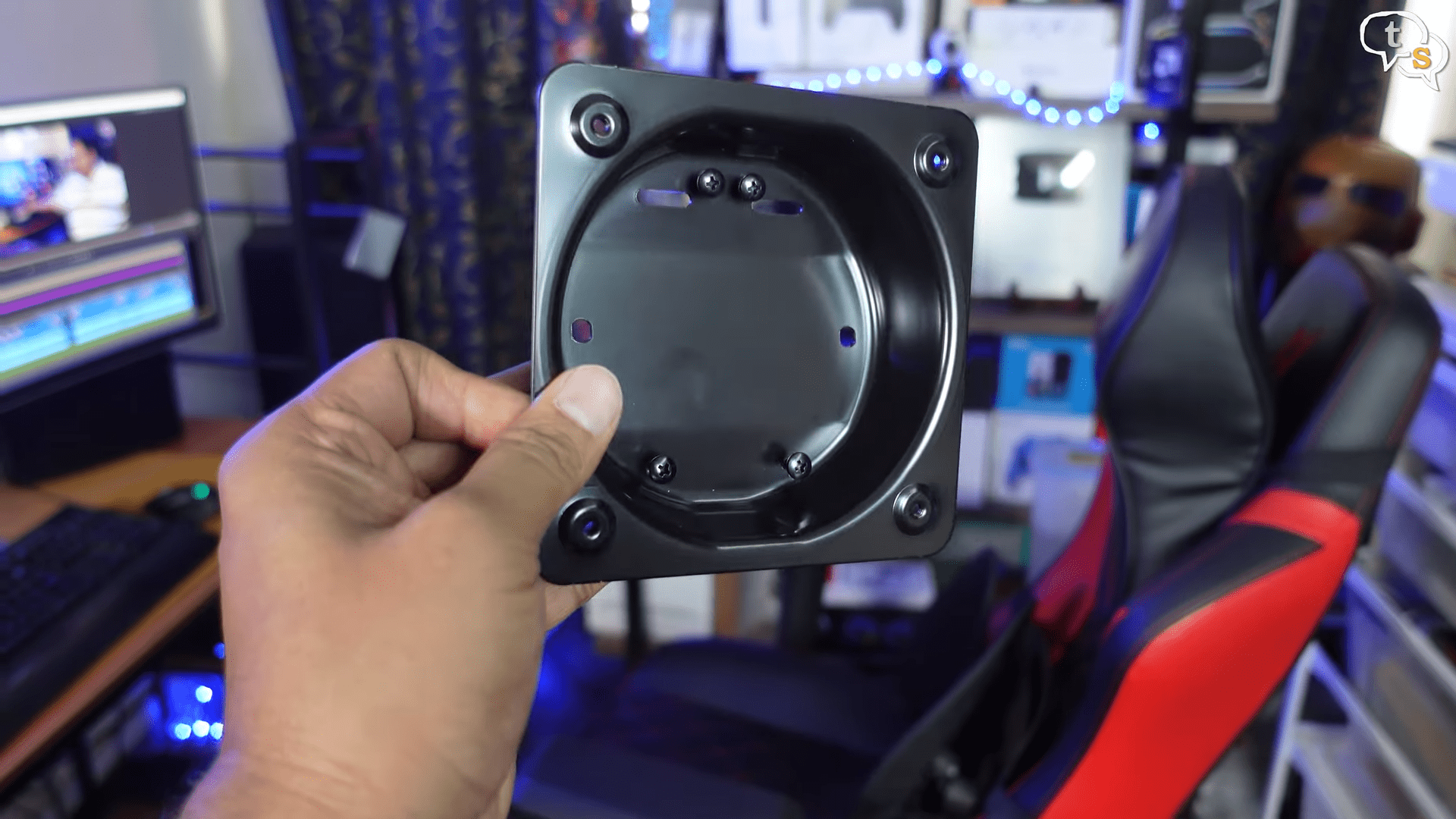
We do have a VESA 100x 100 mount which would allow using custom stands or arms.
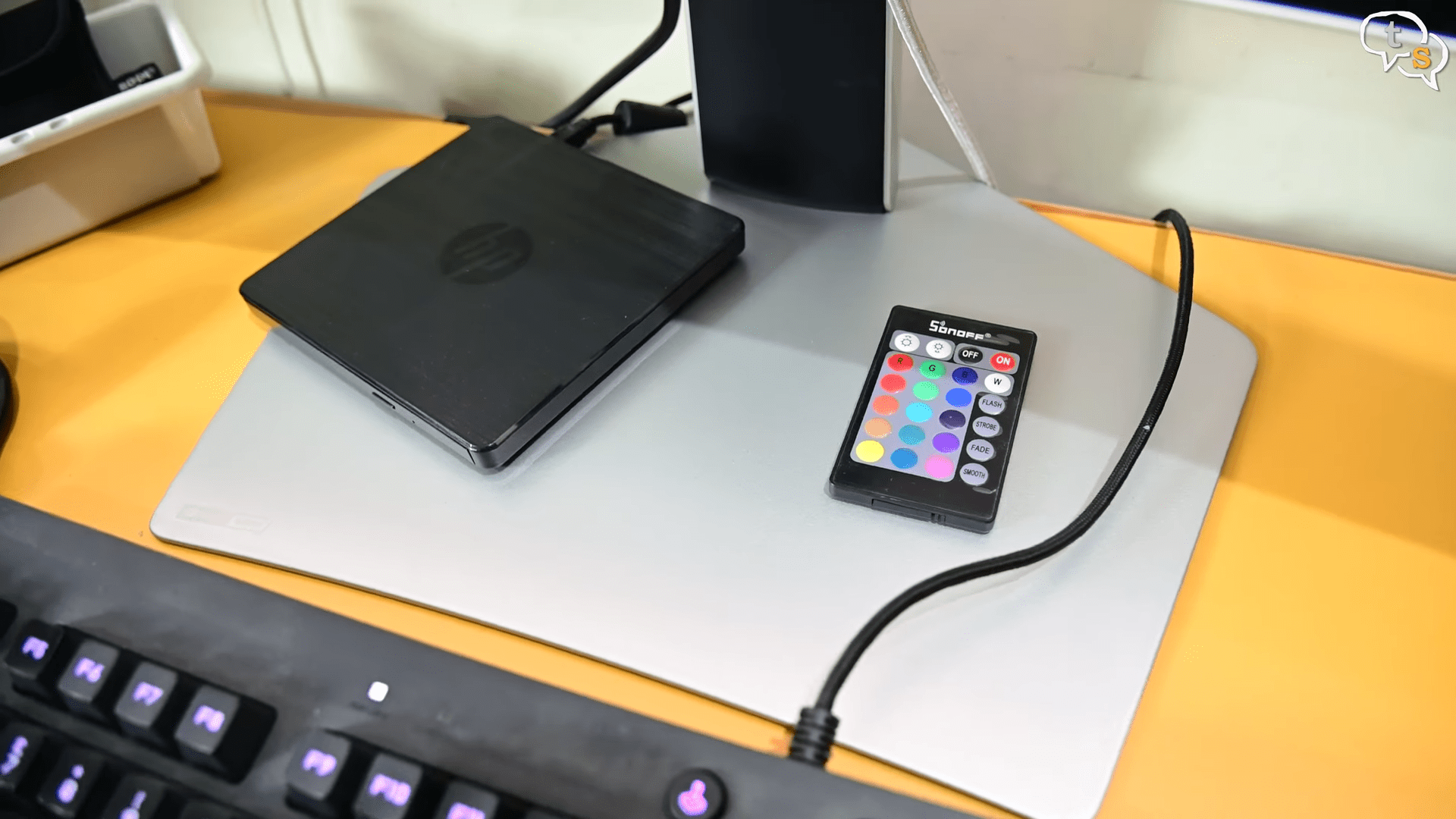
The base is flat and pentagonal in shape and it manages to keep the monitor up without any problems.
We have the space to place items on the stand which is helpful as that space is not wasted.
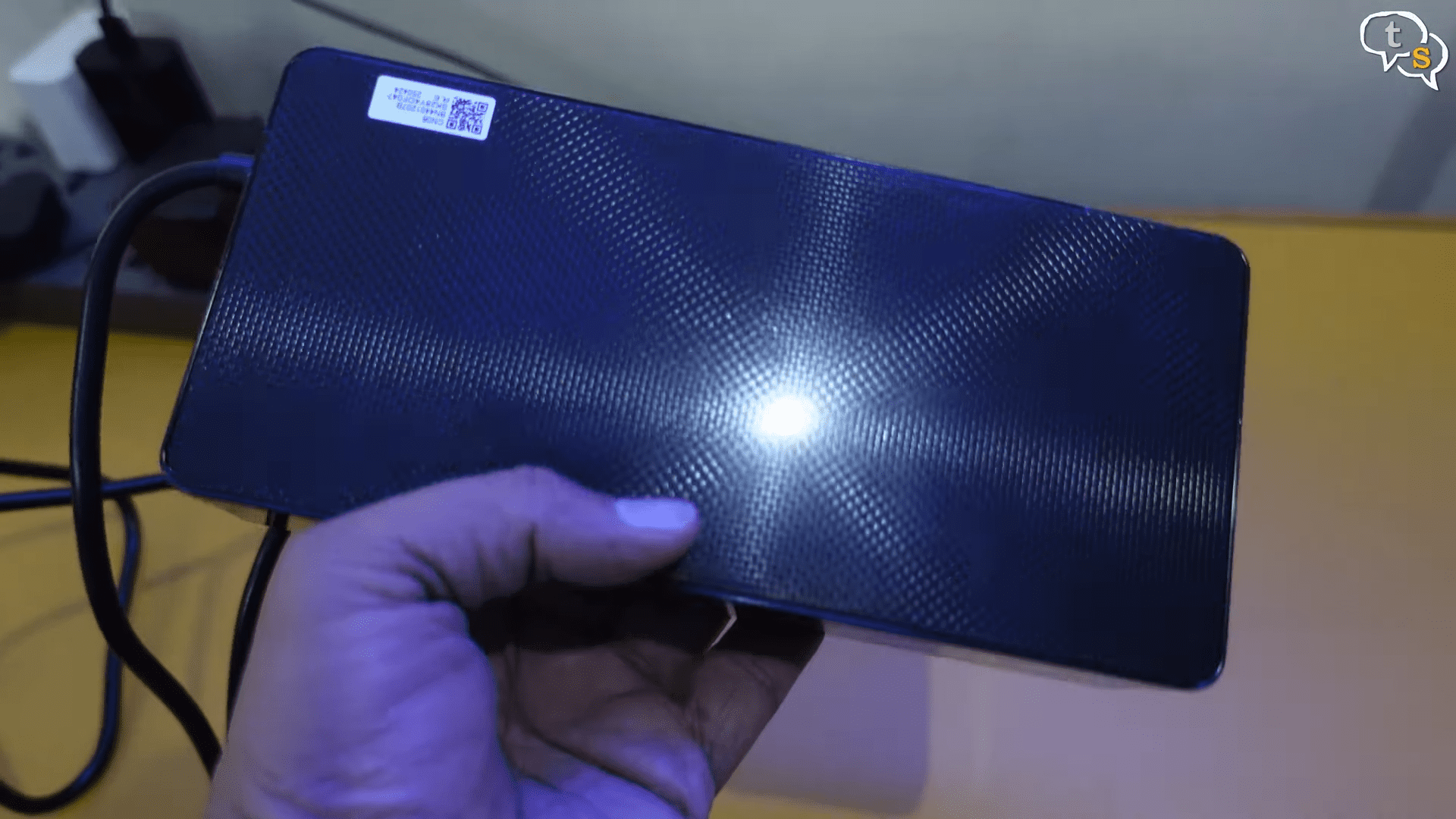
And to power the monitor we have this huge power supply. This is as big as the one I use with my laptop.
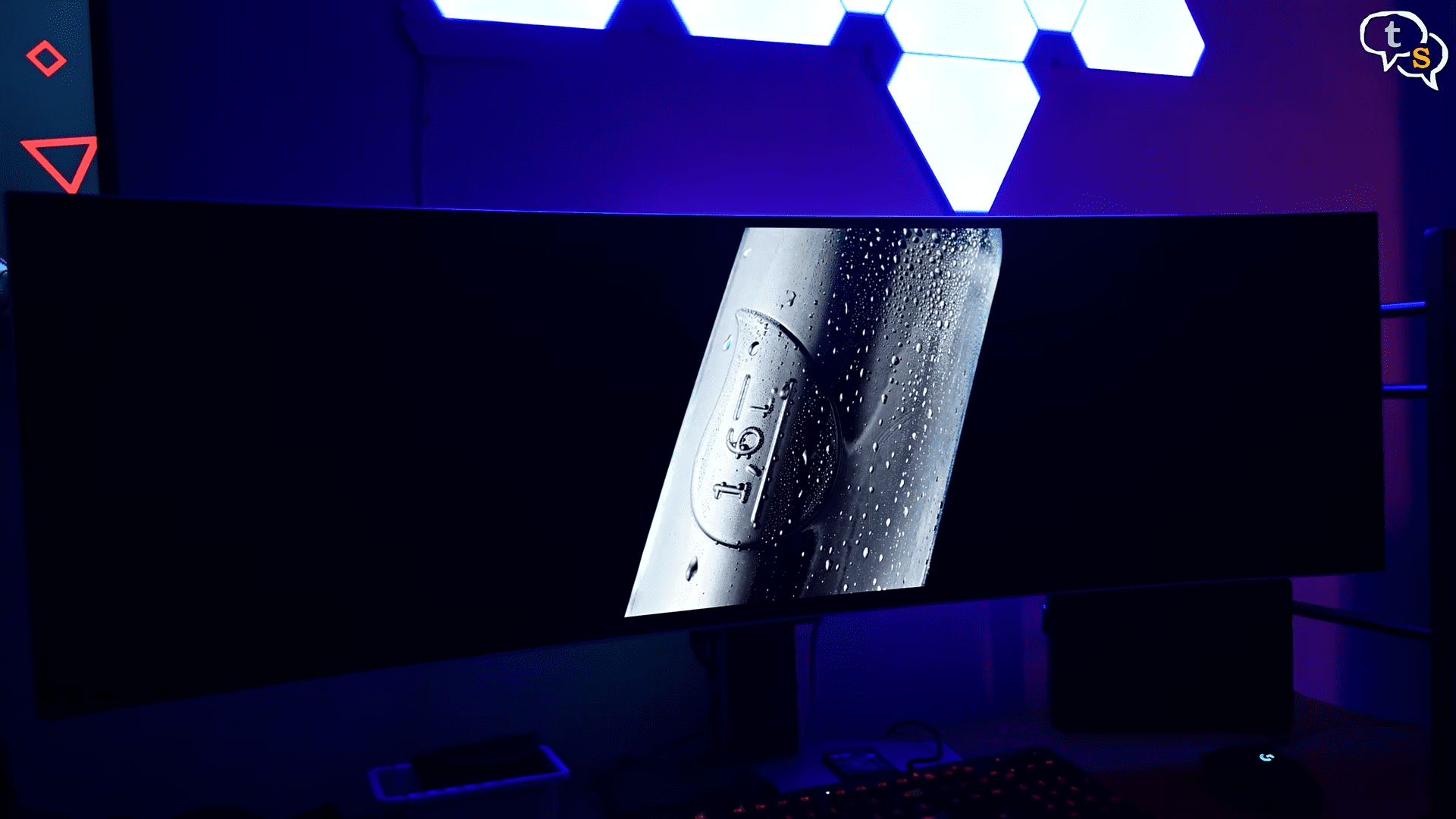
The panel is OLED and meaning perfect blacks, infinite contrast and vibrant colors that just pop. It covers nearly 99% of the DCIP3 and supports HDR10 plus.
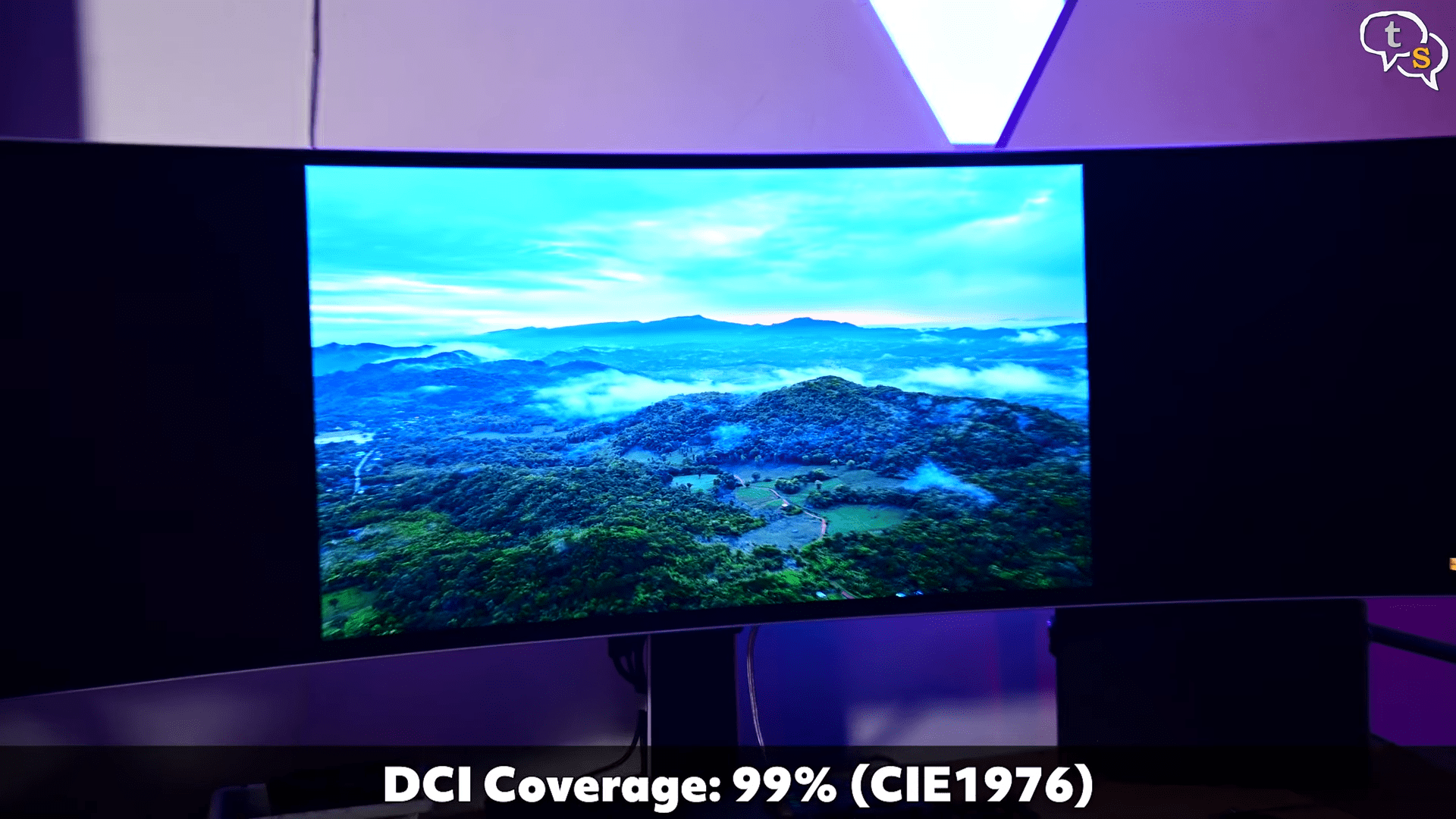
In dark rooms, movies and games look incredible. As per many, the HDR brightness is supposedly not as strong as some mini LED monitors, but from my point of view, the brightness is really good, eye-searing good, especially in HDR. And highlights and colors and contrast looks great.
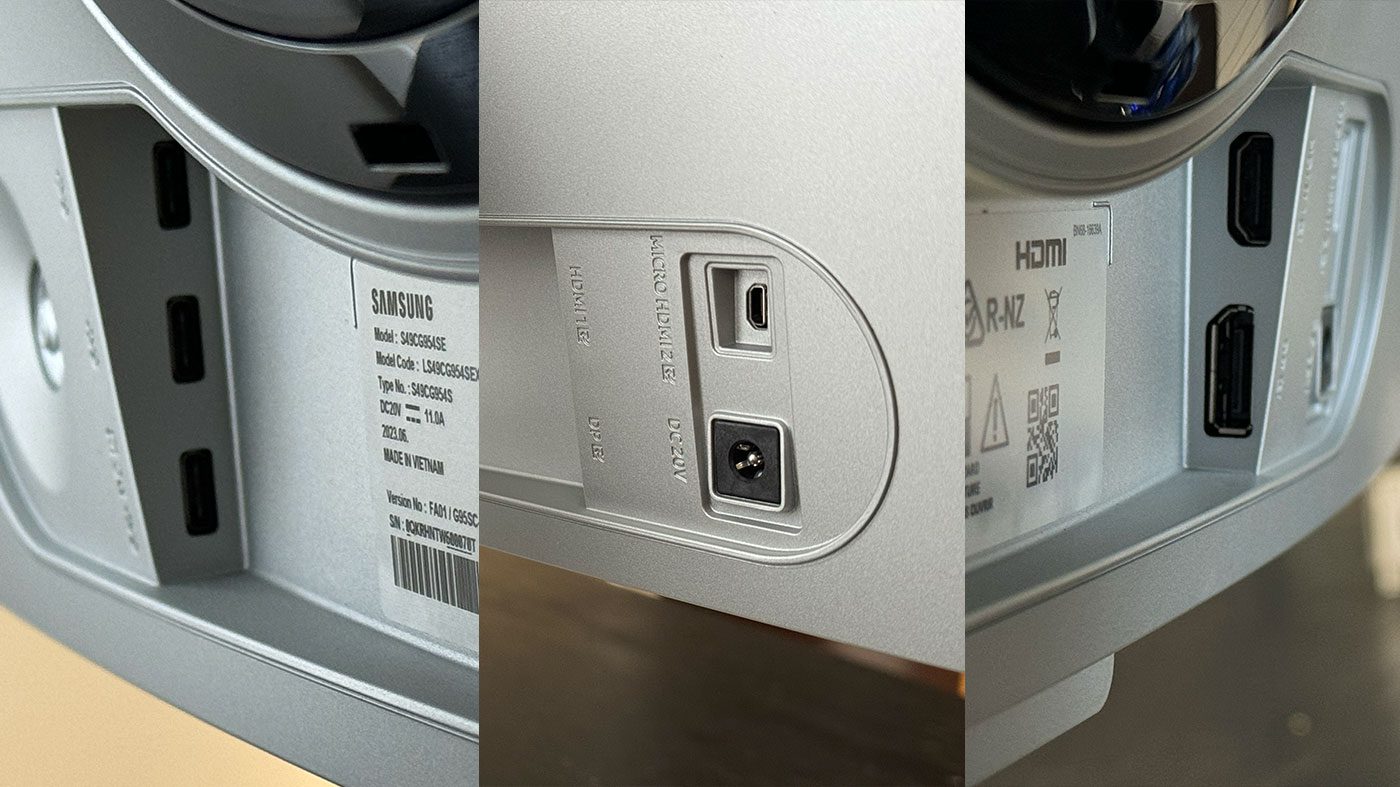
Connectivity, we have one HDMI 2.1 port, display port 1.4, for mini HDMI which they have not provided a cable for. On the right we have three USBC ports. First is for the service and or connecting peripherals and the lowest one is for connecting to a PC as a USBC hub. The USBC port does not allow for display input. That’s also surprising but also does USBC allow for 240 Hz refresh rate? I’m not sure. There’s also a headphone jack if you want to connect speakers or also headphones to the monitor directly.
Another point to note is graphic cards like my AMD Radeon 7900 XTX supports display stream compression and you can take full advantage of its max refresh rate. Make sure your GPU supports DSC for full compatibility.
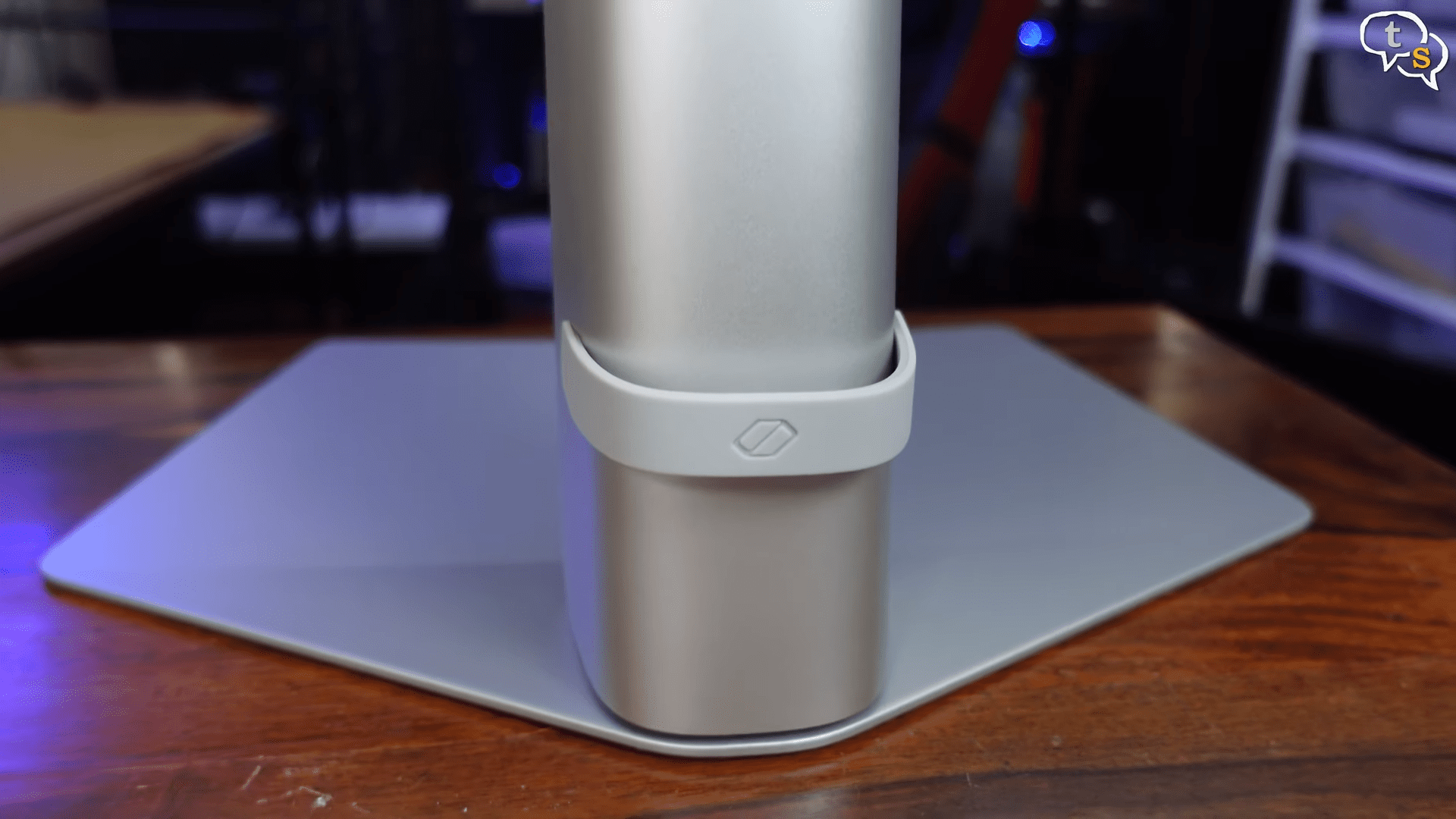
We have this cable organizer which helps root all your connected cables through.
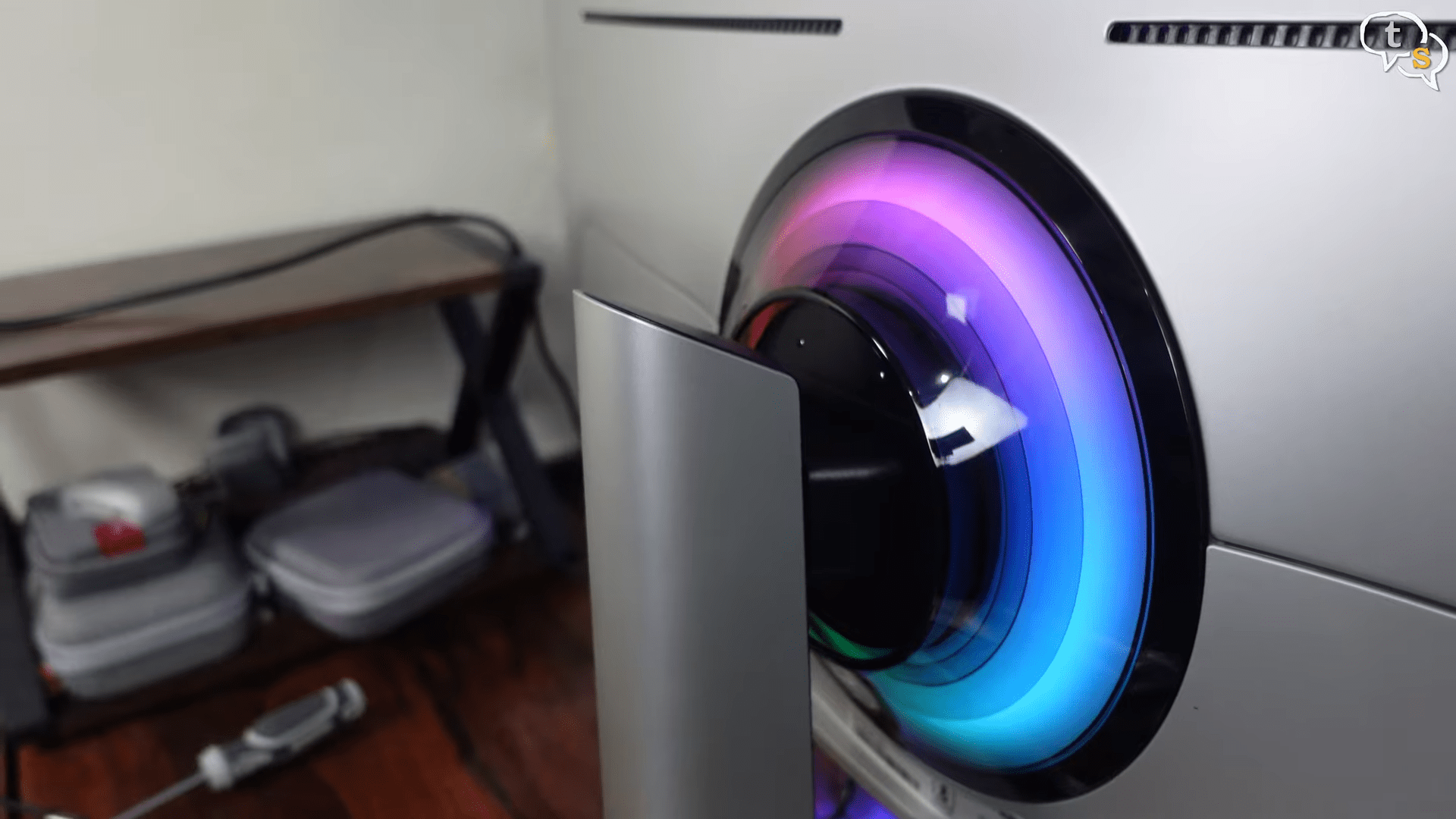
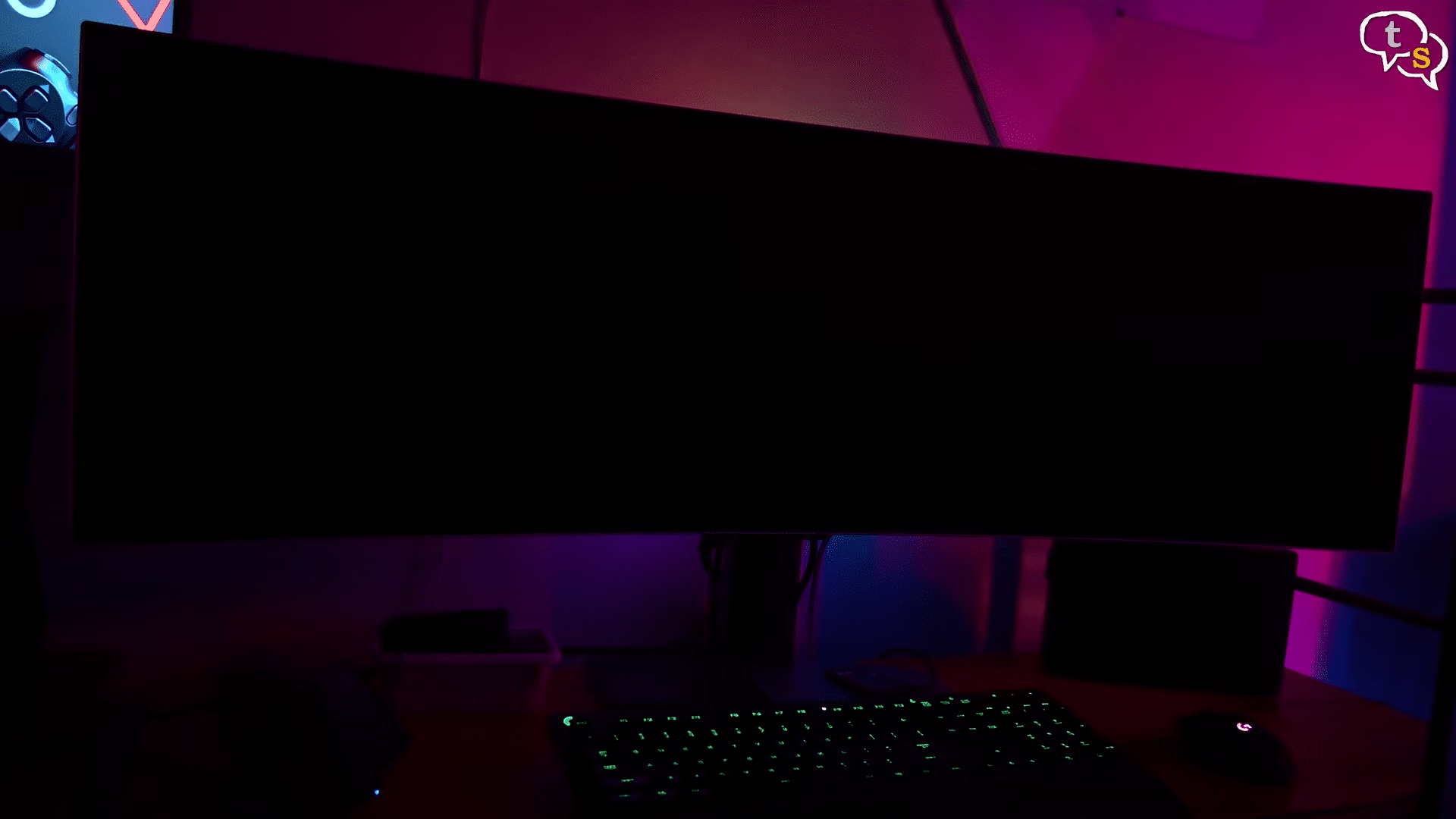
The RGB lighting is cool but it’s not really bright. If you have a dark room, it will be visible.
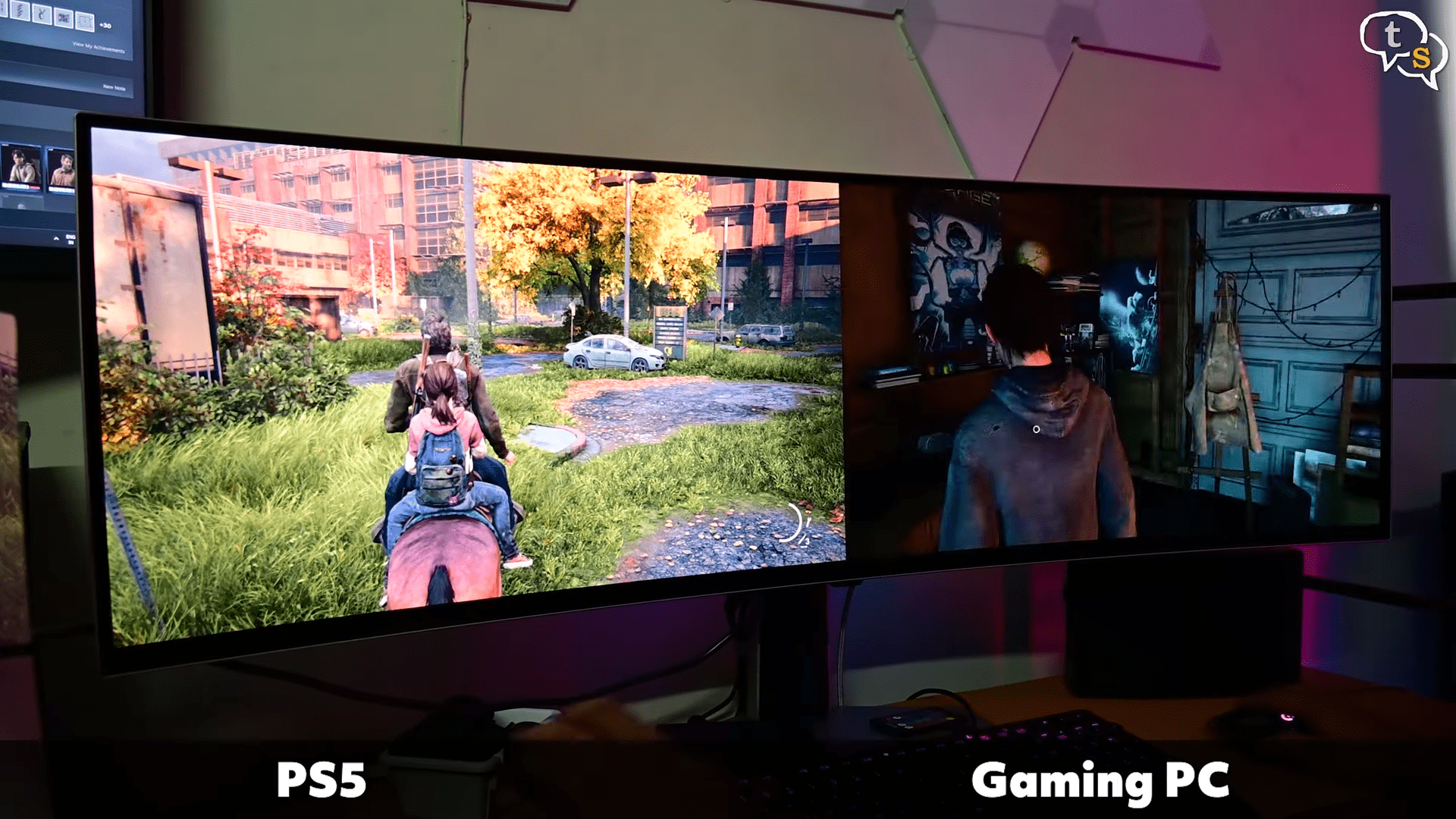
We can also connect two inputs and have them side by side as if you’re using two monitors separately. So you could also have a PlayStation connector to one side and the PC on another or you can also have two separate PCs connected to the same monitor.
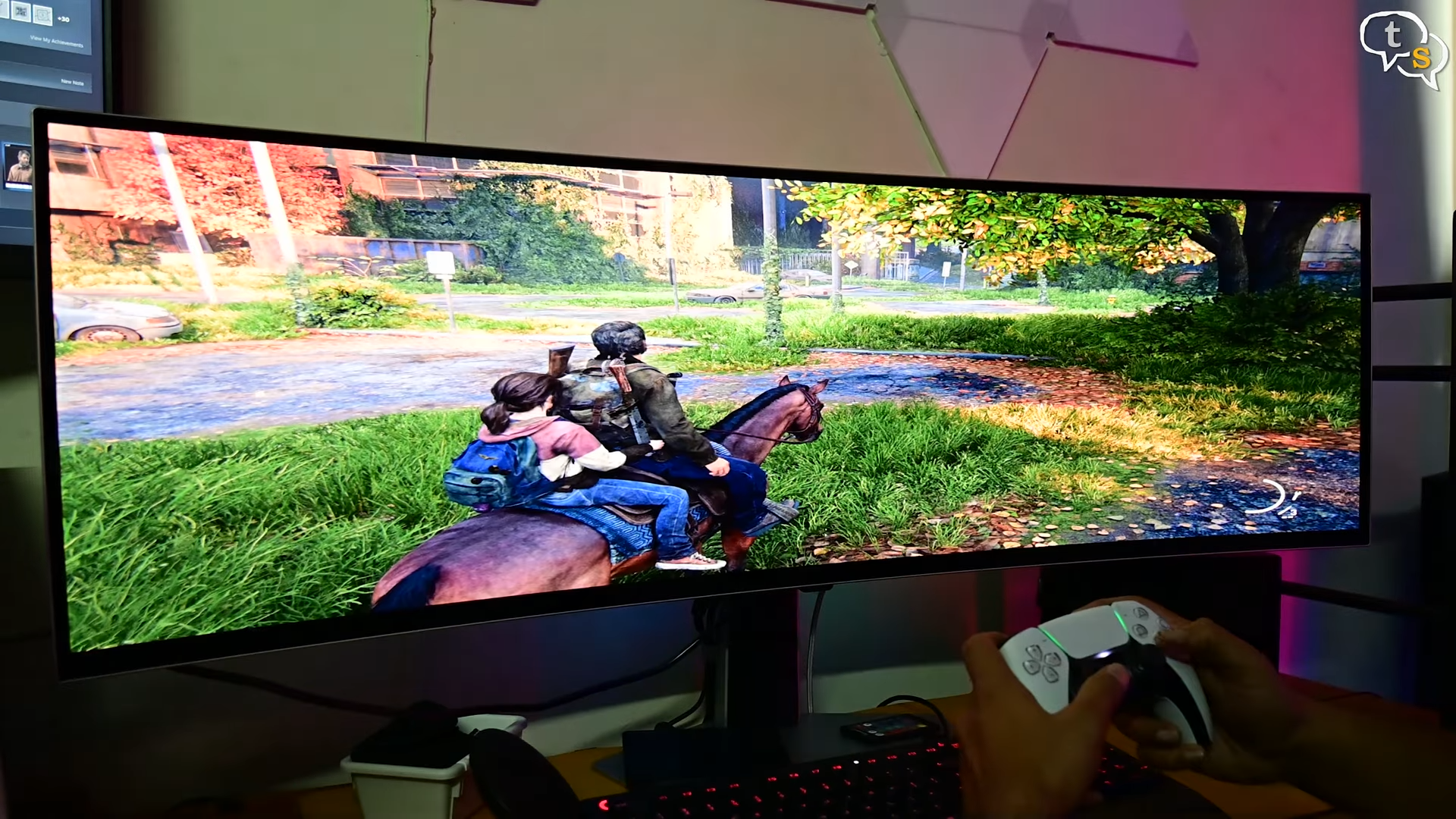
The PS5 doesn’t seem to be able to support the ultra wide resolution and it looks like this on the monitor.
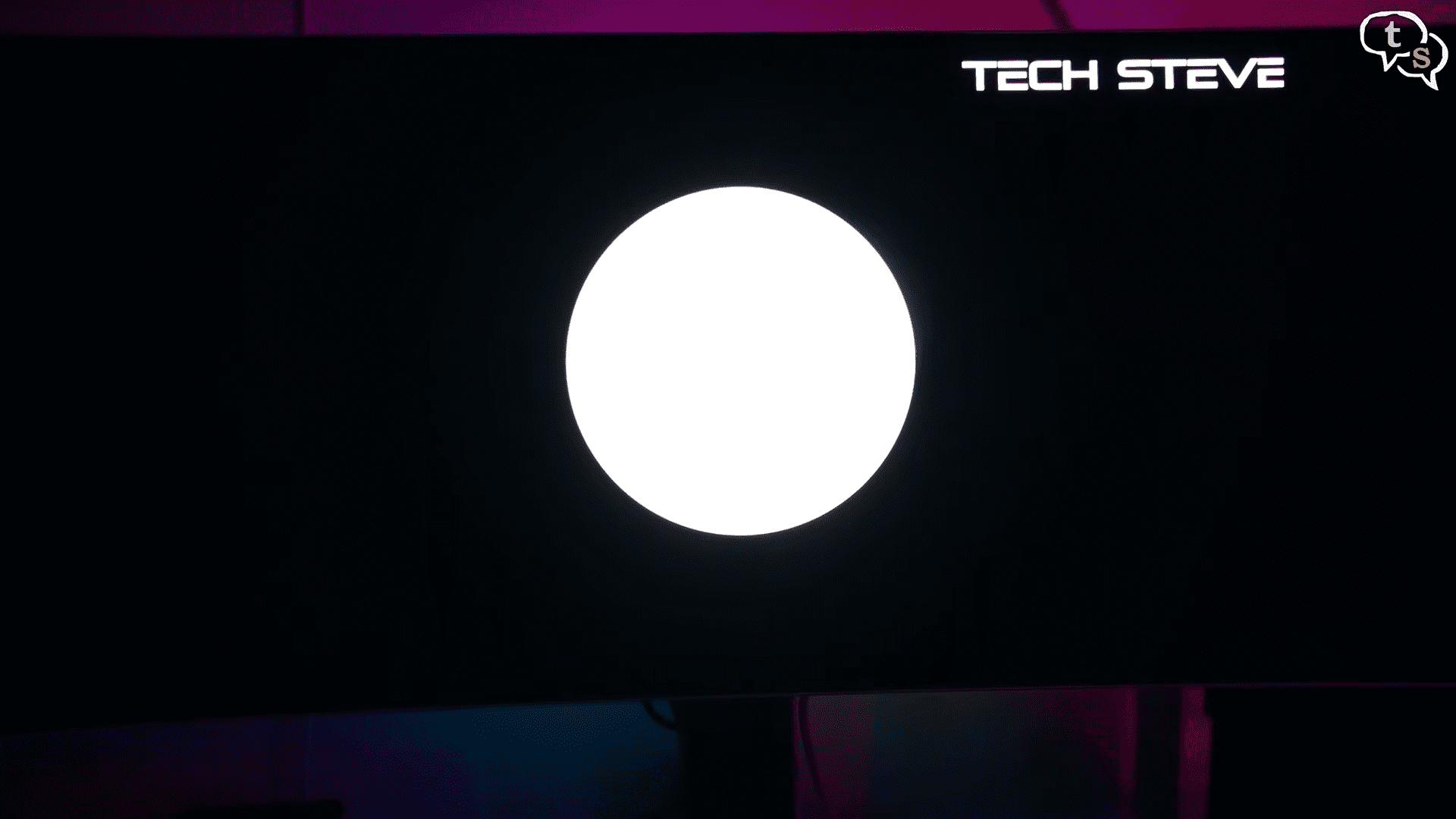
As this is an OLED panel, there is no backlight as each OLED generates its own light. So there’s no backlight bleed. Also, it doesn’t have the bloom problem as we would with the MINI LED. For gamers, this thing is a beast. You get the blazing fast 240 Hz refresh rate, near instant response times at 0.03 milliseconds, and free sync premium pro support. Motion clarity is buttery smooth, and the sheer width gives you peripheral vision you just don’t get on standard monitors.
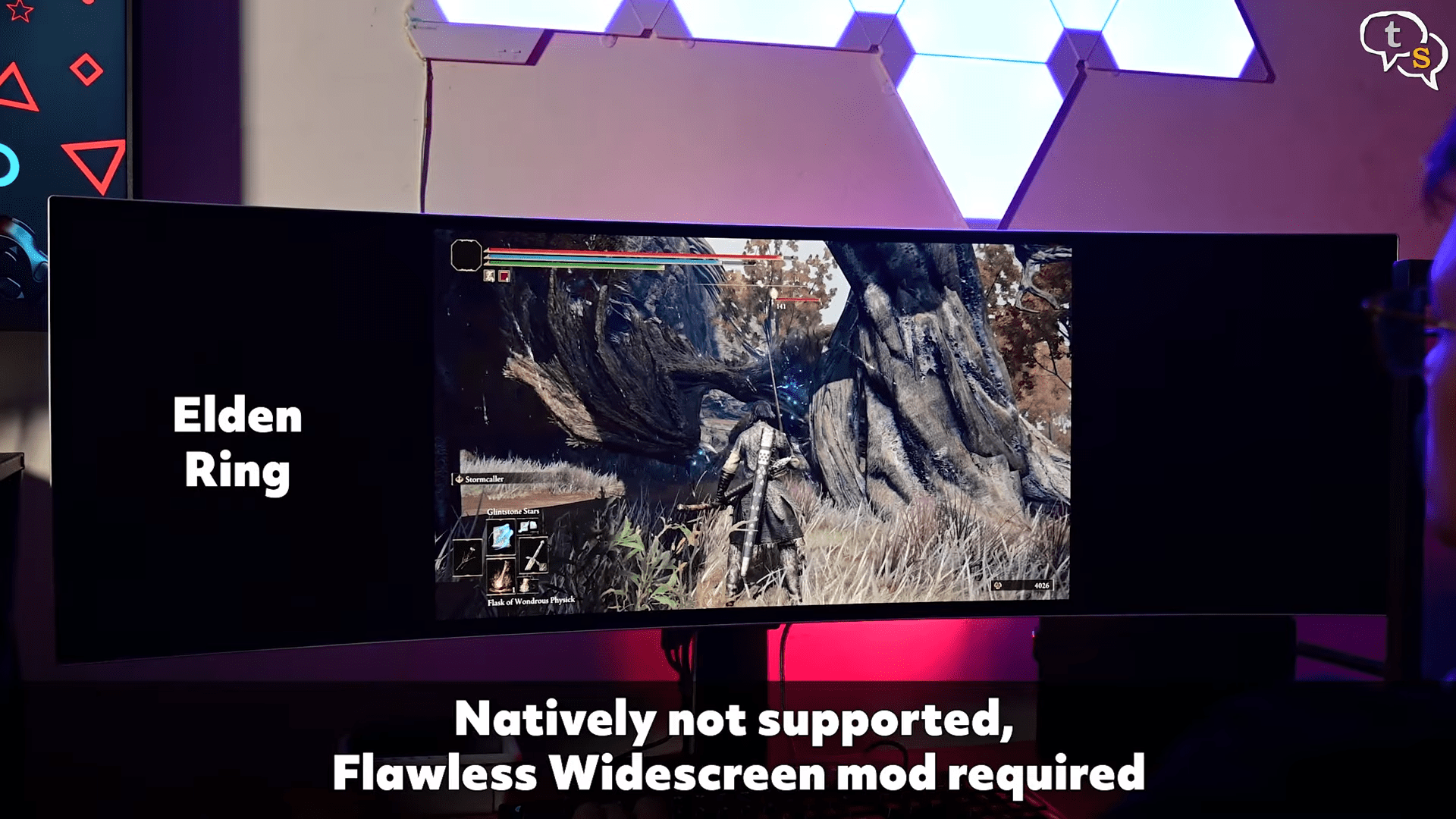
But not every game supports 32:9. In some titles, you’ll either get black bars or stretched UI elements.
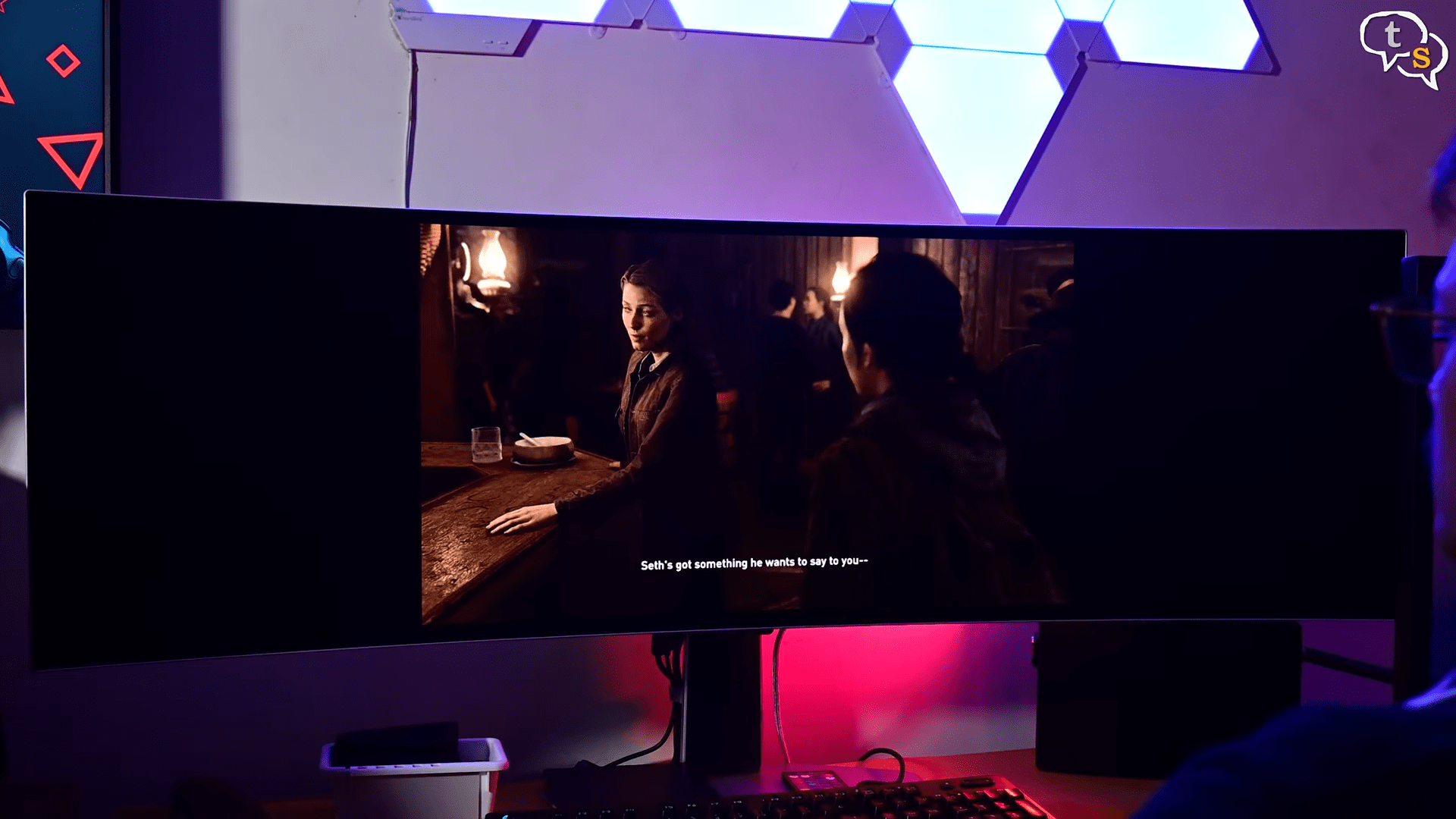
I’ve seen some games that support the odd resolution, but they have black bars during the cinematics, but that doesn’t bother me as during game play, it covers the whole screen.
Being able to see more on screen while playing is a plus. I did see a fisheye effect where the objects look closer on the edges, but when you turn around, it is a bit more of a distance away. That’s how games render to cover the entire screen, like we see here in Last of Us Part Two.
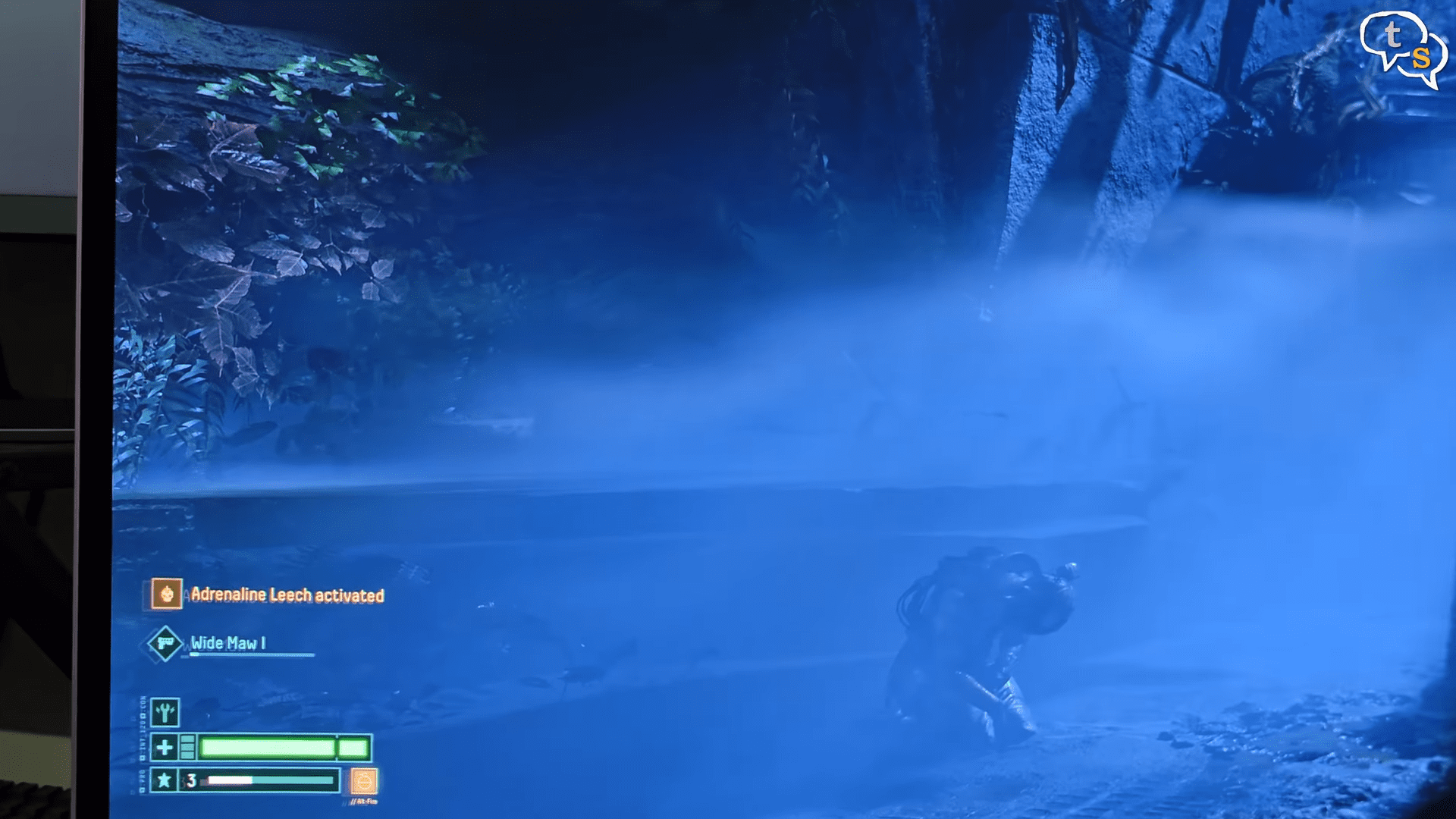
There are games like Returnal which covers the whole screen quite well. But here we notice the second problem.
Sometimes your health bar and your messages are located at far ends of the screen. It’s in your peripheral vision but not clearly visible. FPS shooters will take advantage of the 240 Hz refresh rate giving you an edge in both responsiveness but also a larger field of view.
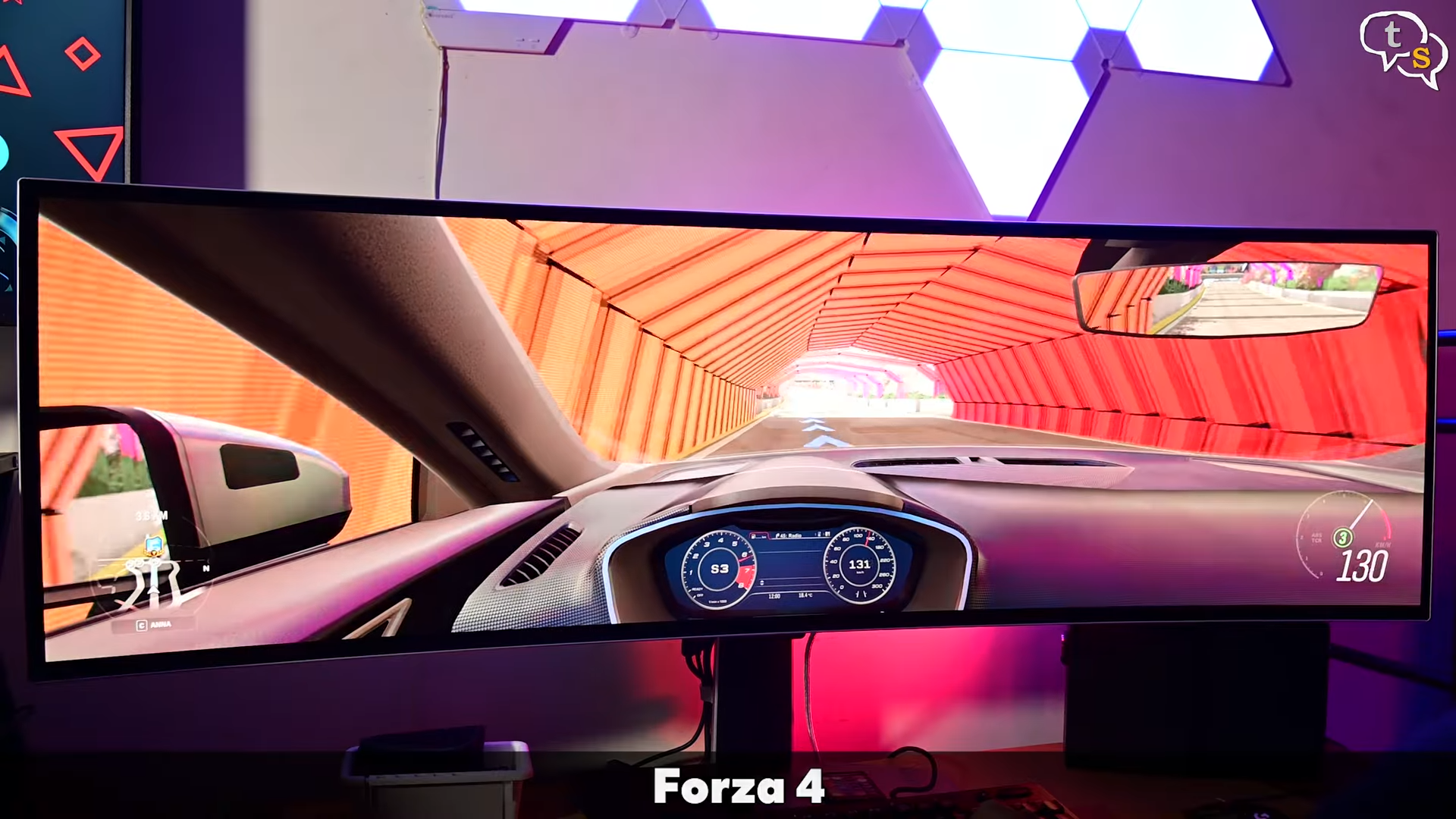
Here’s Forza 4. The immersiveness that you get from this monitor is mind-blowing. You feel wrapped in the view and I have seen multiple users have this monitor for their racing rig. The monitor supports all common variable refresh rates like FY, G-Sync, HDMI, VRR.
The 32:9 format is great for gaming, multitasking, and workspace setups.
This monitor isn’t just for gaming. For productivity, it’s like having a dual monitor setup without the bezels.
And video editors, streamers, stock traders, you love the real estate.
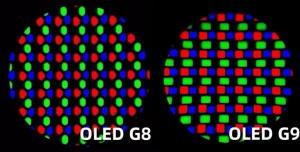
But for text heavy work, only triangular sub pixel layout is supposed to make fonts look slightly crisp compared to an IPS panel. But I have found no problems whatsoever.

Here’s a comparison between IPS and the Odyssey G9.
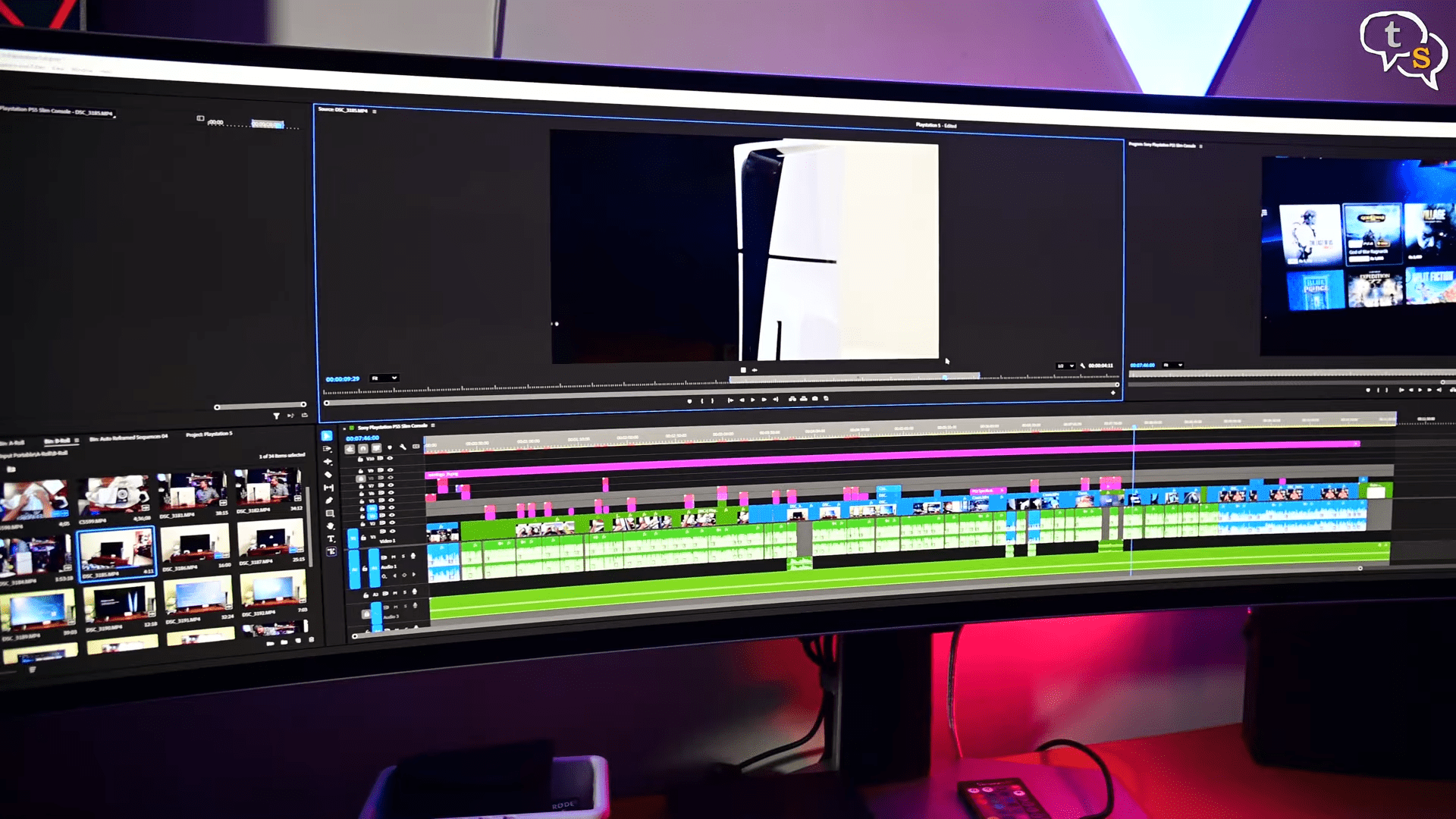
Using Adobe Premiere Pro on this monitor is a boon.
You can have all your source clips, monitors, and timeline fit into one screen. Everything is easy to access and the colors being OLED. It has a strong gamut coverage. If I need more screen real estate, I do have a 4K monitor attached to my PC.
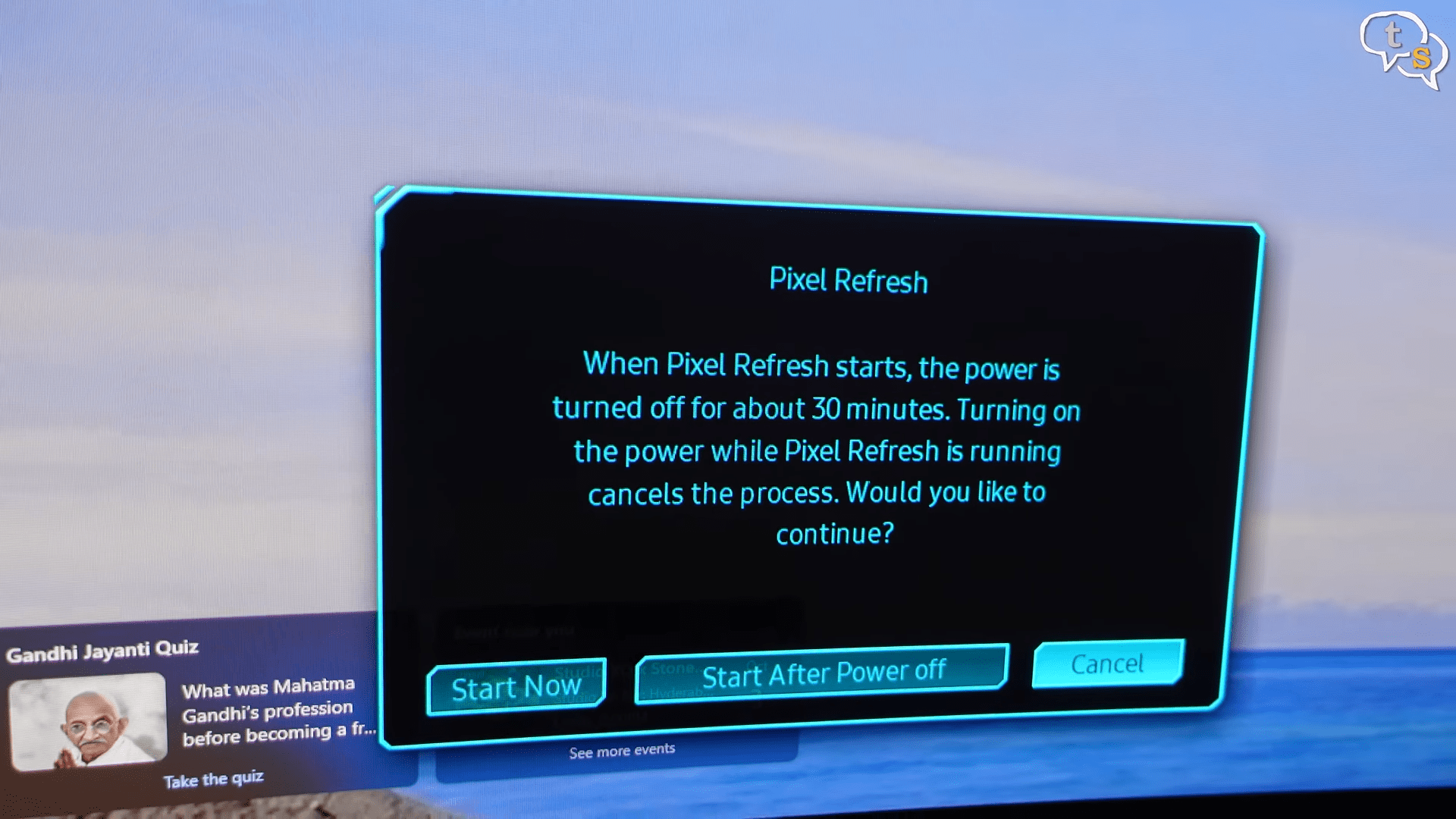
Now, OLED does come with risks. Uh, it’s burn-in is possible if you keep static elements on screen for long hours. Samsung has built-in pixel shifting and screen savers, but you’ll still want to be careful and at nearly one lakh. This is not a casual purchase. Plus, the size and stand ergonomics can be challenging for smaller desks.
I measured a dozen times before ordering this monitor. I am glad that it fit. I do have more space free on the left, so it can overlap, but mine fit in just right. Backlight bloom is another mini LED problem, but it looks clean on OLED.
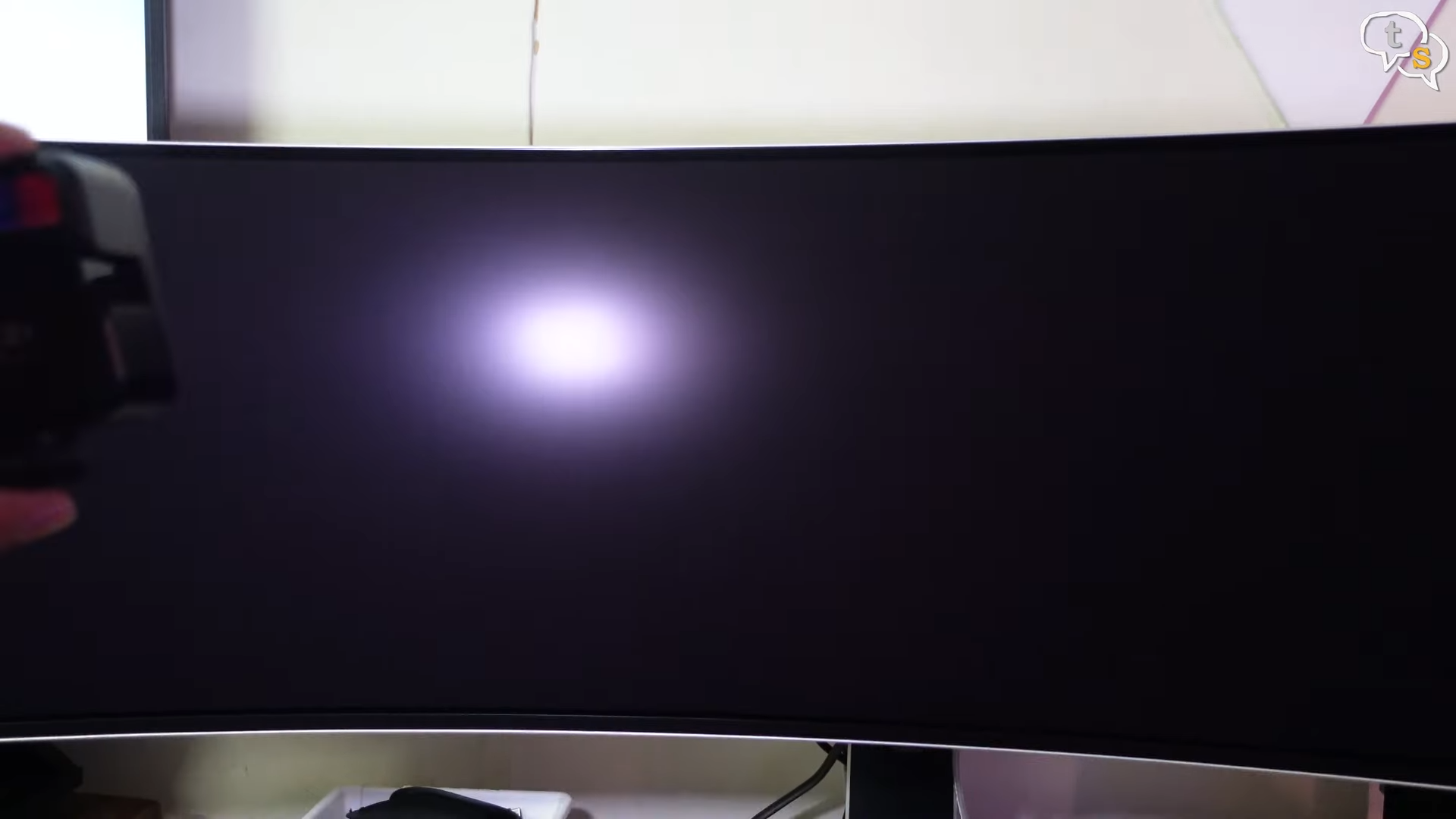
The reflections are handled moderately well as you can see here.
There is a model which has Tizen OS built-in with streaming apps and also provides a remote, but this model which I have doesn’t, which at this price it should have, and it doesn’t even have speakers. So, should you buy the Odyssey G9 OLED? If you want one of the most immersive displays ever made for gaming, for content creation, or just to flex your setup, this is a showstopper. The picture quality, the smoothness, the wraparound feel, it’s unmatched.
But if you’re mainly into bright HDR, heavy text work, or you’re worried about OLED burn-in, you might be better off with a MINI LED alternative or a traditional dual monitor setup. So, that’s my review on the Samsung ODC G9 OLED. What do you think? Dream monitor or overpriced gimmick? Drop your thoughts below.