Imagine a gaming controller… with its own screen… built-in customization… Hall Effect sticks… and support for almost every platform. All this… without spending pro-controller money.
Sounds crazy, right?
Today, we’re reviewing the
Cyberwolf Vision Alpha Pro
and here’s what you REALLY need to know.
First Impressions & Design
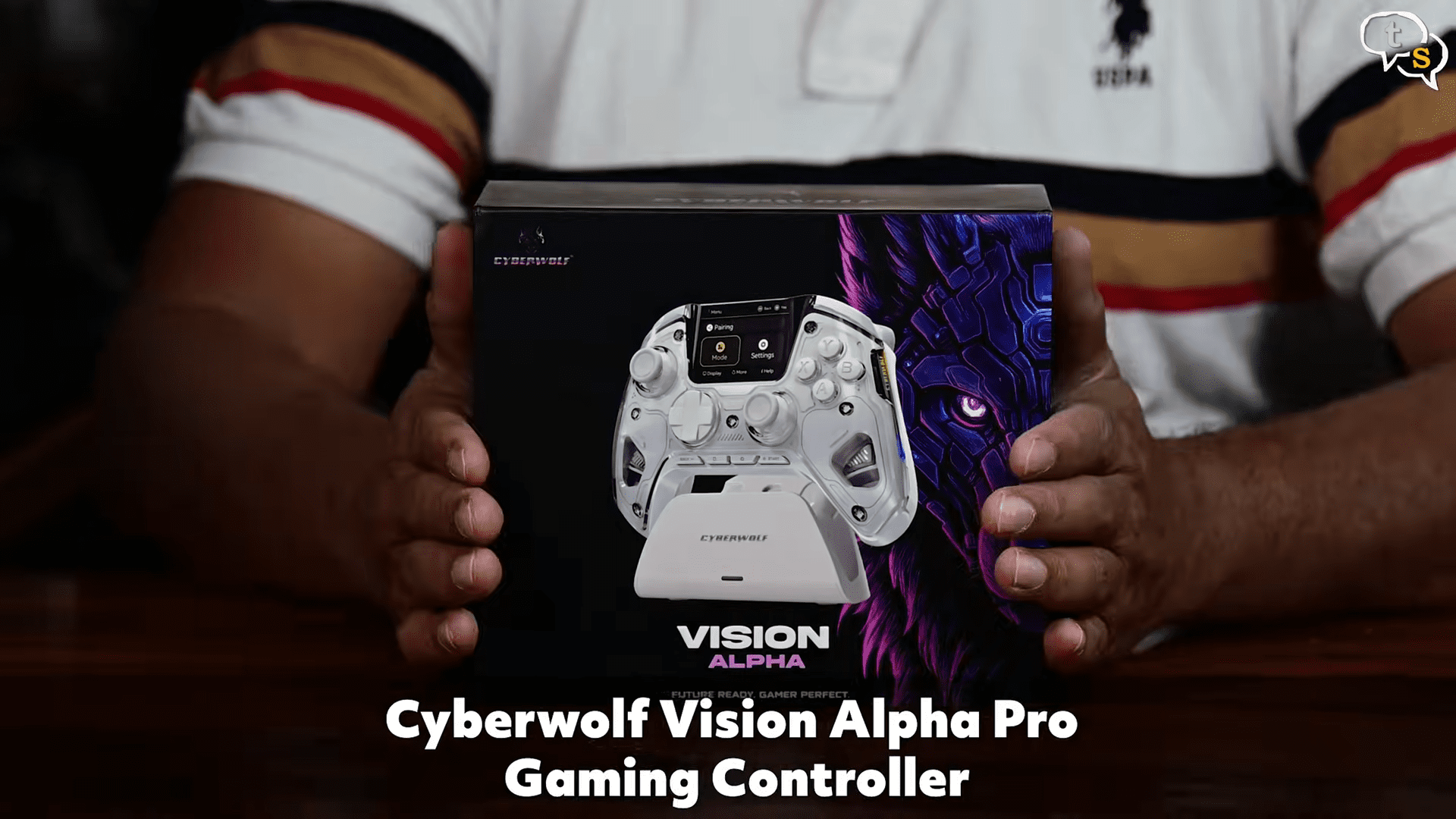
Here’s the Cyberwolf Vision Alpha Pro box, we have an image of the controller in front, and this one comes with a stand too. Surprised by why other big brands dont do that. The xbox one controller doesent come with a rechargeable battery which is sad.
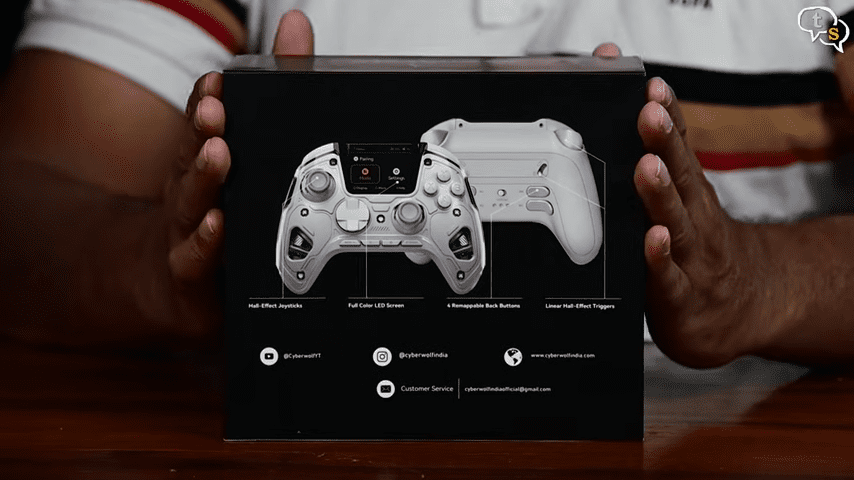 The features are listed on the back, hall effect joysticks, led screen, 4 remappable back buttons, linear hall effect triggers. All Premium features.
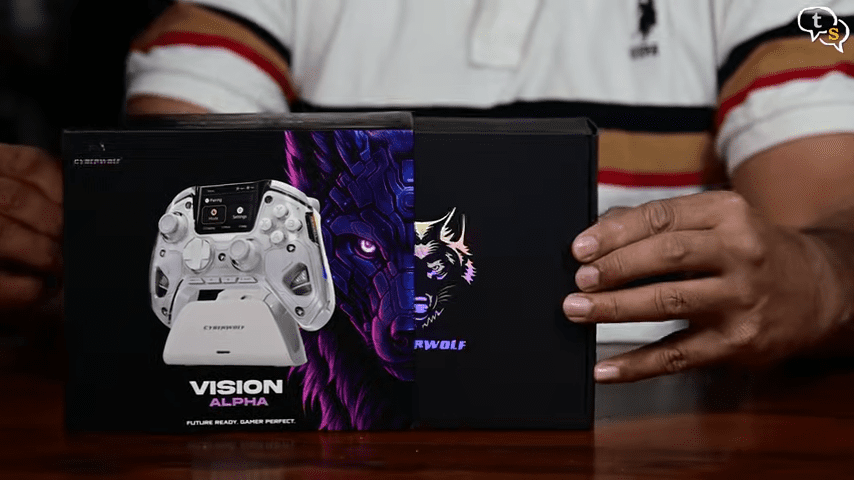
Lets open it up, it slides out like so, and here is the controller , nicely packed.
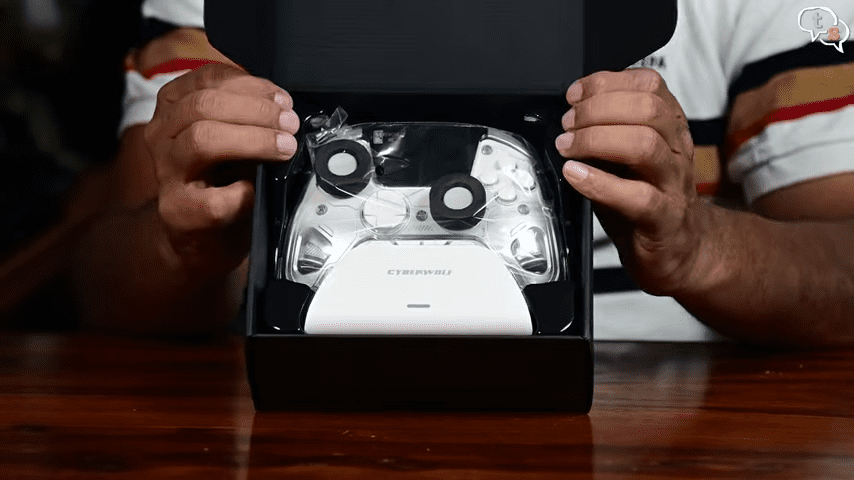
We have a screen protector,
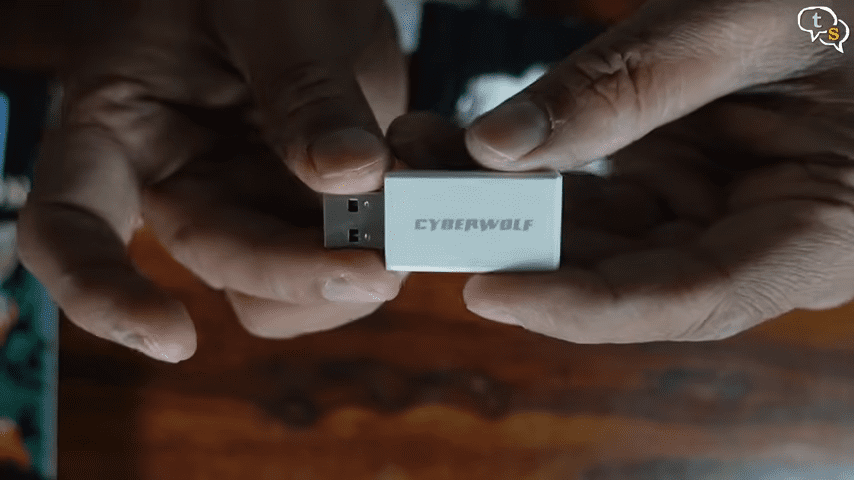
A 2.4 ghz dongle.
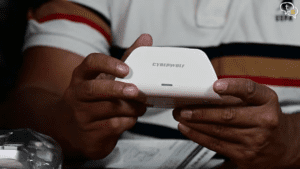

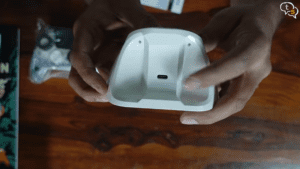
Charging cradle.
Cyberwolf branding in front, charging led below, these are the contacts that contact the controller from below to charge it.
Usb-c port for charging.
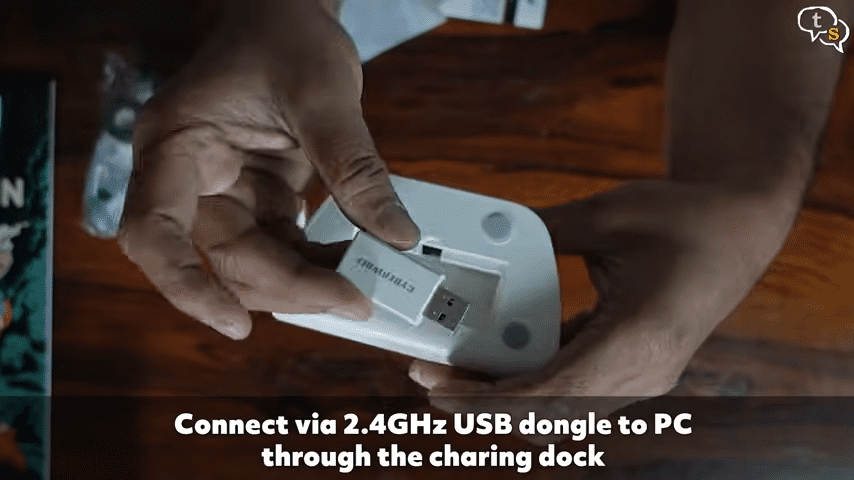
Below this is where you can stow away your dongle, but there’s a usb-a port within, which would allow using the dongle via the charging cable if connected to a computer. so charging and connectivity, cool.
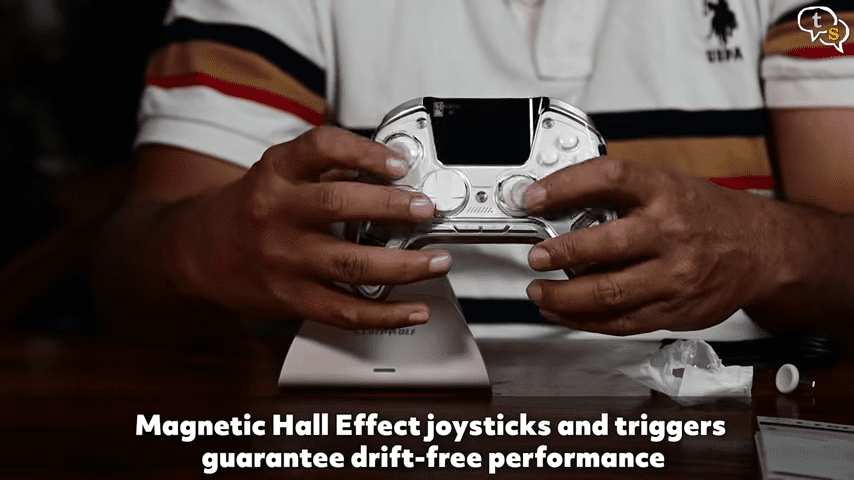
Here’s the controler, and these are the hall effect joysticks . standard controllers have potentiometer or mechanical joysticks, which overtime due to friction can start failing. This controller uses hall effect joysticks which use magnets and are never in contact thus preventing wear and tear.
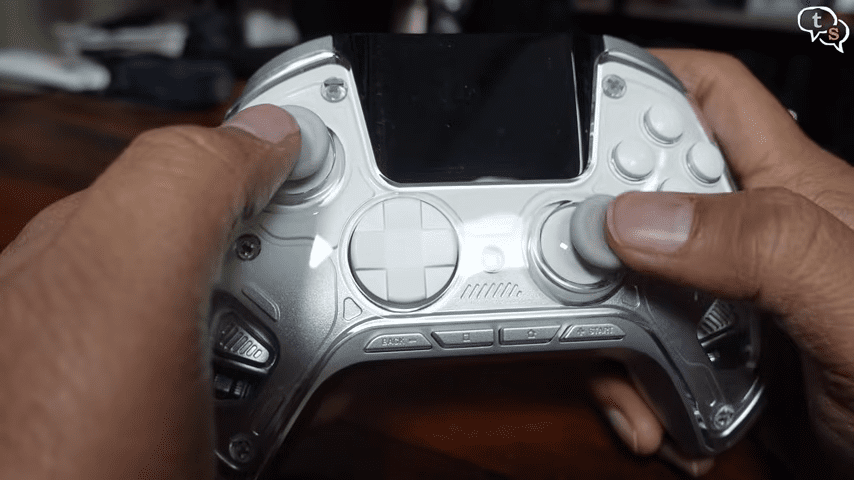
The Cyberwolf Vision Alpha Pro looks unique.
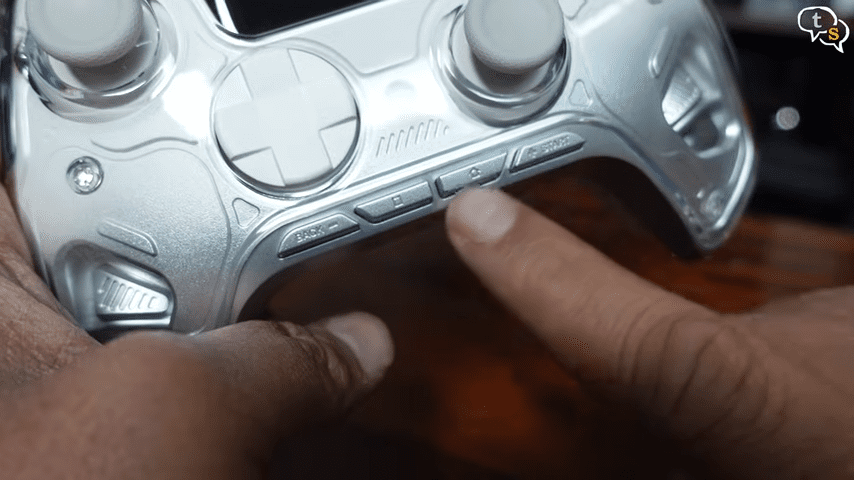
This row is used to control the options on screen.
The buttons are quite clicky.
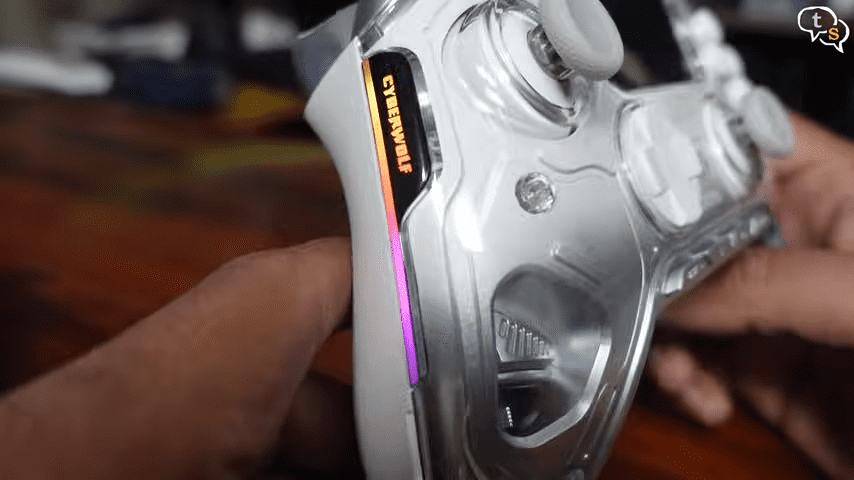
We have RGB elements on both sides with the Cyberwolf logo.
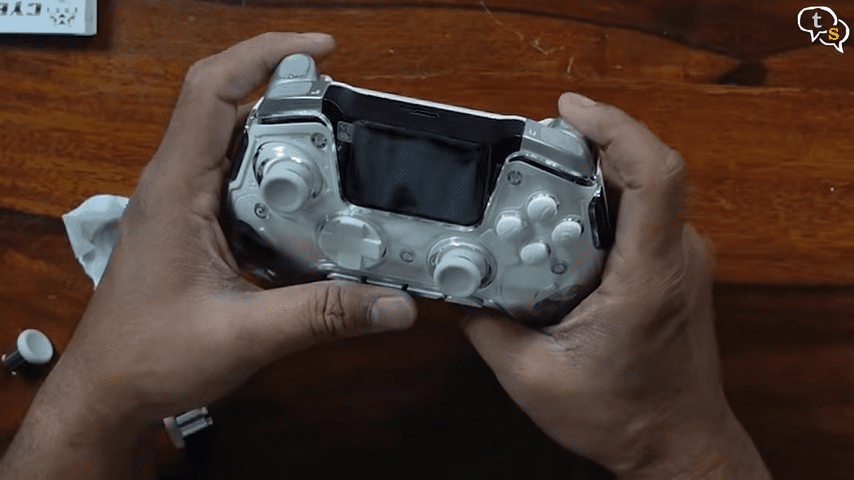
Even the triggers are hall effect. XYAB buttons similar to xbox layout
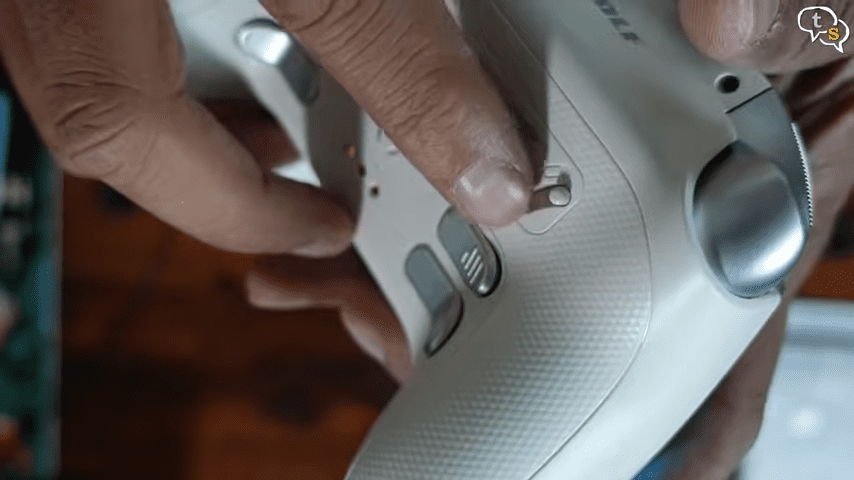
These are customizable if you want a short or long travel distance, short for maybe fighting games or fps , long for racing games for more control.
Here are the charging contacts.
This is long travel and this is short travel. In short travel the trigger activates faster.
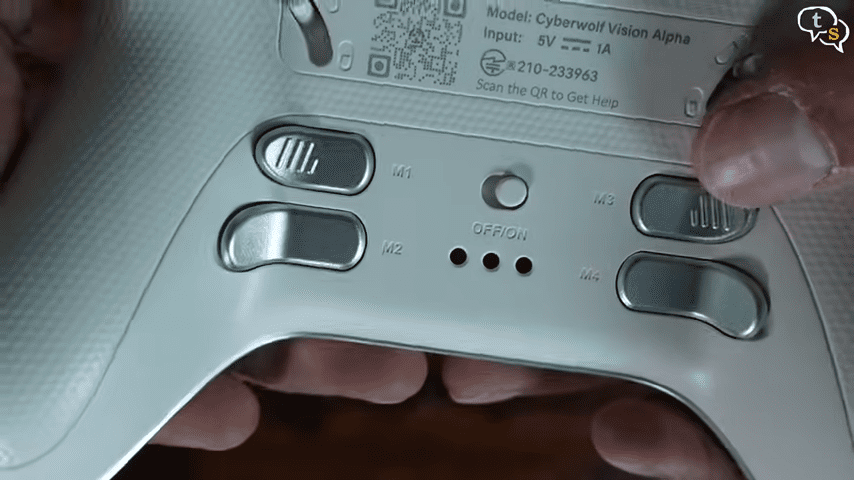
These are the customizable back buttons, a cool feature is that you can record multiple key macros, so when you press one key, it activates multiple key presses as recorded.
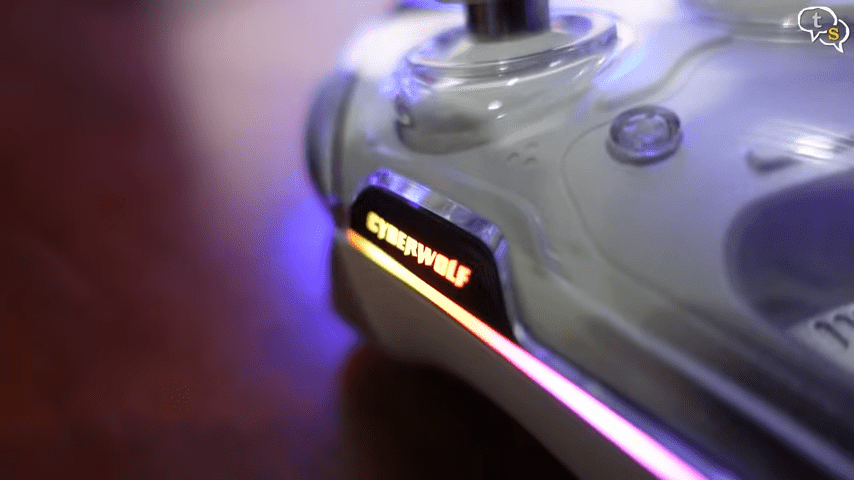
Turning the controller on, we can see the LED lighting.
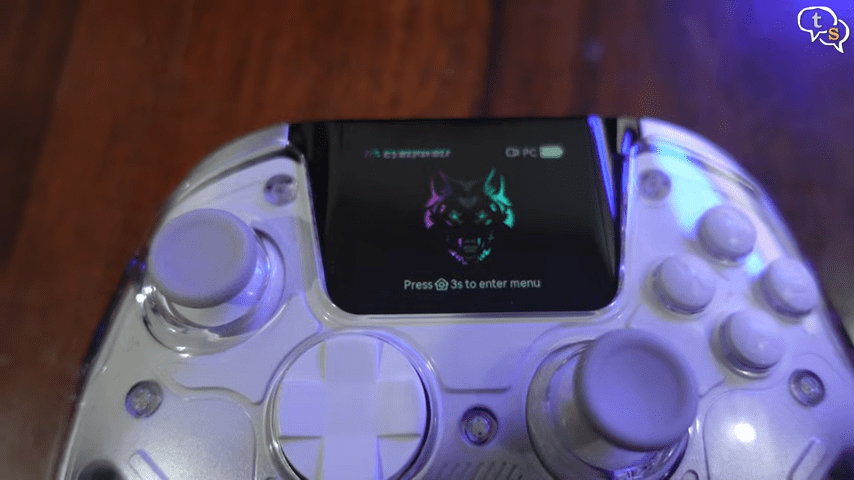
The biggest highlight?
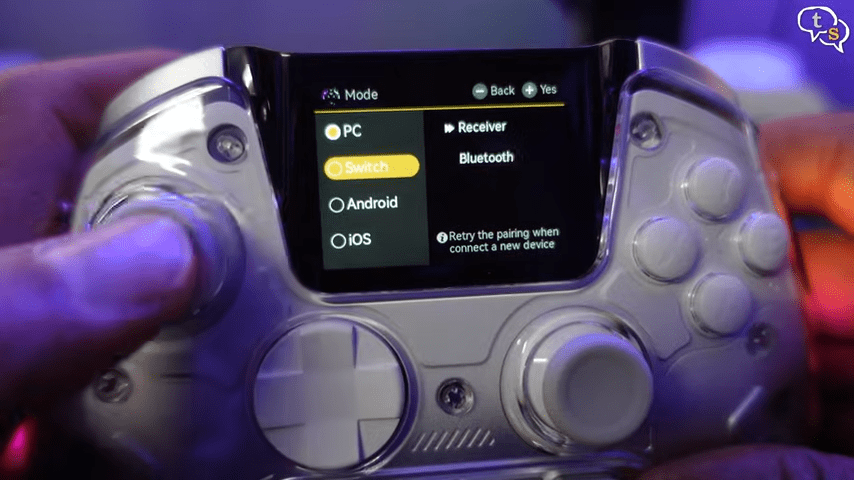
This built-in 2 inch high resolution LCD display, which has now turned on. The display shows the battery level, the current mode, and other information.
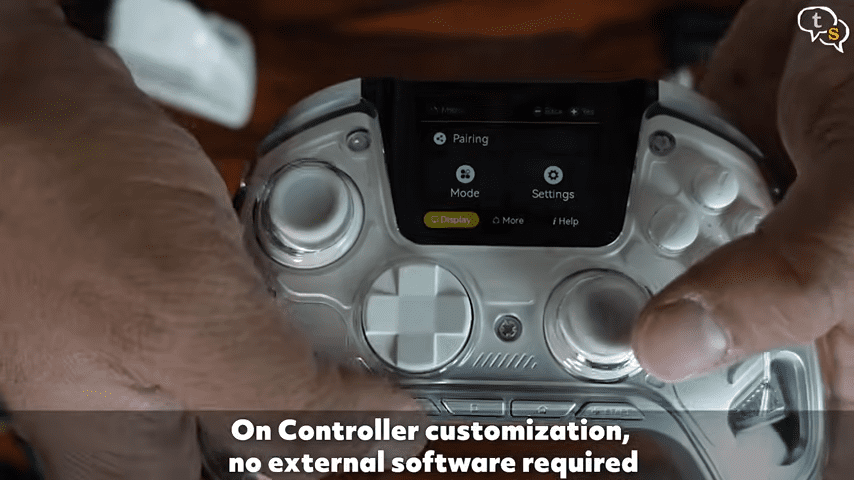
Press and hold the home button for 3 seconds, and the display changes to a dashboard. We can navigate the options using the joystick.
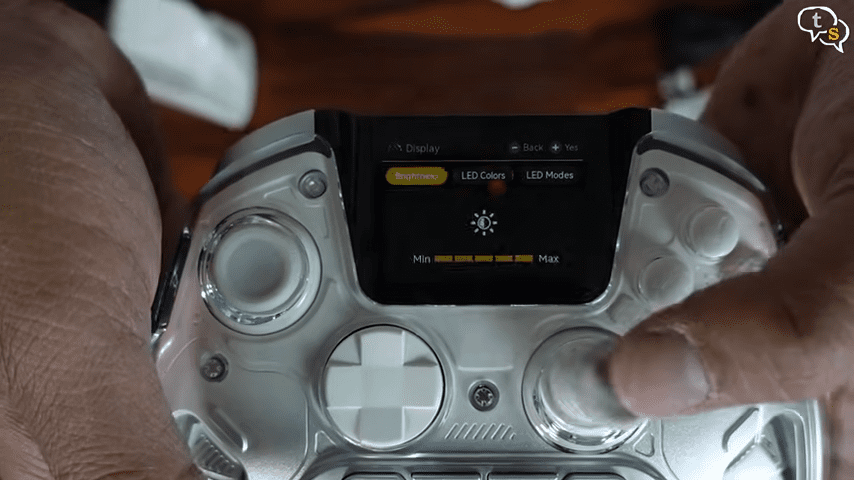
This is the display menu, where we can change the display brightness, change led colours, the animation modes.
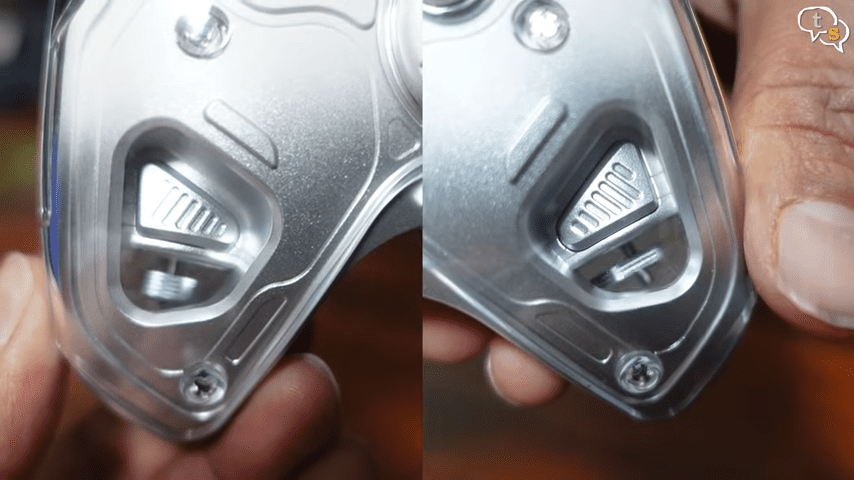
These here are haptic motors, which provide all the rumble effects. I’ll try demoing how it looks when testing it out.
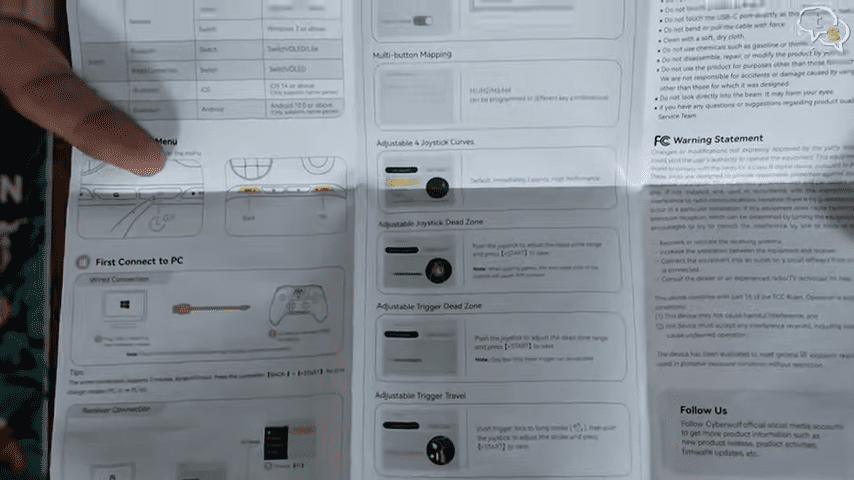
The manual is detailed showcasing how to
change profiles…
remap buttons…
adjust dead zones…
and tweak settings…
All without using any app or PC software.
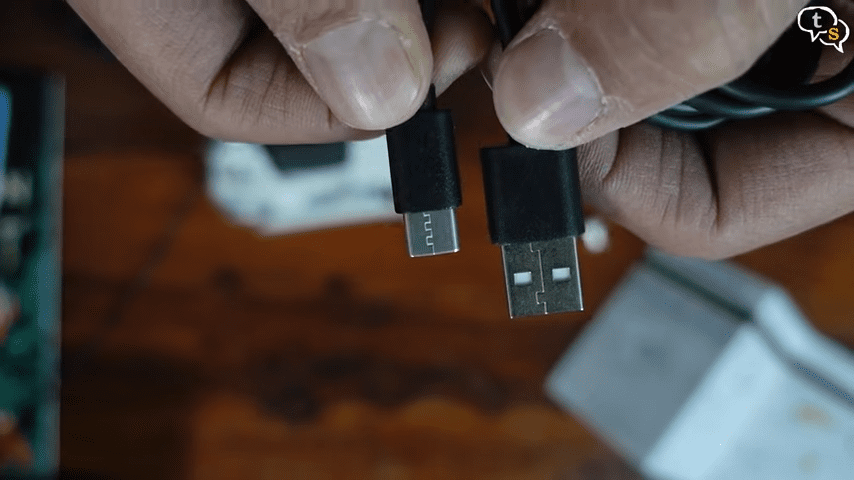
A usb-c to usb-a cable is also provided in the box.
In hand, the controller feels solid.
Not ultra-premium…
but very well built for the price.
The grip is comfortable.
Buttons feel clicky.
And you also get back buttons
for extra control.
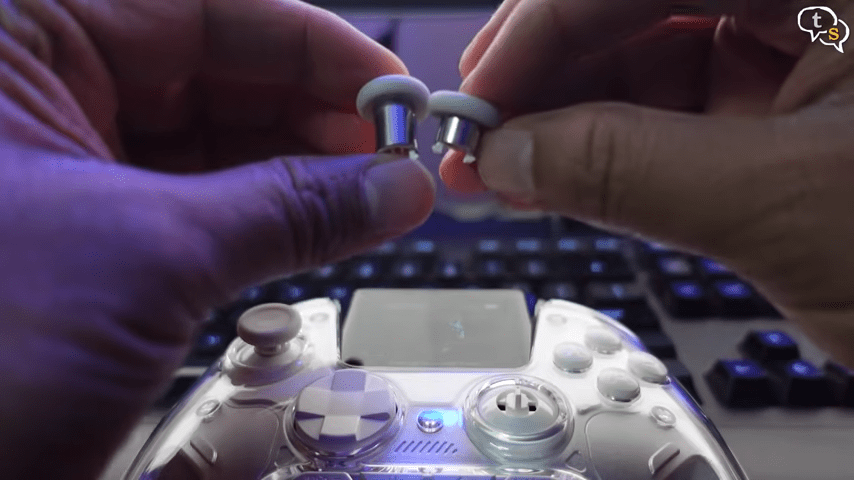
We can change the joystick heads easily with the ones provided, just pull the ones on the controller like so, this is the length difference. Align the new ones and push down. Simple as that.
I like the short ones more though. The thumbsticks have a rubbery texture for better grip.
Performance & Responsiveness
Now let’s talk about performance…
because features don’t matter
if the controller isn’t responsive.
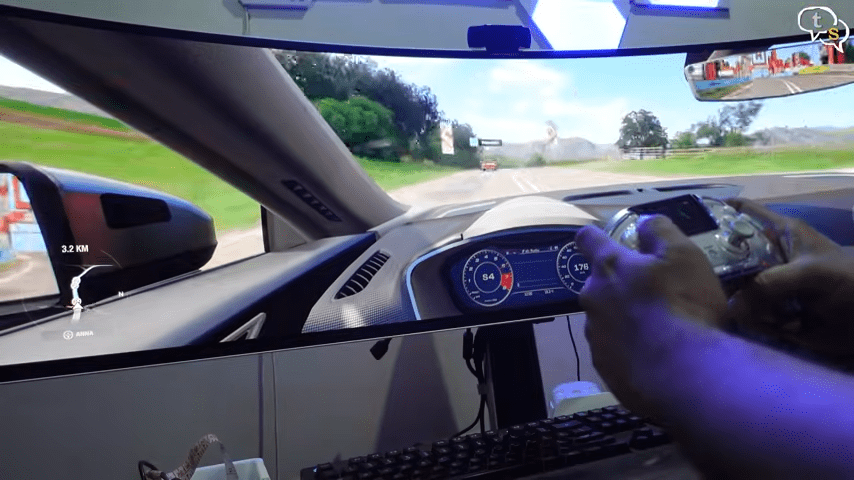
When used wired…
the Cyberwolf Vision Alpha Pro performs really well.
Input latency is very low…
making it great for competitive gaming.
It supports a high polling rate…
and gameplay feels fast and precise.
Wireless performance is good overall…
but not perfect.
Bluetooth and 2.4 GHz work fine
for casual and regular gaming.
I’ve connected the charging dock to my PC, and via the 2.4 ghz dongle within, the controller has connected.
Hall Effect Sticks & Triggers
One big win here…
Hall Effect analog sticks and triggers.
That means…
no stick drift…
better accuracy…
and longer lifespan.
Dead zones are very low.
Calibration is excellent.
Aiming feels smooth…
and triggers respond well —
especially for racing and shooter games.
Features & Customization
This is where the
Cyberwolf Vision Alpha Pro
really stands out.
Built-in screen
On-the-fly customization
Button remapping
Macro support
Adjustable dead zones
Multiple profiles
RGB lighting
Connectivity options include…
wired USB-C…
Bluetooth…
and 2.4 GHz wireless.
It works with
PC…
Nintendo Switch…
Android…
and iOS.
I’ve even used it with my steam deck. You can pair multiple devices and easily switch between them.
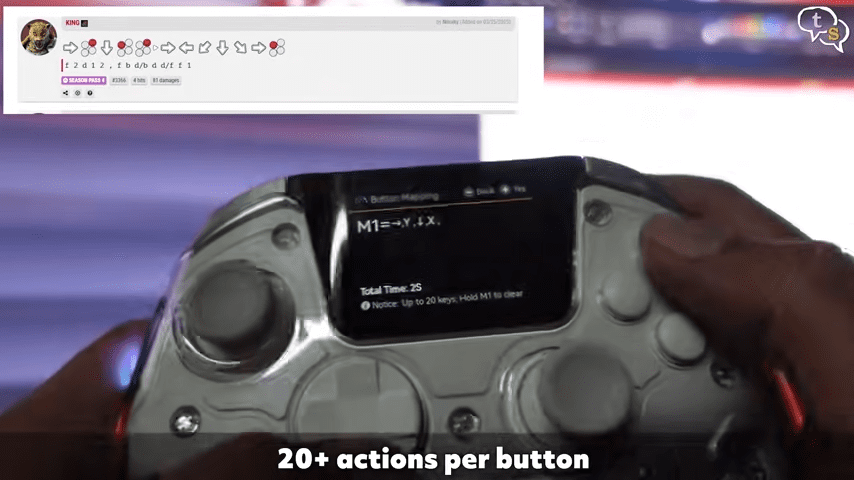
We can program macros on the m1,m2,m3 and m4 back buttons.
This is how you save a combo, you press the buttons or move the joysticks accordingly, when playing you hit the macro key it will perform all the keypresses at the speed you pressed them. I’ve not done it perfectly, but if you are a more experienced player, you know exactly what to do with this option.
Extremely versatile.
Weight is 295 grams which includes the 1800 mah internal rechargeable battery.
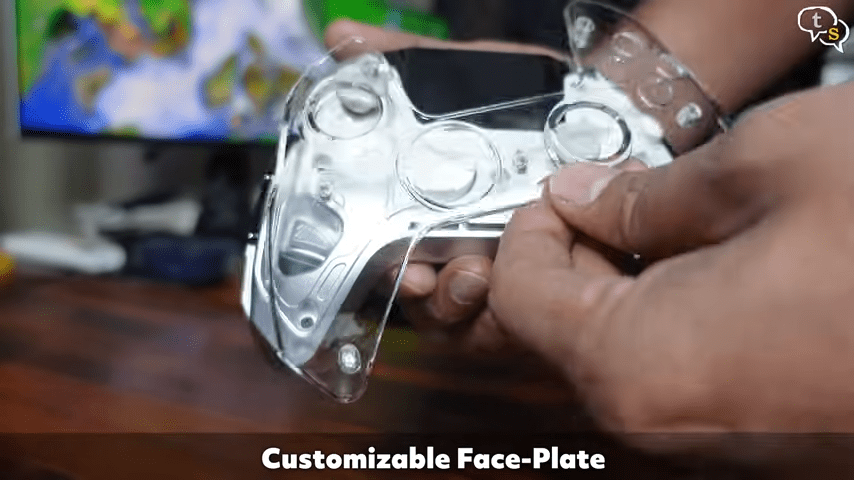
The faceplate is removable and can be customized , I’ve not seen other designs on their website so I’m not sure about their availability. The transparent look is so cool. We can some of the parts within.
Battery Life
Battery life is impressive. Charging time is around 4 to 4 and a half hours.
You can expect
around 10 to 12 hours
even with the screen
and RGB turned on.
That’s better than
many premium controllers.
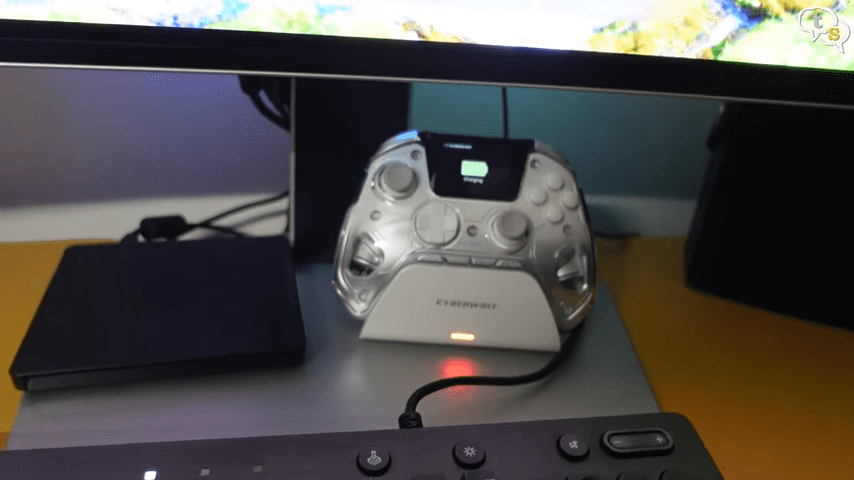
You can charge this gaming controller simply by placing it on the dock just like this. Looks cool too.
The Downsides
Now let’s be honest…
it’s not perfect.
The screen cannot show
custom images or GIFs.
You can’t fully turn off
the screen independently.
And the D-pad may feel shallow…
especially for fighting games.
Not deal-breakers…
but important to know.
Final Verdict
So…
is the Cyberwolf Vision Alpha Pro worth it?
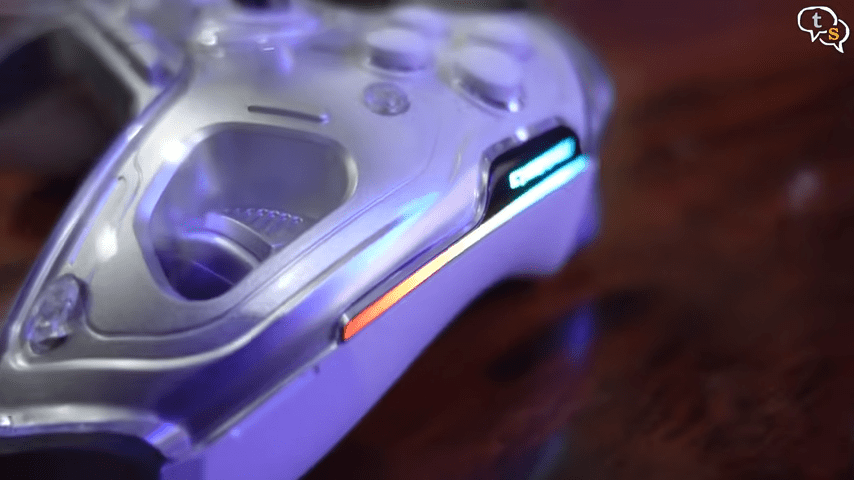
We can change the rgb colours and also the effects on the controller.
If you want a
feature-packed controller…
Hall Effect sticks…
deep customization…
multi-platform support…
Then yes —
absolutely.
If you’re a hardcore competitive player
who demands flawless wireless latency…
you may want a higher-end option.
But for most gamers…
the Cyberwolf Vision Alpha Pro
offers insane value for the price.
I’ve also noticed that this controller is very similar to the Manba One V2, which costs almost double. Everything looked very similar so are they simply over priced, make sure to do your due diligence before purchasing.