
You all know that I’ve been a windows user for years, take these videos for example. The only time I’ve used macs is for work, especially iOS app development, as you cannot deploy for iOS without a mac, generally.
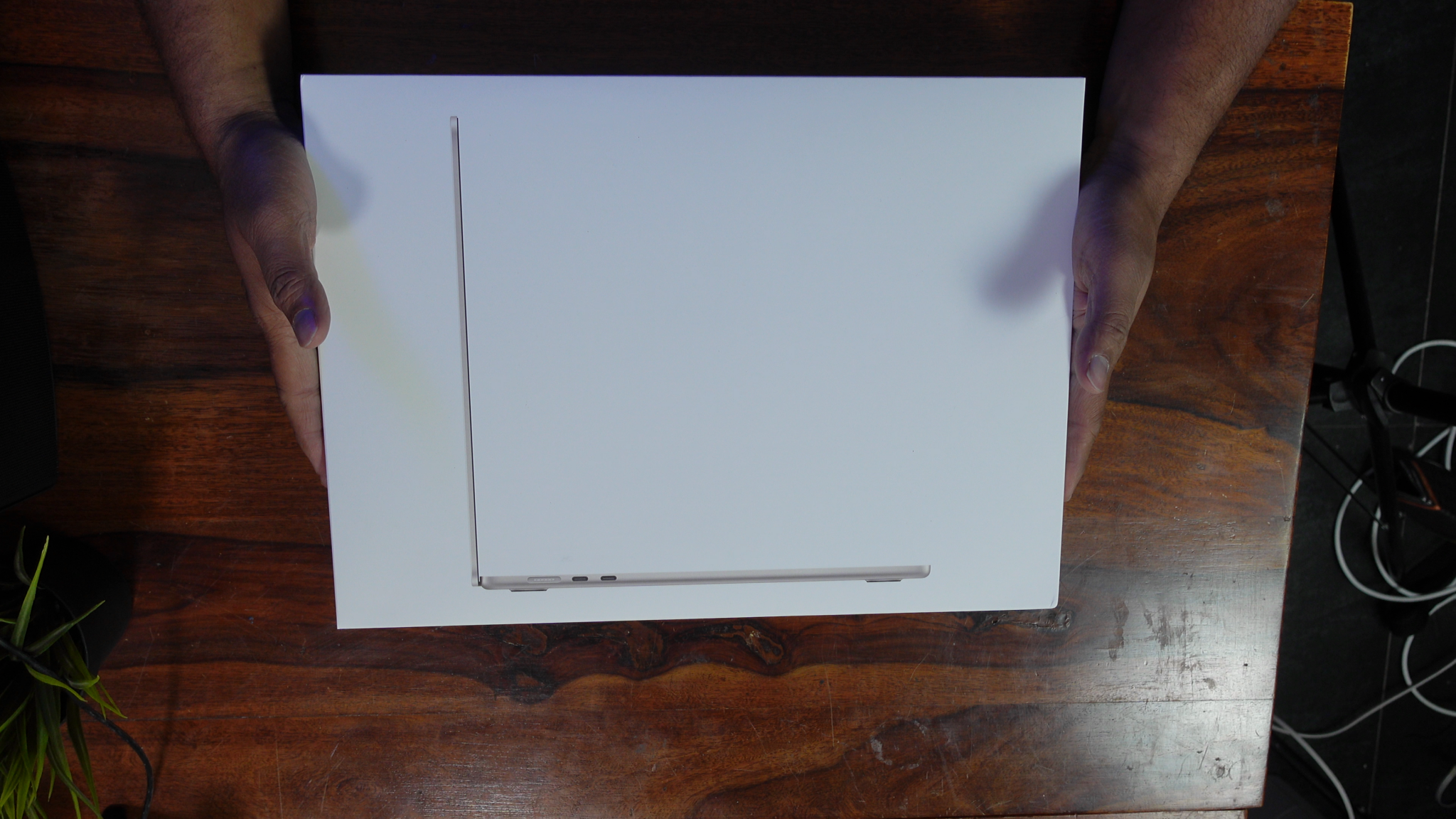
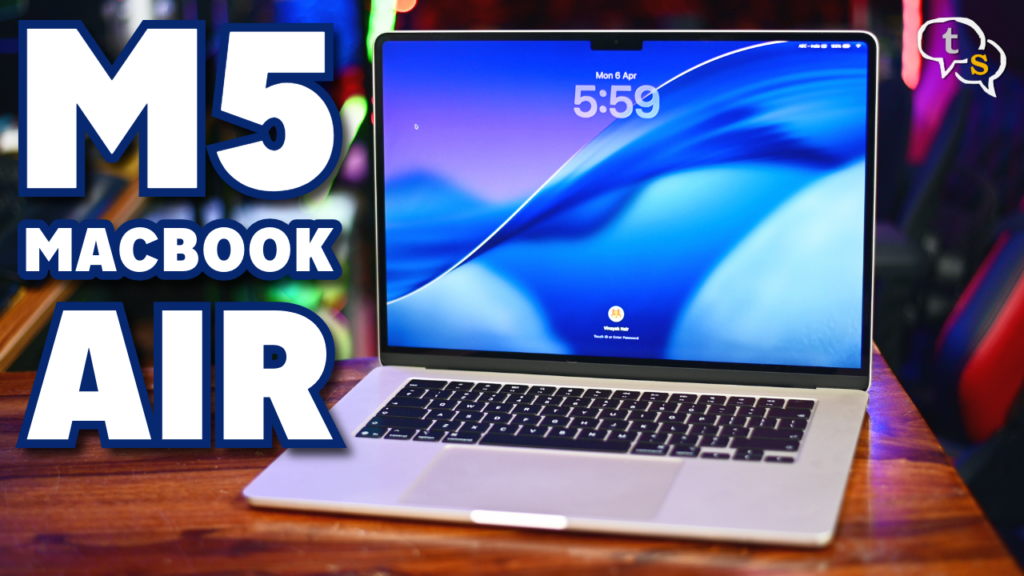
So here I have the Macbook air M5 which is the latest M5 chip from Apples M series stable. So is this really worth converting to, lets find out.
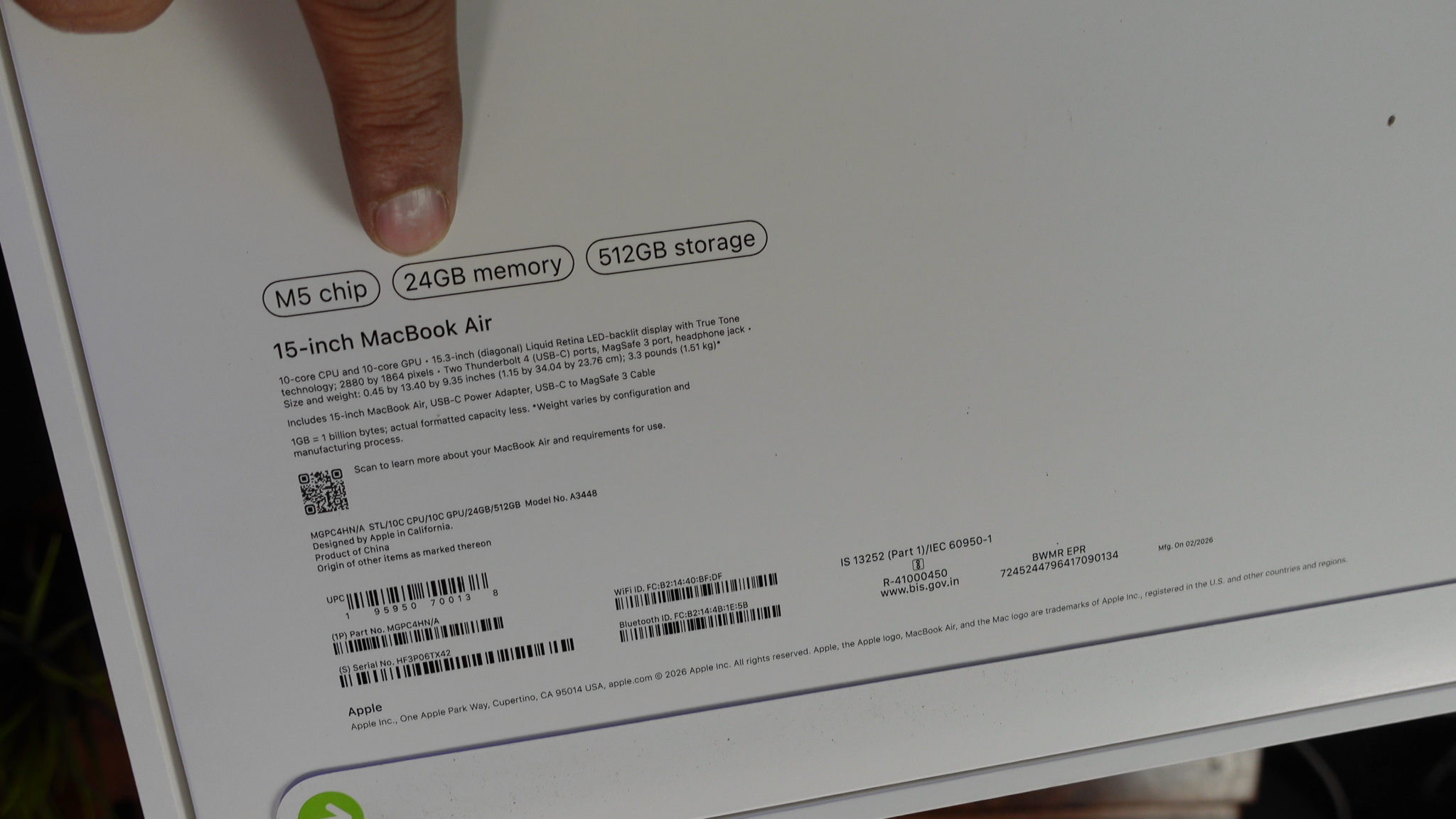
So this is the MacBook Air, I have the 24GB ram and 512 GB storage option. This is unified memory and needs to be selected when purchasing the laptop else you can’t upgrade it later as they’re soldered onto the motherboard. There are workarounds for mac mini’s but I’m not sure if the same is doable on the MacBook air and pros.
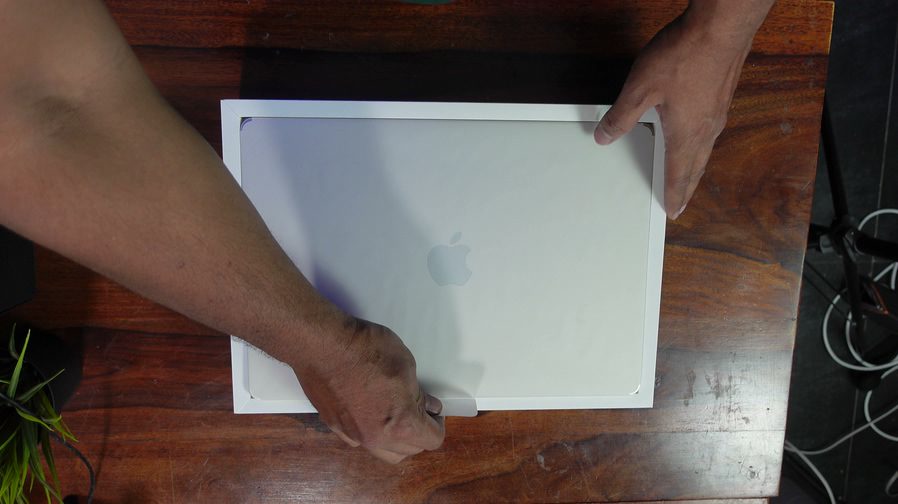

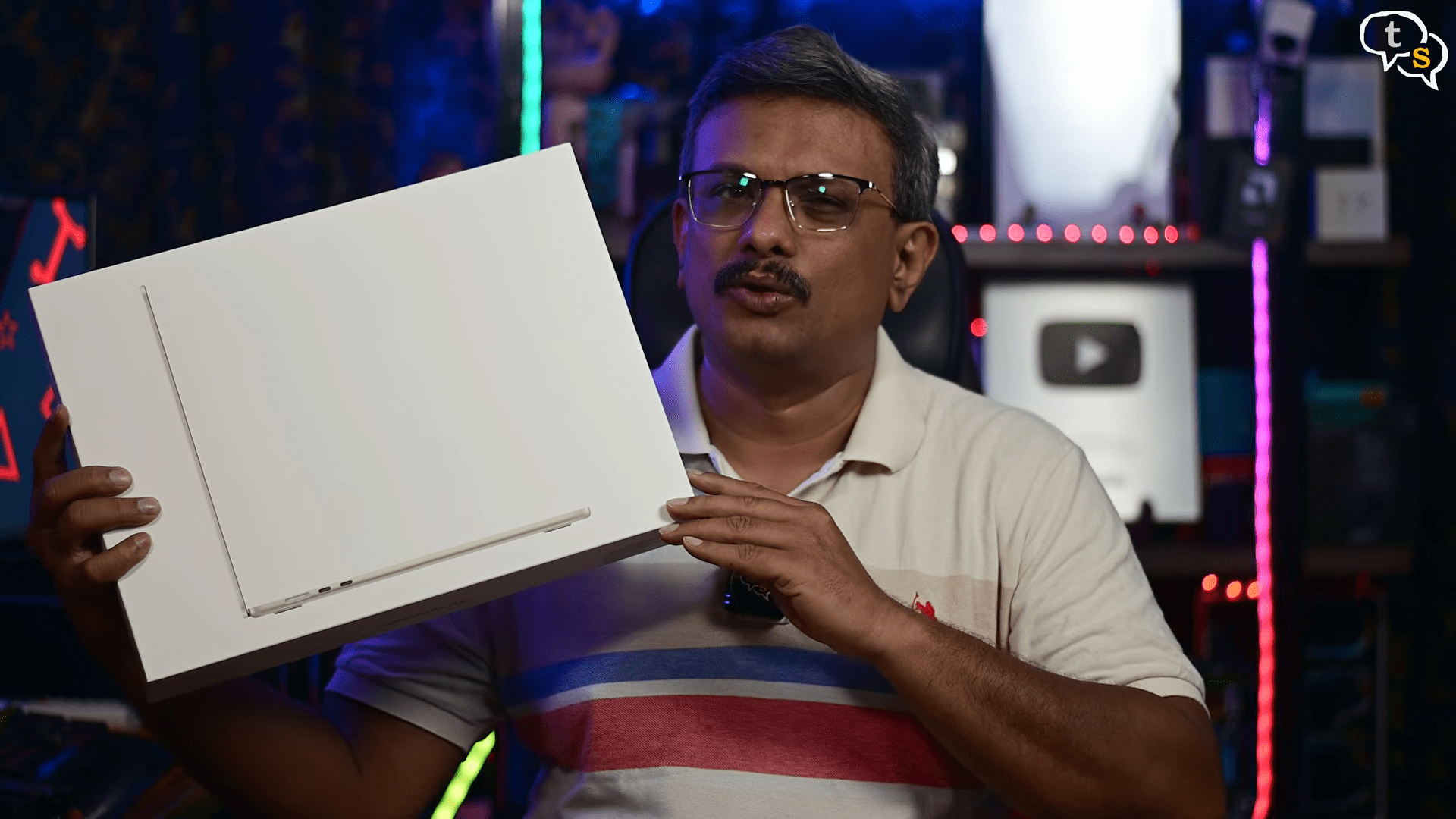
Unboxing we have first the MacBook air itself, this is in starlight and it’s a slight gold in colour.
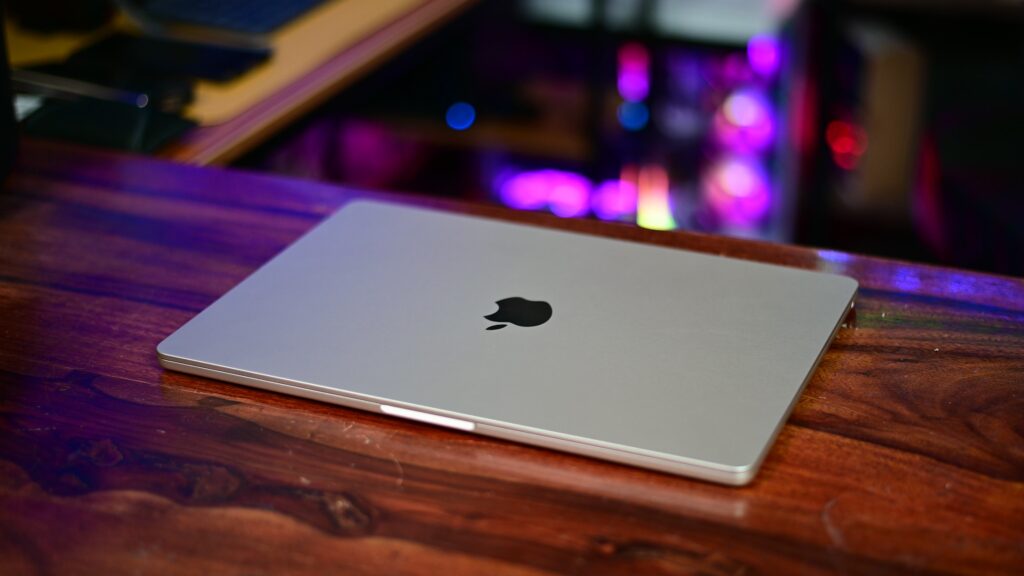
I liked this colour, and it is advised to not pick the darker colours as they are fingerprint magnets. Have to see how well this one keeps fingerprints off.
The laptop maintains a premium, all-aluminum unibody design that is both remarkably thin and structurally rigid. It is built using over 50% recycled materials, including a durable recycled aluminum enclosure designed to withstand daily use without significant flexing in the screen or keyboard deck.
It features a fanless design, allowing for completely silent operation even under load, though it may become warm during sustained intensive tasks.
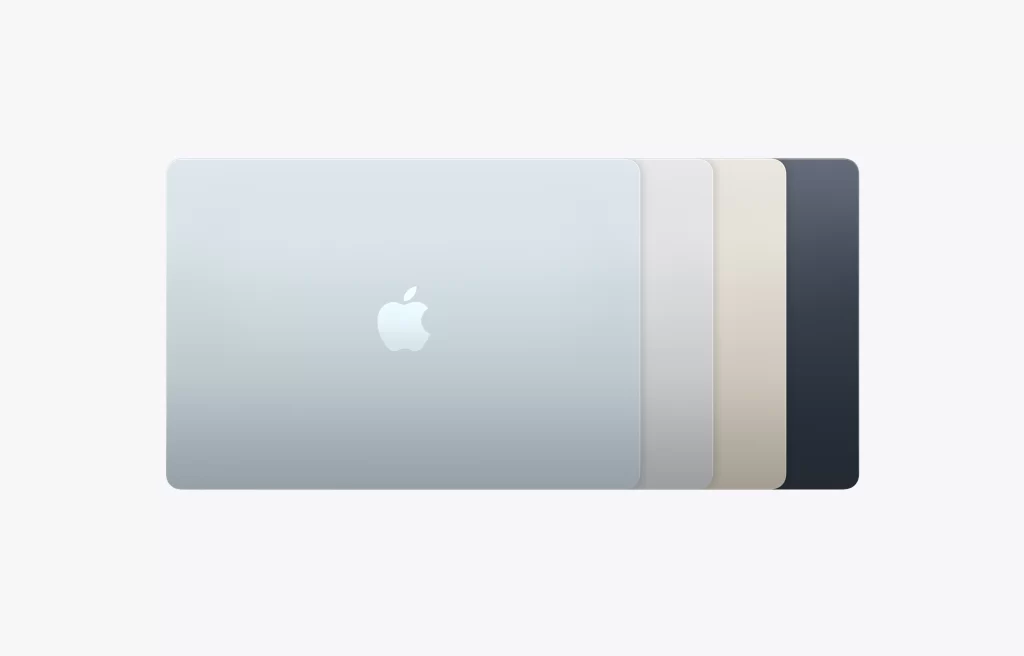

Colours on offer are silver, midnight, starlight and skyblue.
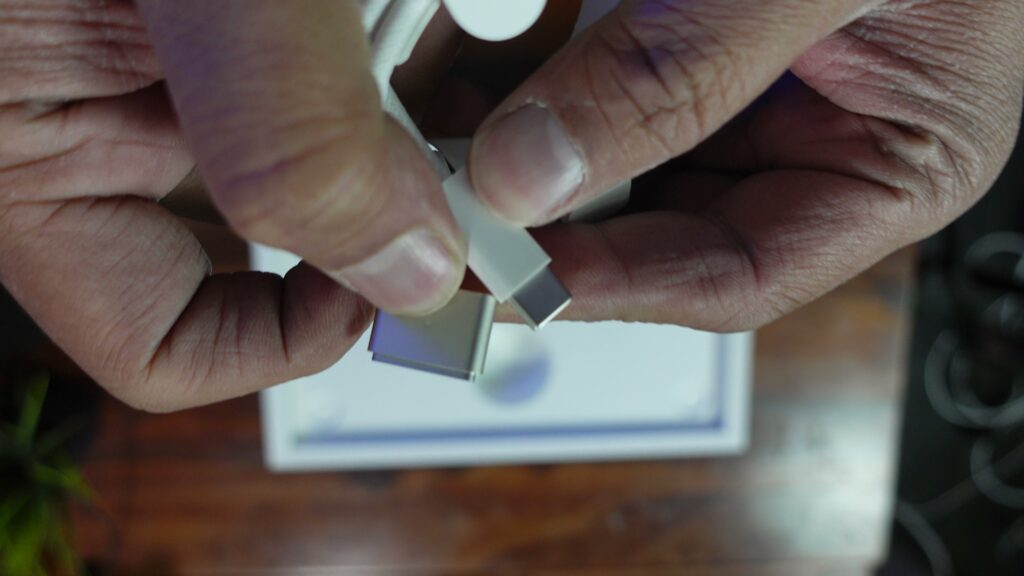
Under that we have the MagSafe power cable, the power adapter, I changed this in the options. We generally get a 35 watt charging brick, but I chose the 70 watt adapter.


This allows more power to be supplied to the MacBook, for more stable performance. I think. The 35 watt adapter has two usb-c ports on the back, the 70 watt adapter has one, which would be used by the MagSafe cable. I didn’t think this through, I thought there would be an extra port for other device and the magsafe would use its own port which is not the case. Also this small little adapter powers this laptop, which compared to windows laptops have a charging brick hanging on the side. Yes discrete gpu’s draw a lot of power, but portability is the MacBook air’s game.
Anyway, I have enough USB-C port power adapters so no worries.
Also the 70 watt adapter option pops up when you upgrade to 24 GB RAM. It can be opted for, but the store pops up a message when the higher spec is selected, it is provided at no extra cost.

What else, paperwork, manuals etc.
So that’s it, as with most apple devices it is quite minimal.
Styling is similar to what the M2 had from earlier and is continuing in this version albeit with more performance.
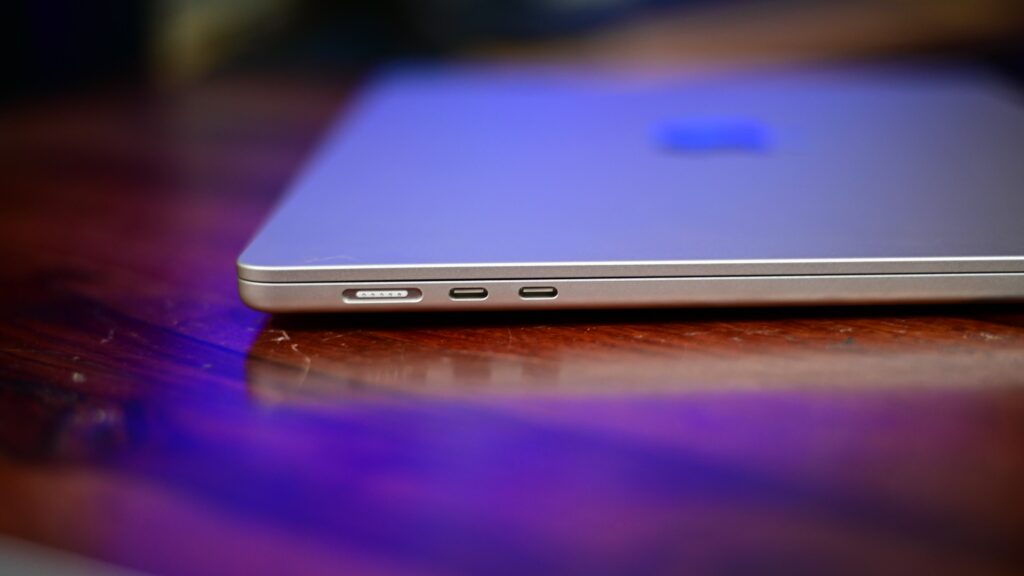
On the left we have the MagSafe power port and two usb-c thunderbolt 4 ports.
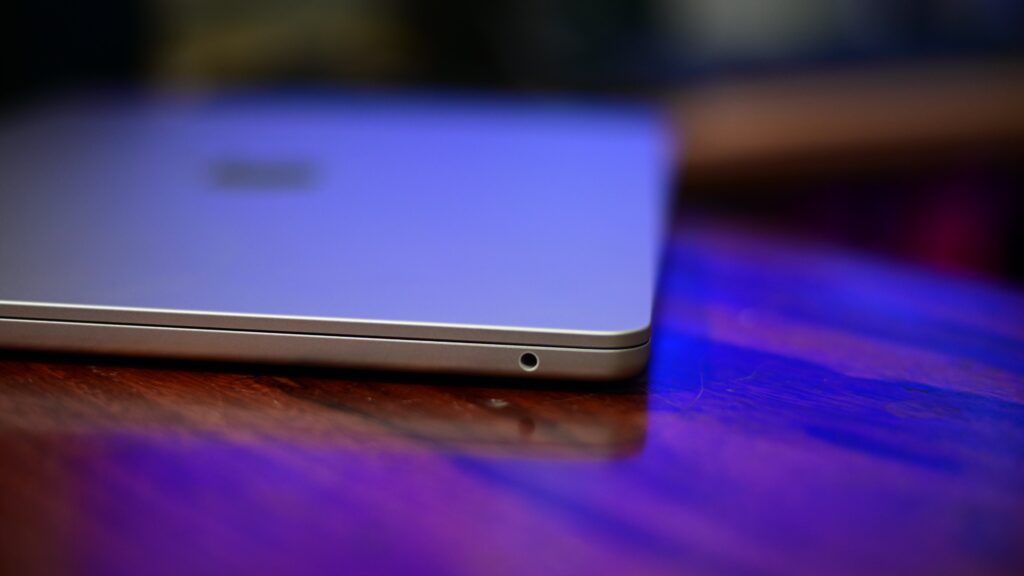
We have a 3.5 mm headphone jack on the right.
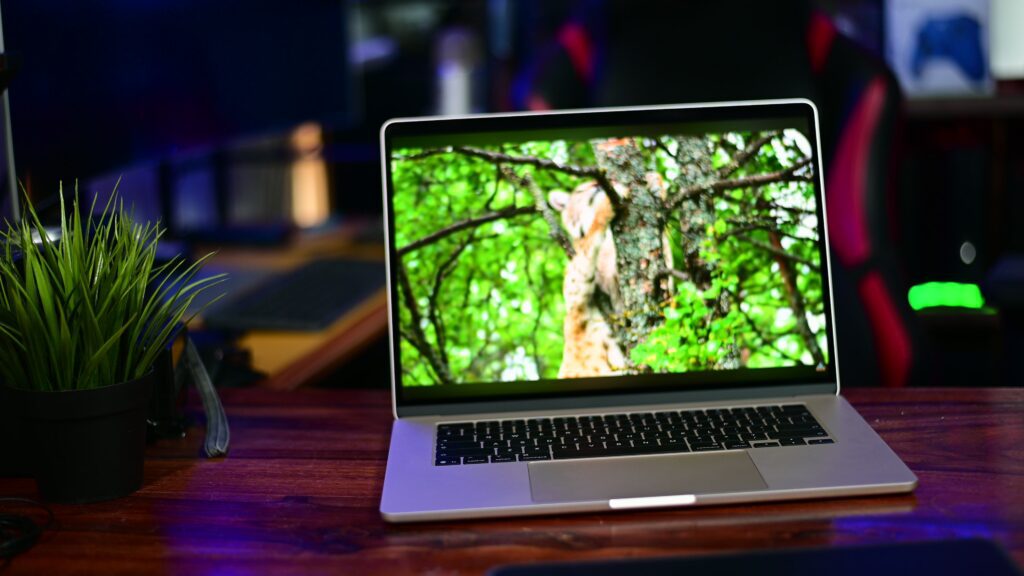
I have chosen the 15.3 inch liquid retina display, with a resolution of 2880 by 1864 at 224 ppi which is still an Apple’s Retina display by definition.
The display supports Wide P3 colour gamut which makes it fit for colour accurate tasks.
Brightness maxes out at 500 nits, which is low, but is not a problem when used indoors.
For those prioritizing a larger workspace without sacrificing the slim profile, the 15-inch variant offers the same robust construction with more screen real estate.
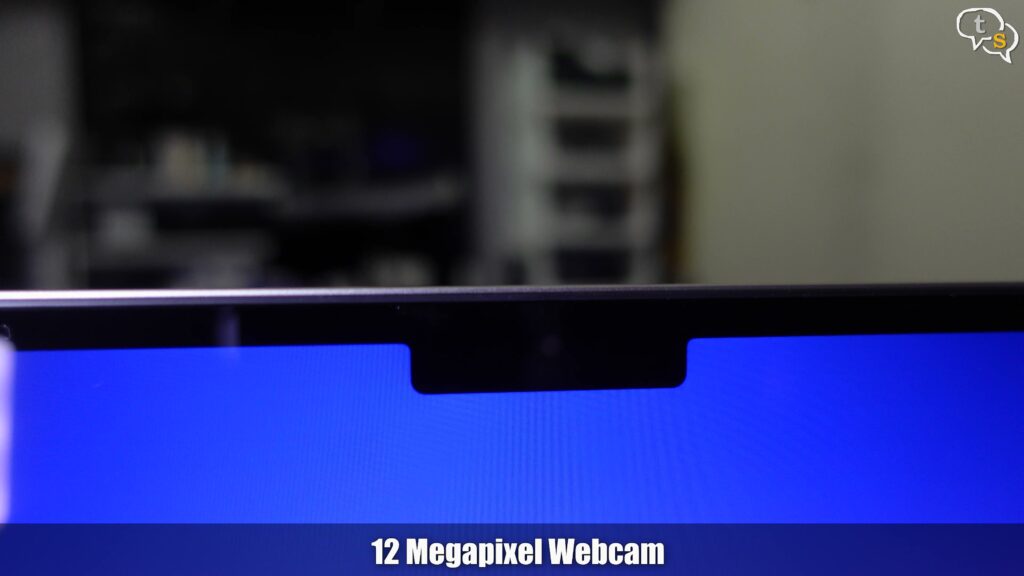
This notch here is for the webcam, I was hoping for face-id but nope, it’s just an ugly notch, which does house a 12 megapixel webcam. This webcam also supports centerstage which keeps you within the frame, wherever you move. It is done by just zooming into the video and moving around in software. But it is a nice to have feature. Resolution is still 1080p.
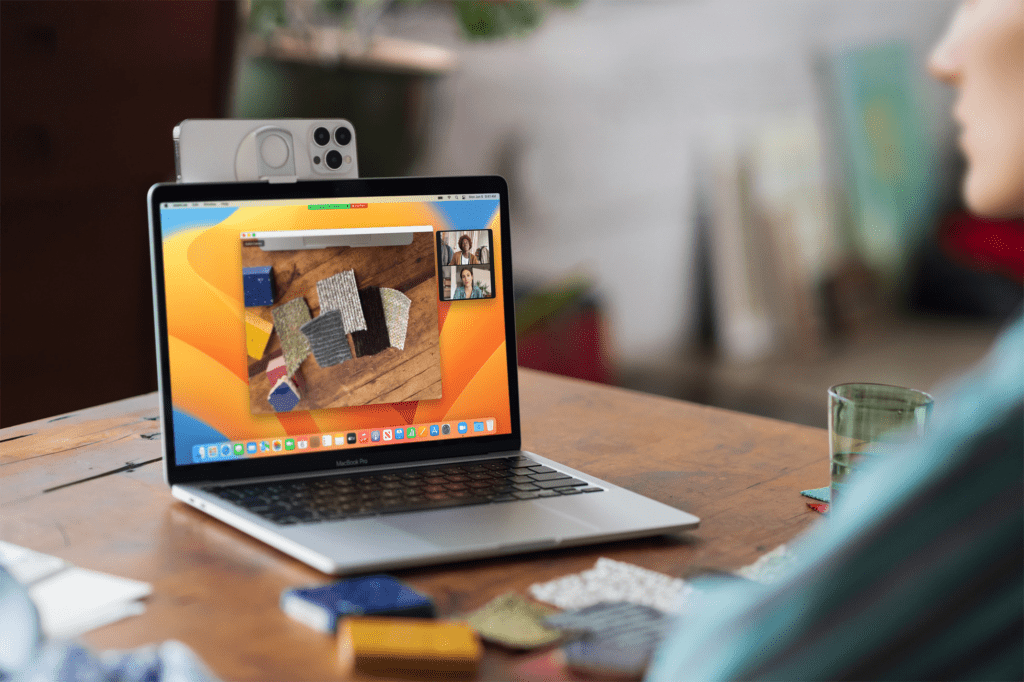

The webcam also supports deskview (*compatible iPhone required), which would allow you to shoot a top down view of your desk, which could be good for product shots. Not as good as a proper camera but it works.
We have three microphones which allow for voice isolation and wide spectrum modes, which are features lifted off the iPhone. So what it means is better voice clarity for your calls.
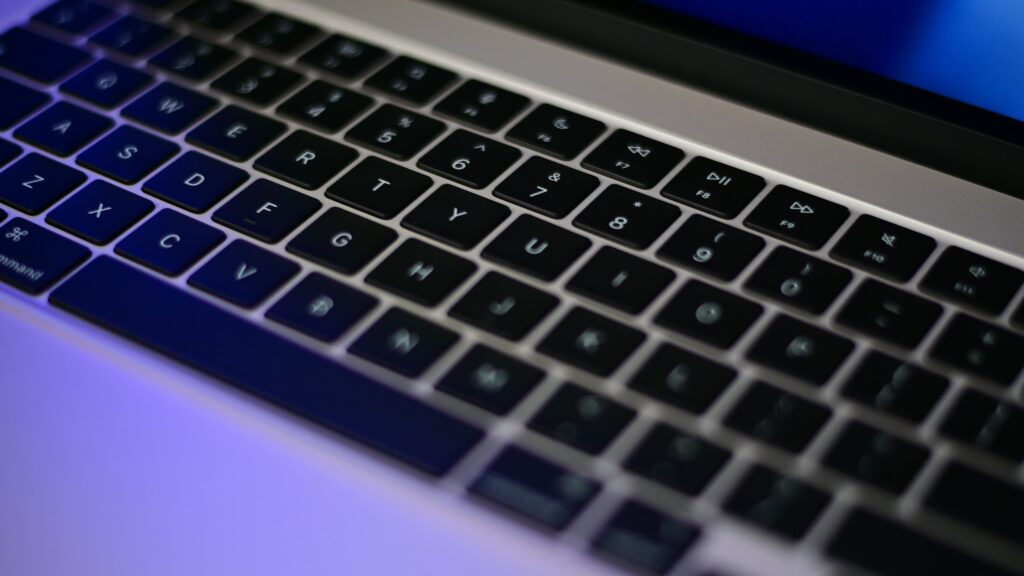
Keyboard, this is Apple’s backlit magic keyboard , same as earlier models. I have chosen english india, have to see what changes between the options.
The keyboard uses scissor switches, as opposed to butterfly switches that older mac’s had which did have problems. It’s quite low profile, with decent travel, not like the ones i used on windows laptops.
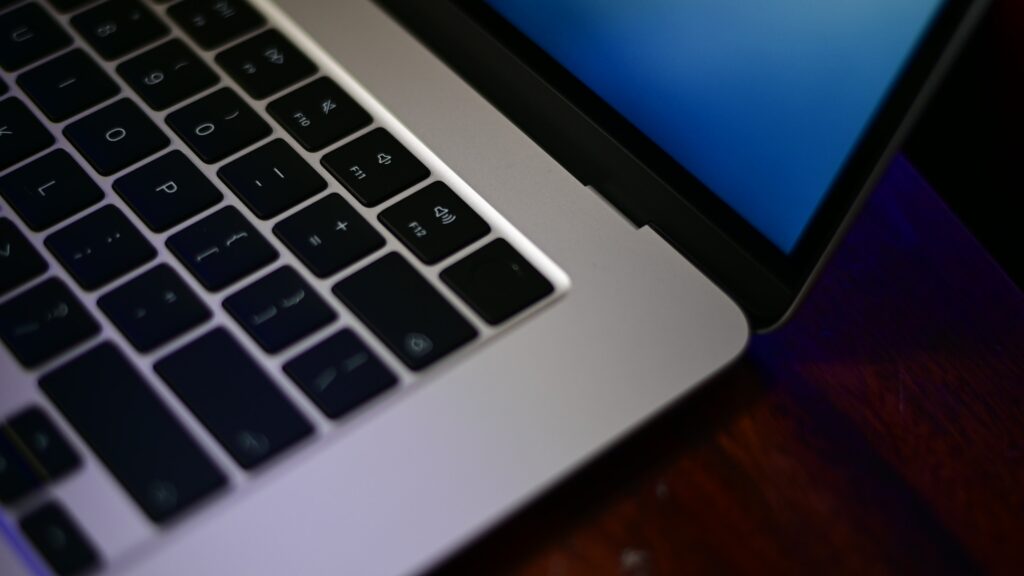
Top right we have touch-id which is a boon as I don’t like to type in my password every time.
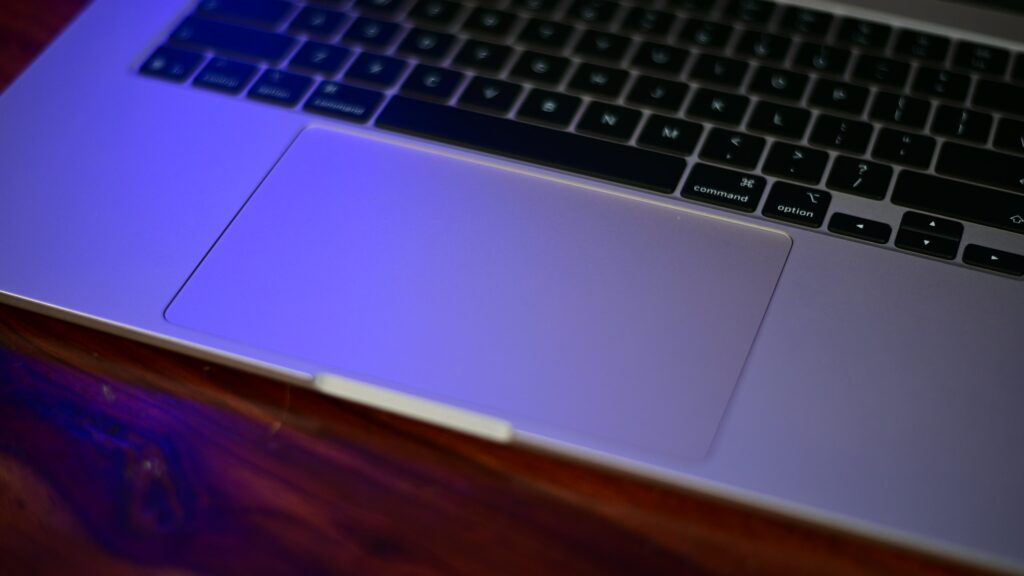
The touchpad is big and as before has force clicks which is just haptic feedback, no real movement.
It has tons of gestures you can activate via the settings.
The Magic Keyboard provides stable keycaps and a responsive feel, paired with a large Force Touch trackpad that offers precise haptic feedback.
Audio is one of the Macbooks USP’s, the 13 inch model has 4 speakers, but I’m surprised the 15 inch has 6 speakers with force cancellation woofers. cool..
Not sure how it compares to a Macbook Pro, but it sound pretty good.
We have spatial audio and Dolby Atmos enhancements.
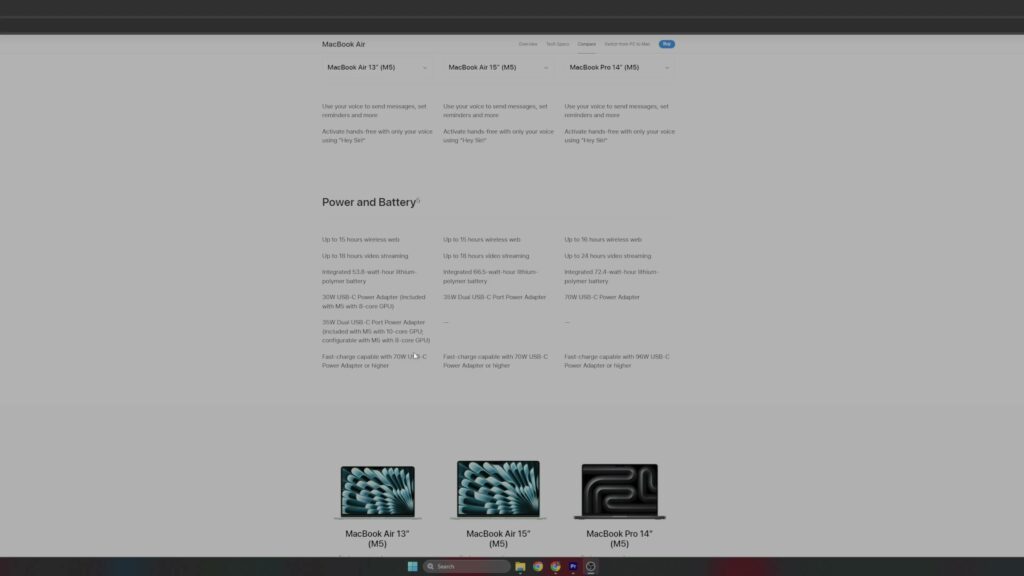
Battery life is also another USP for the MacBook and we have a 66.5 watt hour battery in the 15 inch model as compared to 53.8 watt hour in the 13 inch.
Have to test the battery life but 15 hours of web browsing and 18 hours of video streaming is promised by Apple.
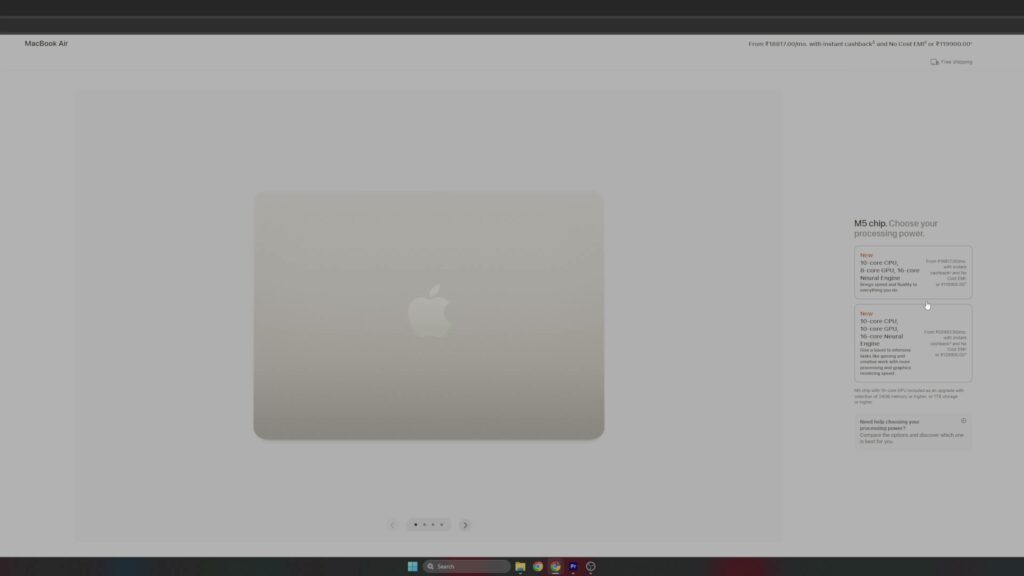
So the M5 has two choices for their soc, one is 10 core CPU and 8 core GPU. I picked the one with 10 core cpu and GPU.
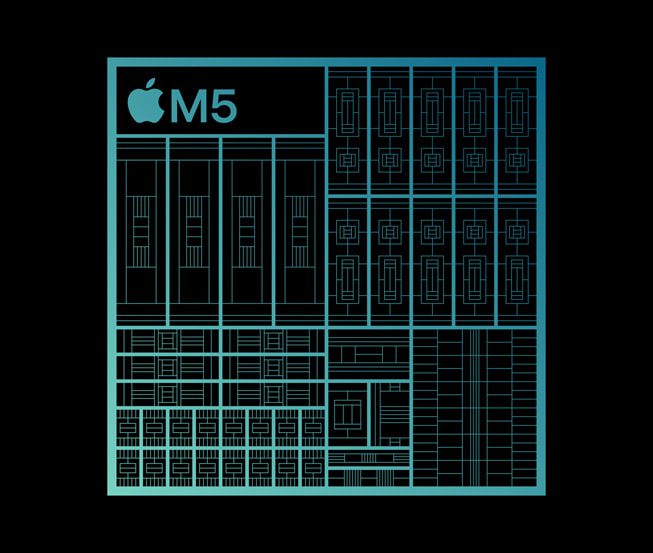

The CPU is then bifurcated into four super cores and six efficiency cores so that the cores are used as per the task at hand. So for simple tasks it will use the efficiency cores and when it needs more grunt would activate the super cores too.
I have the 10 core GPU which is a choice on the 13 inch but the 15 inch model comes with the 10 core only.
Also we have a 16 core neural engine for AI tasks, which the GPU with its neural accelerators is also capable of handling.
The media engine allows for hardware video encoding and decoding.
Memory bandwidth is 153 gbps .
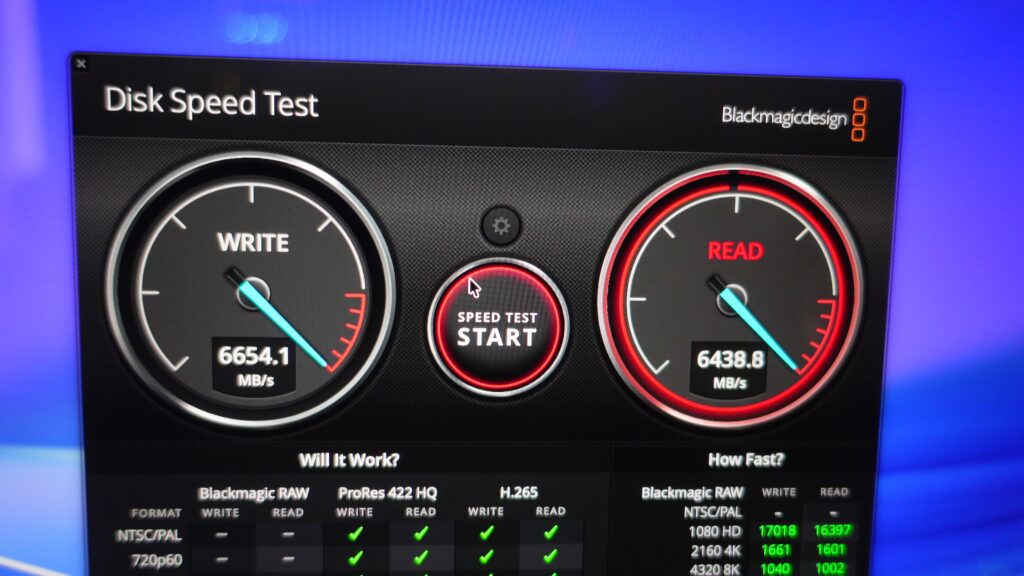
The storage is also much faster than earlier.
We have Wi-Fi 7 connectivity and also Bluetooth 6 support. If you have hardware that support these standards you can take advantage of them.
These are Geekbench scores
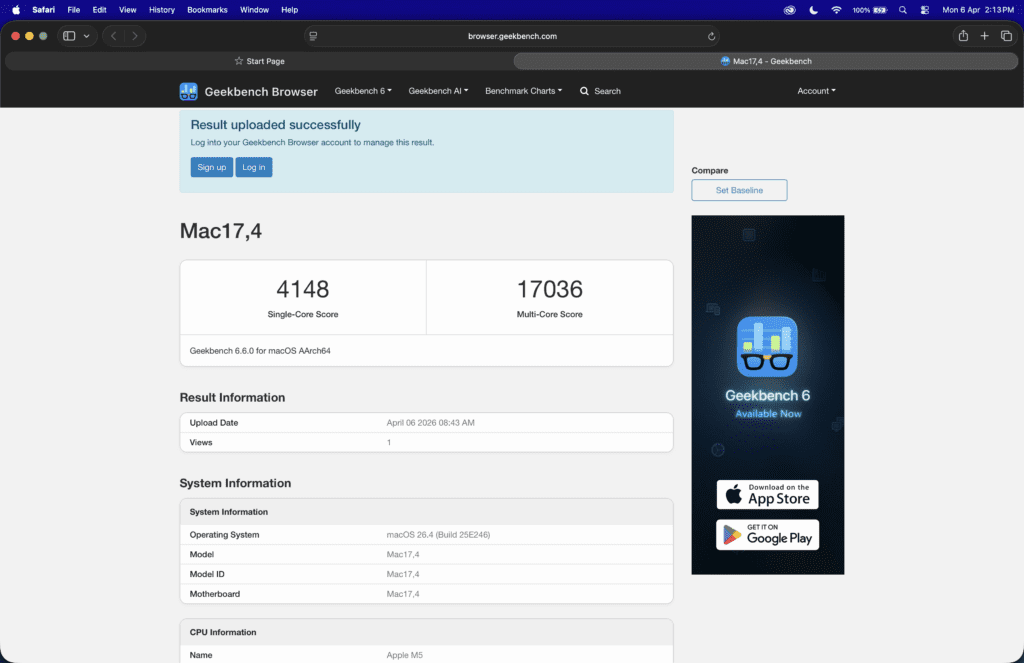

Single core & Multicore Score
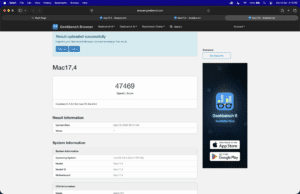
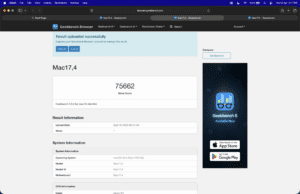

OpenCL and Metal benchmark
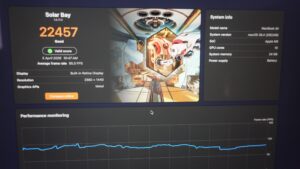
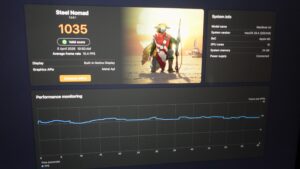
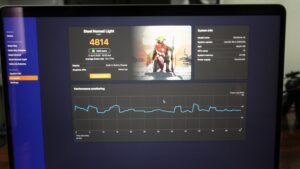
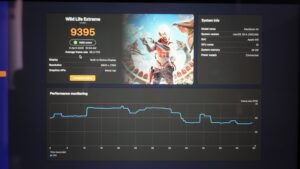
Solar Bay, Steel Nomad, Steel Nomad Lite and Wildlife Extreme
Speeds are not fantastic as compared to windows, but much better than earlier.
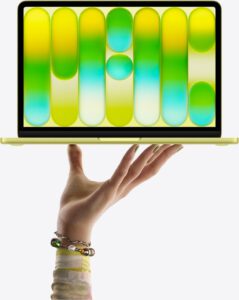
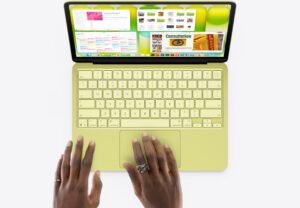
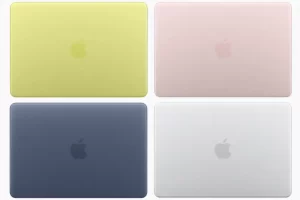


Now, why did I go for the MacBook air, with the new Neo model available and also the pro.
Well the neo uses the same SOC as on the iPhones, which is the A18 pro, not that it’s a slow soc, it still is slower than the M series cpu’s.
Also the 8gb ram is too low for my work.
The neo is targeted at an audience who need a system which allows them to do their emails, edit documents and spreadsheets, at a relatively budget price. No high power requirements here, not that it can’t handle complex tasks, the RAM limitation at 8 GB would hamper what all it can work with.
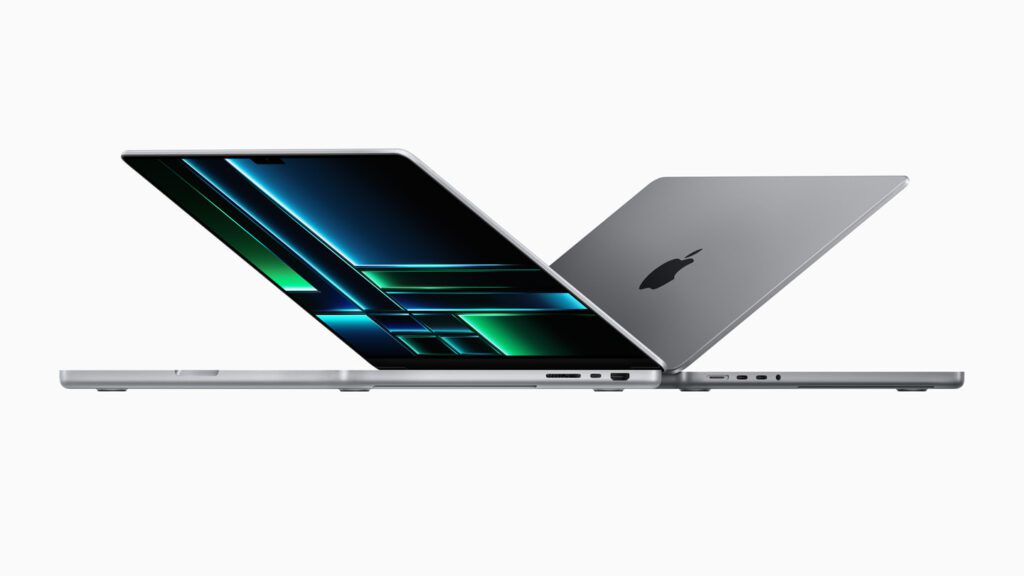
The Macbook Pro, the big daddy of the three, is a bit bigger, has more ports, and also fans. The CPU/GPU are the same on the AIR, but due to the fans the pro might keep the cpu temps in check. The screen is also a 120 hz mini led on the pro as compared to IPS on the AIR.
Mostly it comes down to price, the Neo is good for users who want a well built device with good performance at a decent price. Windows laptops cannot currently match the quality at the price, at the other end we have much better displays and options on the windows side too, so catch-22.
The air and pro are quite similar the M5 chip wise, but a better display, and more ports.
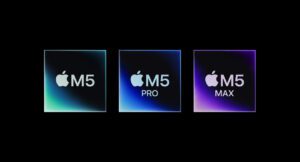

We do have the M series Pro and Max variants available on the MacBook Pro which are not a choice on the Air. But higher specs, more price, so if you need a workhorse, get the pro. The average user mostly doesn’t need it. The Air is fast enough in its own right.
As I have external monitors which would be connected when working at home. I would be using this tethered most of the time, until I need to travel .So unplugging and taking it with you is a possibility as compared to a mac mini, which needs a display, keyboard and mouse to work.
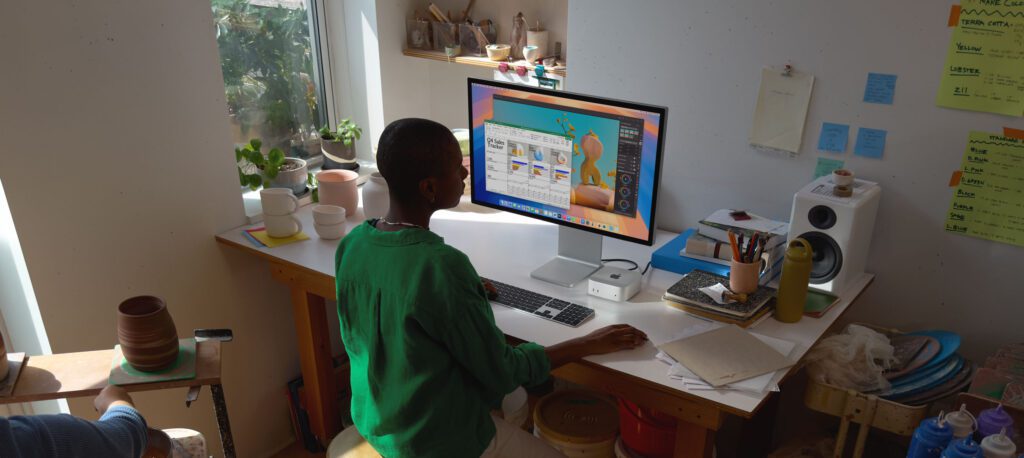

That’s one of the reasons I moved to a Macbook instead of a Mac-mini, but if you are sure you’re going to use it more at a desk, the Mac-mini is more value as it also has good cooling via the internal fans.
RAM and storage had increased in price due to the AI buyout, but it seems to be slowly decreasing again. Which, Apple surprisingly didn’t increase prices for some reason.
So what are my thoughts on the MacBook air, i like the slim design, and the battery life. It would last a couple of days for normal tasks, and can also work with video editing and graphic design tasks when required. The performance remains the same whether plugged in or not, which is a big plus. Apple could have added a fan, but that would cannibalize their pro line so kind of understandable.
Overall, the M5 Air continues to be regarded as a paragon of refinement and durability in the ultraportable category
What are your thoughts worth it or not, make sure to comment below.